Lock the screen for cleaning, and when the connection drops
Lock the screen for 15 seconds to wipe it, and what to do when it says "Reconnecting...".
- Who can do this
- Kitchen Manager Owner
- Permission needed
- «View KDS»
Lock the screen for cleaning
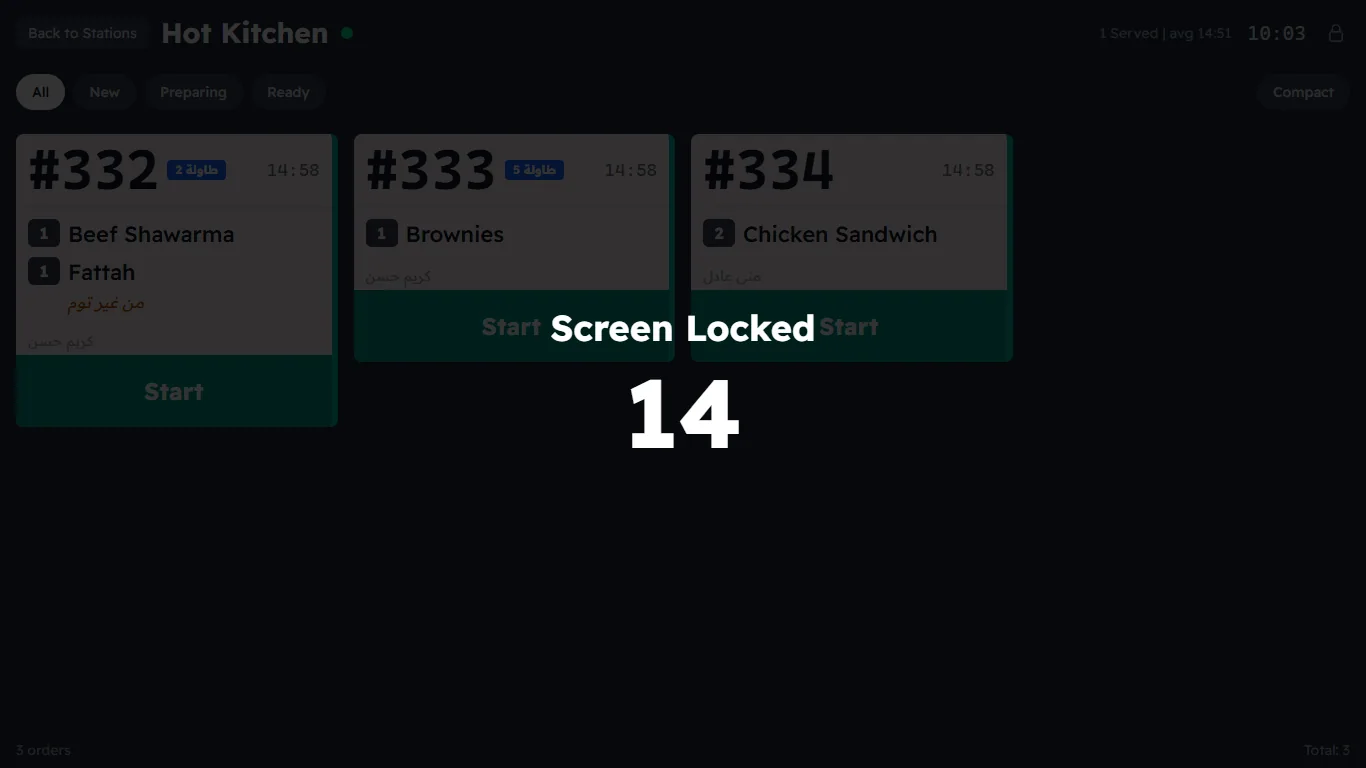
Kitchen screens get dirty, and wiping one can press a button by mistake. Press the lock icon at the top: Screen Locked appears with a 15-second countdown, and the screen ignores every touch. Wipe it; it comes back by itself after 15 seconds.
"Reconnecting..."
The dot next to the station's name shows the connection: green = Connected. If the network drops, a red "Reconnecting..." bar appears and the screen tries to come back by itself.
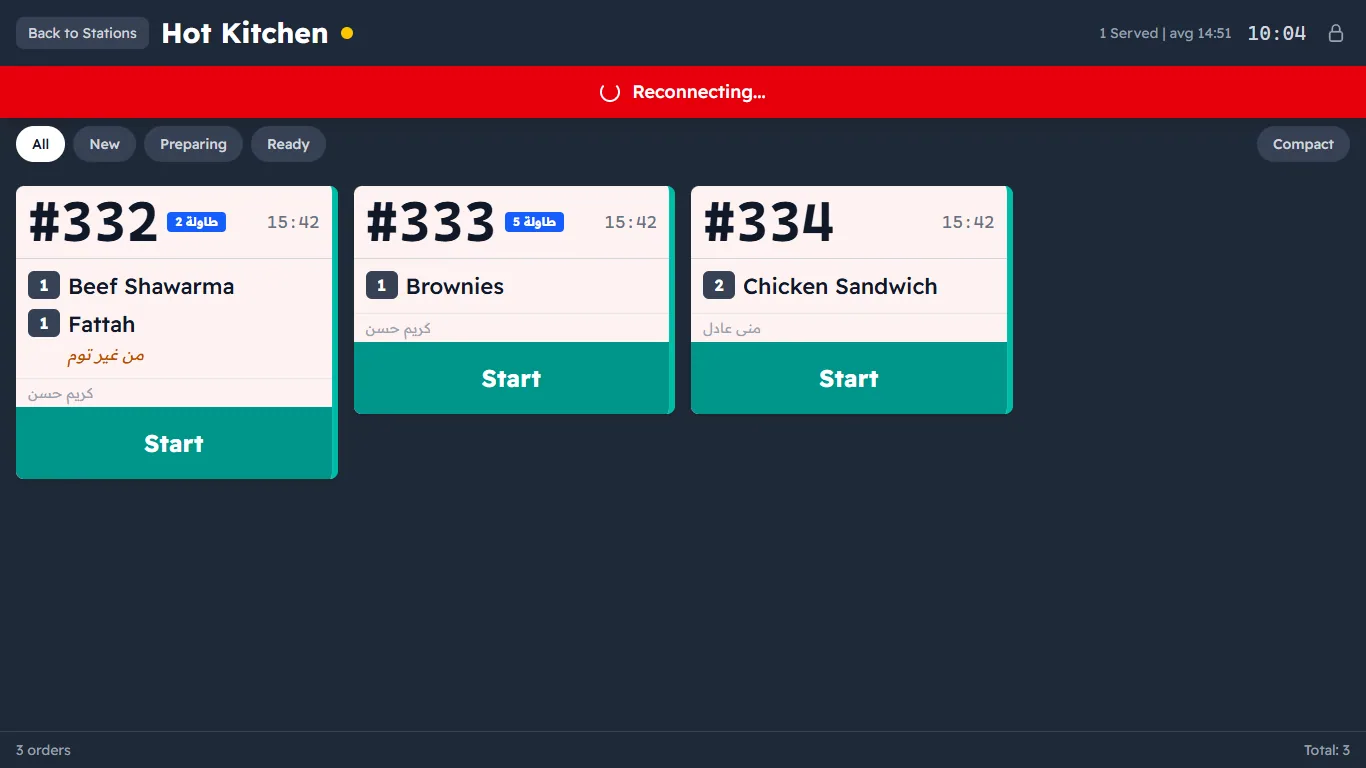
- The orders on screen stay visible, and orders sent while you were cut off appear as soon as the connection is back — nothing is lost.
- If it stays cut off, you will see "Disconnected — Tap to reconnect" — tap it.
- If it does not come back: check the Wi-Fi and that the server PC is on. See Troubleshooting.