The customer display
A second screen facing the customer that shows the order and total while you ring it up.
- Who can do this
- Cashier Manager Owner
- Permission needed
- «Receive Payment»
- Before you start
- A second screen connected to the till and facing the customer.
The customer display shows the customer the items being rung up, their prices and the total as you go — fewer questions, fewer mistakes.
Open it
- Connect the second screen to the till and set Windows to Extend the display (not duplicate it).
- Press the screen icon in the header (Open customer display).
- A new window opens. Drag it to the second screen and press the full-screen icon in its corner (or F11).
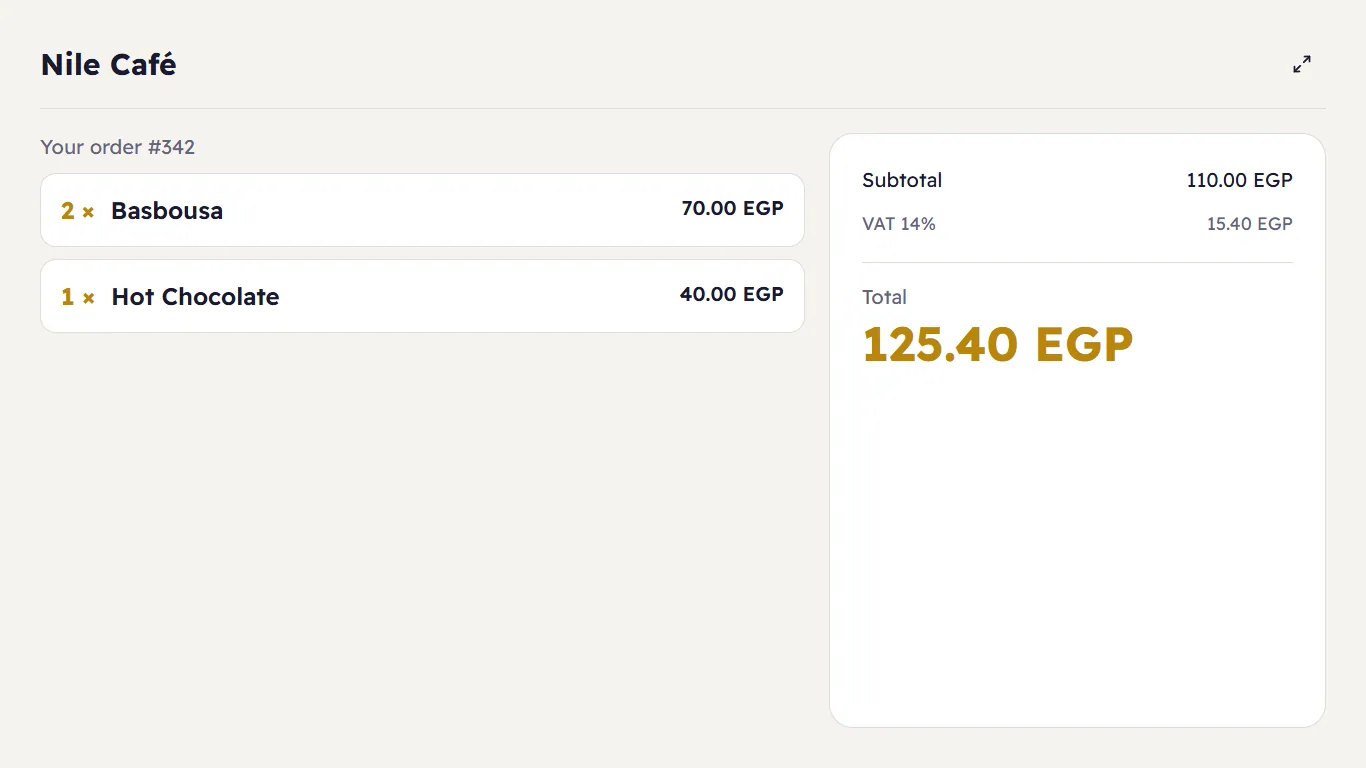
It shows the shop's name, "Your order #…", each item with its quantity and price, then the Subtotal, the VAT and the Total in large type. It updates by itself with every item you add, and when the ticket closes it waits for the next order.