Customers and their statement
Register customers, find them, and see each one's account statement and who owes money.
- Who can do this
- Manager Owner Cashier
- Permission needed
- «View Customers»
Customers from the Home screen (or the Customers button on the till).
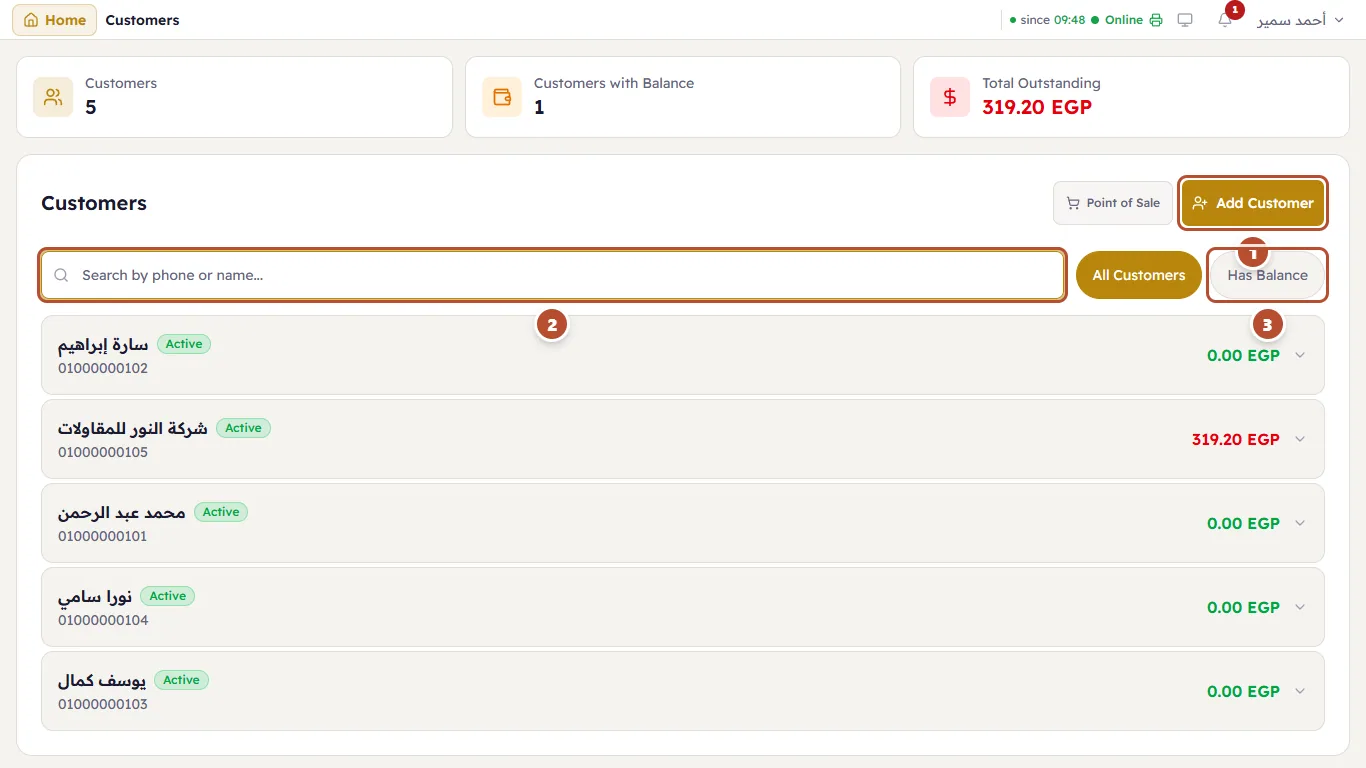
At the top: Customers (how many), Customers with balance (who owe money) and Total Outstanding. Below:
- Add Customer.
- Search by phone or name.
- Has Balance — shows only customers who owe money.
Each customer is a row with name, phone and balance: red = owes money, green = owes nothing.
Add a customer
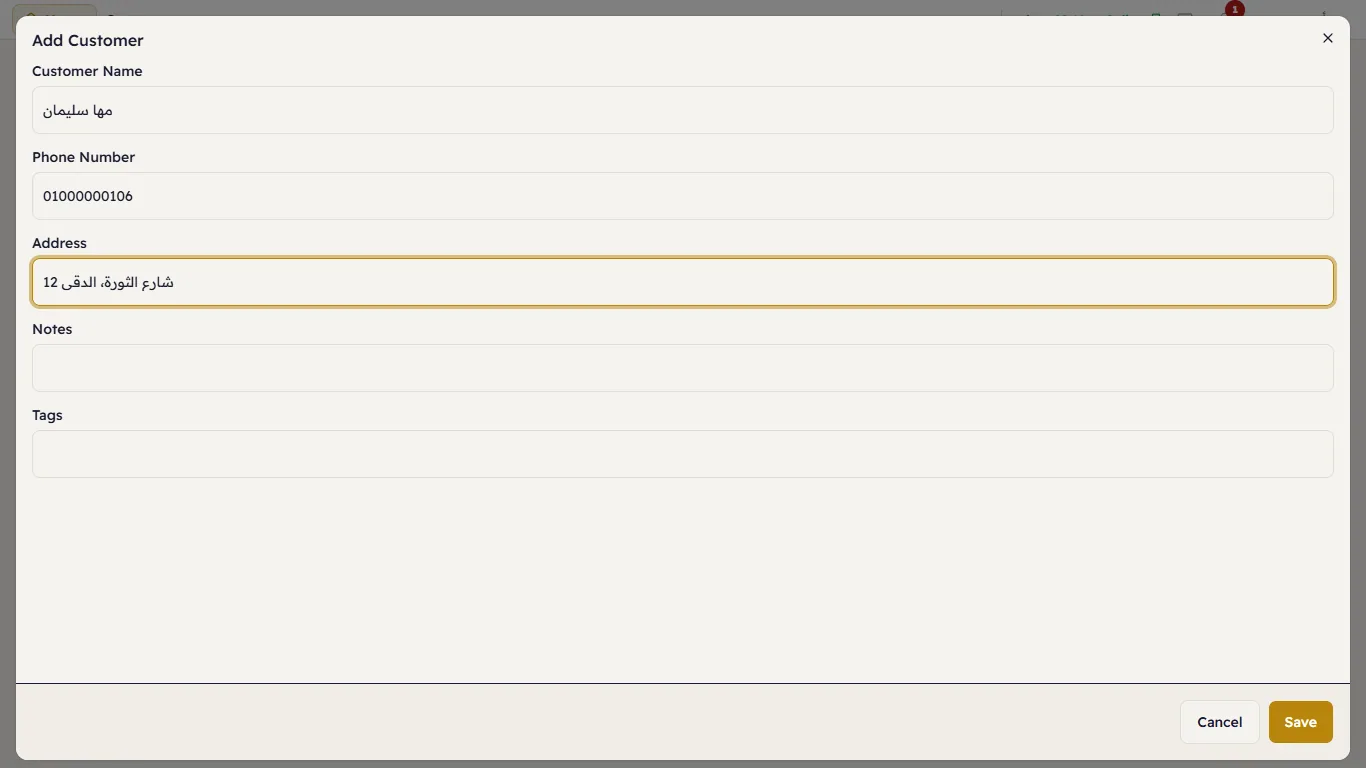
Press Add Customer, enter the Customer Name and Phone Number (it must be unique), and the Address if they order deliveries. You can also add Notes and Tags. Press Save.
A customer's statement
Tap a customer to open:
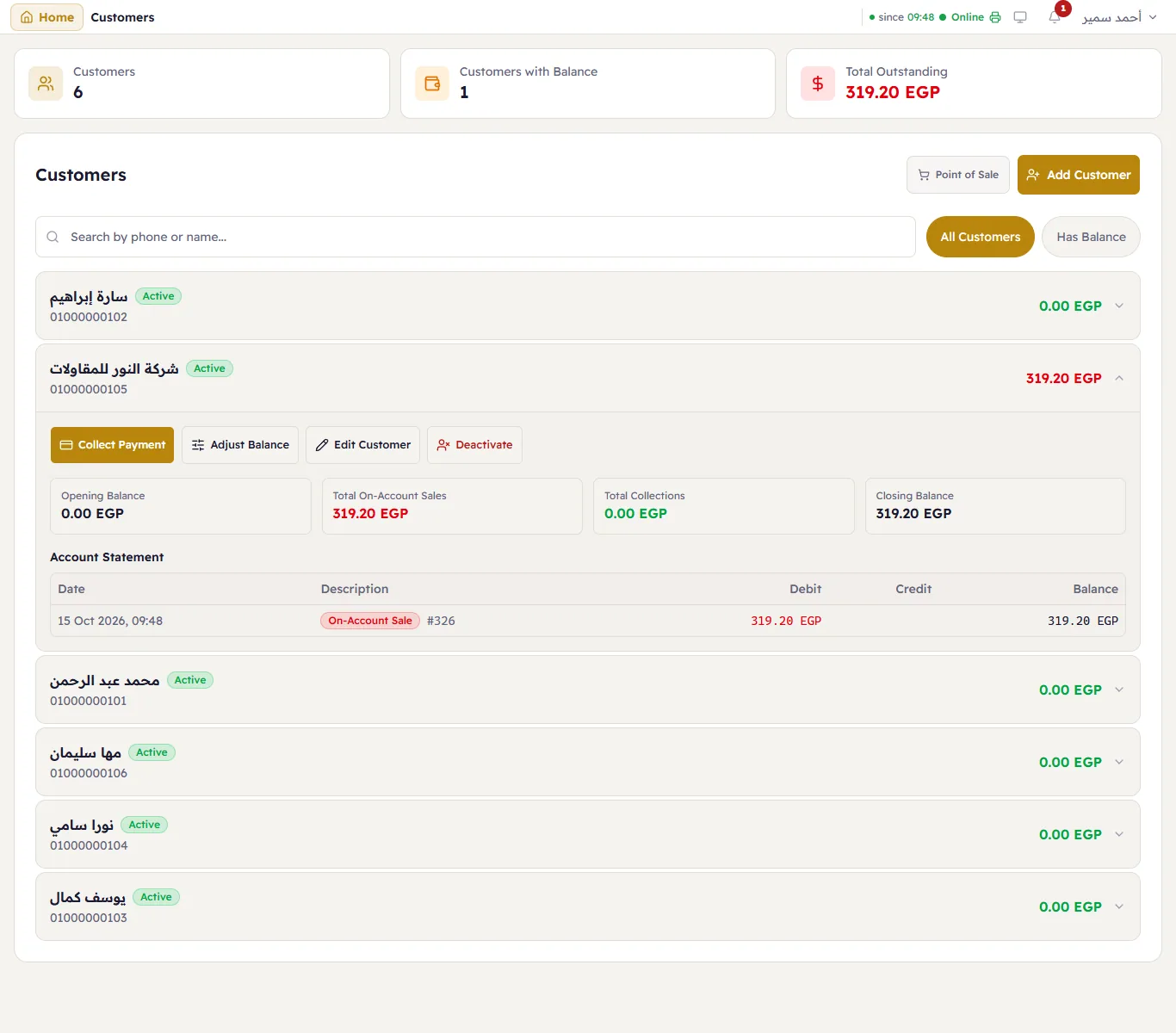
- buttons: Collect Payment, Adjust Balance, Edit Customer, Deactivate;
- a summary: Opening Balance, total on-account sales, total collected, Closing Balance;
- the Account Statement: every movement with its date — an on-account sale (debit), a collection (credit) — and the balance after each. The ticket number sits next to each sale.