Kitchen display setup
Kitchen stations — hot kitchen, cold station, bar — and which items each one gets.
- Who can do this
- Owner
- Permission needed
- «Manage Settings»
Settings → Kitchen Display:
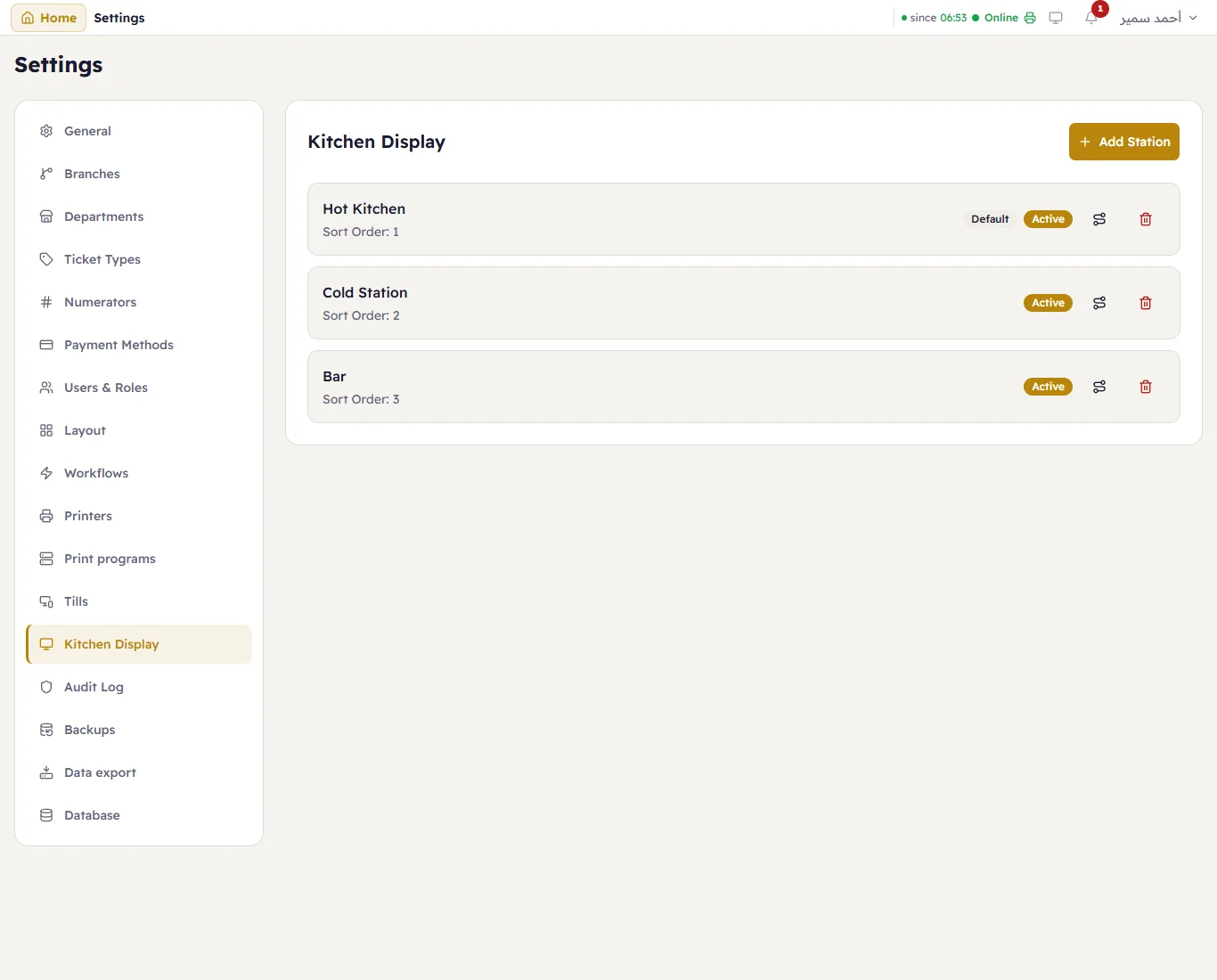
Each station shows its name, its order, Default (it receives the items no other station takes) and Active. Add Station adds one.
A station
Press a station:
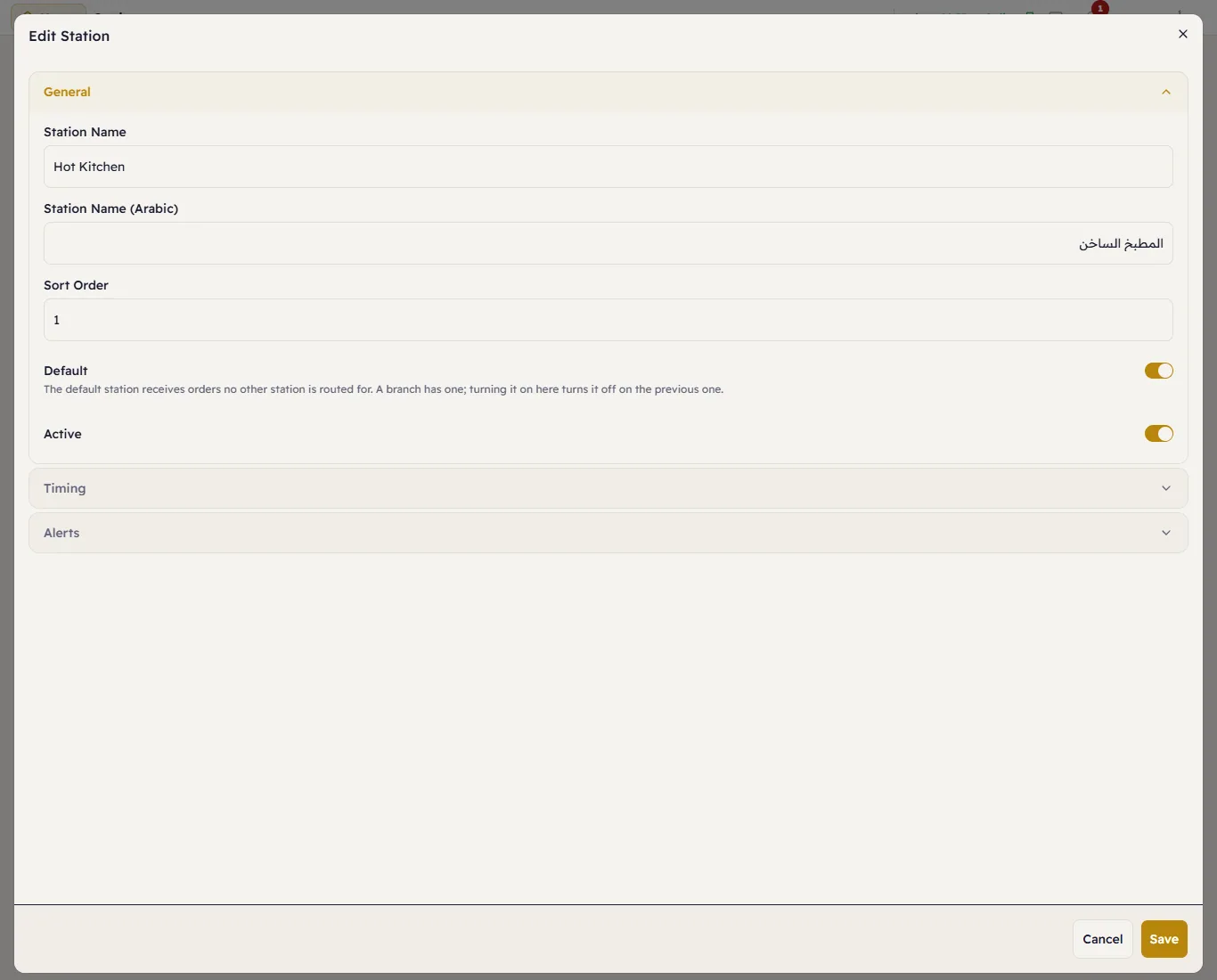
General — the name in English and Arabic, the order, Default and Active. Timing — when a card turns yellow, then red, and an optional automatic bump. Alerts — the sound.
What a station gets
The routing button on a station row (Configure Routing):
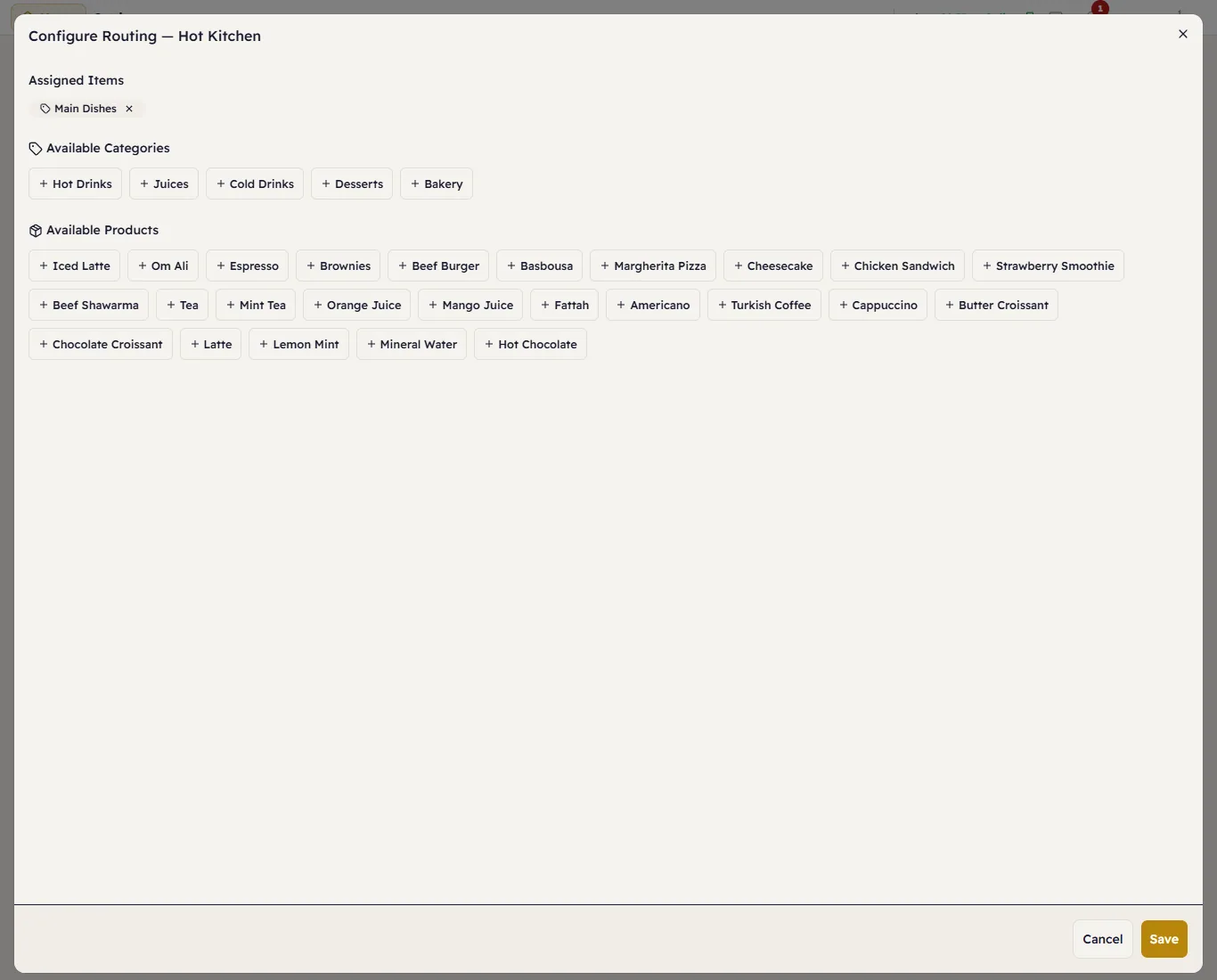
Assigned Items at the top; add whole categories from Available Categories, or single products from Available Products. Press Save.
Using the display: see Open the kitchen display and choose your station.