Inventory items
An inventory item is what you count on the shelf — how it is tracked, costed and measured.
- Who can do this
- Manager Owner
- Permission needed
- «Manage Inventory»
A product is what you sell at the till; an inventory item is what you hold in stock. A pack of Brufen is both. A latte is a product made from items (coffee, milk) through a recipe. Inventory → Items:
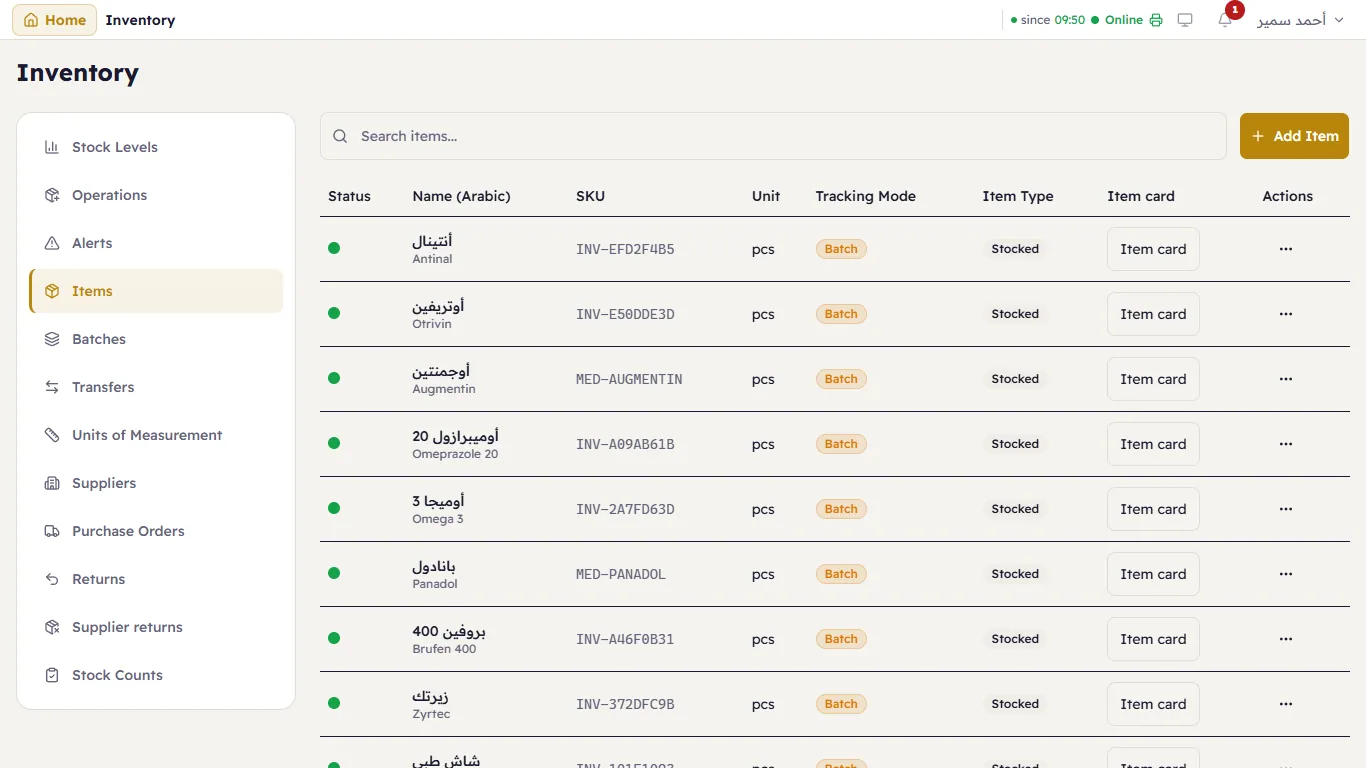
Each row shows the item's code, unit, tracking type, item type and a link to its Item card. … next to an item edits or deactivates it.
Add an item
Press Add Item. The window has four sections, one open at a time:
Basic Info — the name in Arabic and English, a description and the category.
Tracking & Type — how Major follows the item:
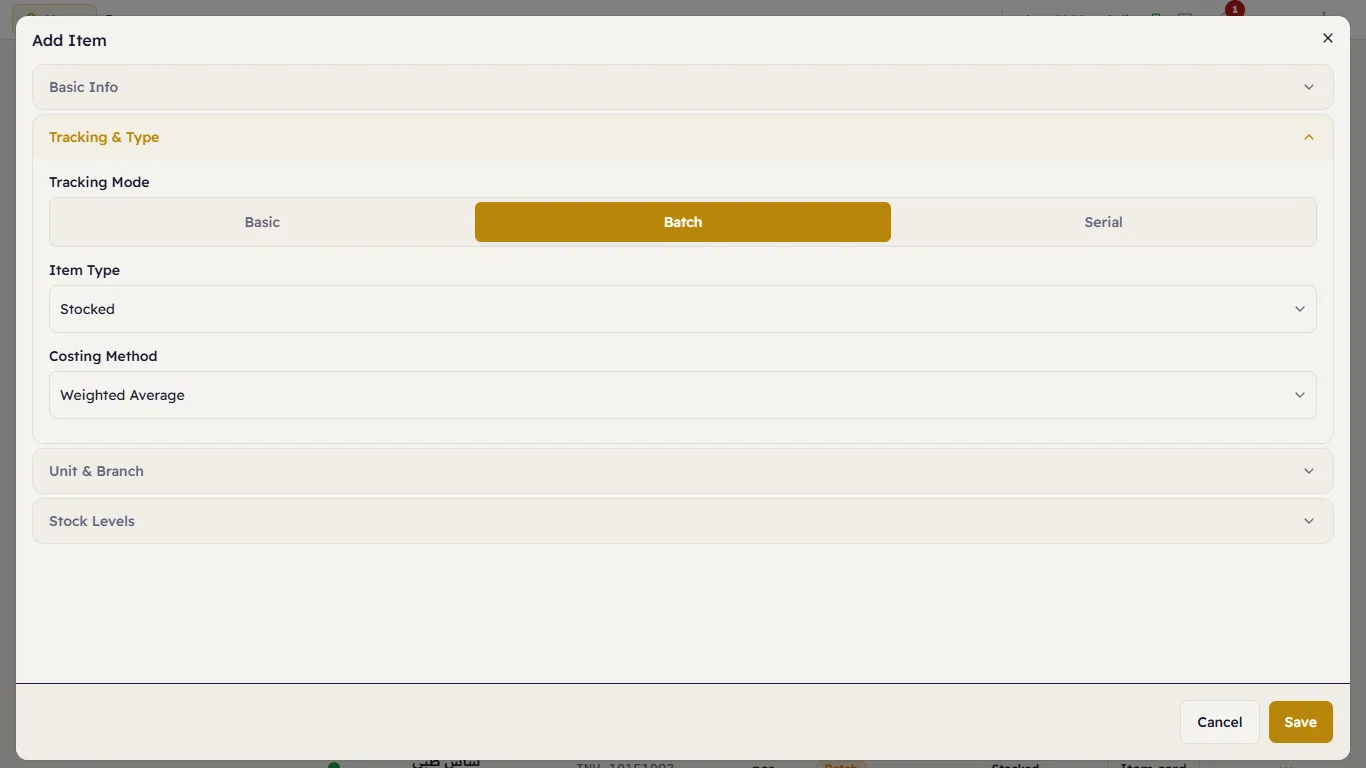
| Tracking | For | What you enter when stock comes in |
|---|---|---|
| Basic | Most items — a count only | The quantity |
| Batch | Medicines, food — anything with an expiry date | The quantity, the batch number and the expiry date |
| Serial | Phones, appliances — each piece has its own number | Each piece's serial number |
A Serial item also has Warranty (months): every piece received from then on gets that warranty from the day it arrived, and the electronics desk tracks it. Leave it empty or 0 for no warranty.
Item Type: Stocked (counted), Non-Stocked (bought but not counted) or Service. Costing method: Weighted Average, First In, First Out, or First Expired, First Out — FEFO sells the nearest expiry first, the right choice for medicines.
Unit & Branch — the base unit (the smallest one you count in, such as a piece or a tablet), the branch, the code (SKU) and the barcode.
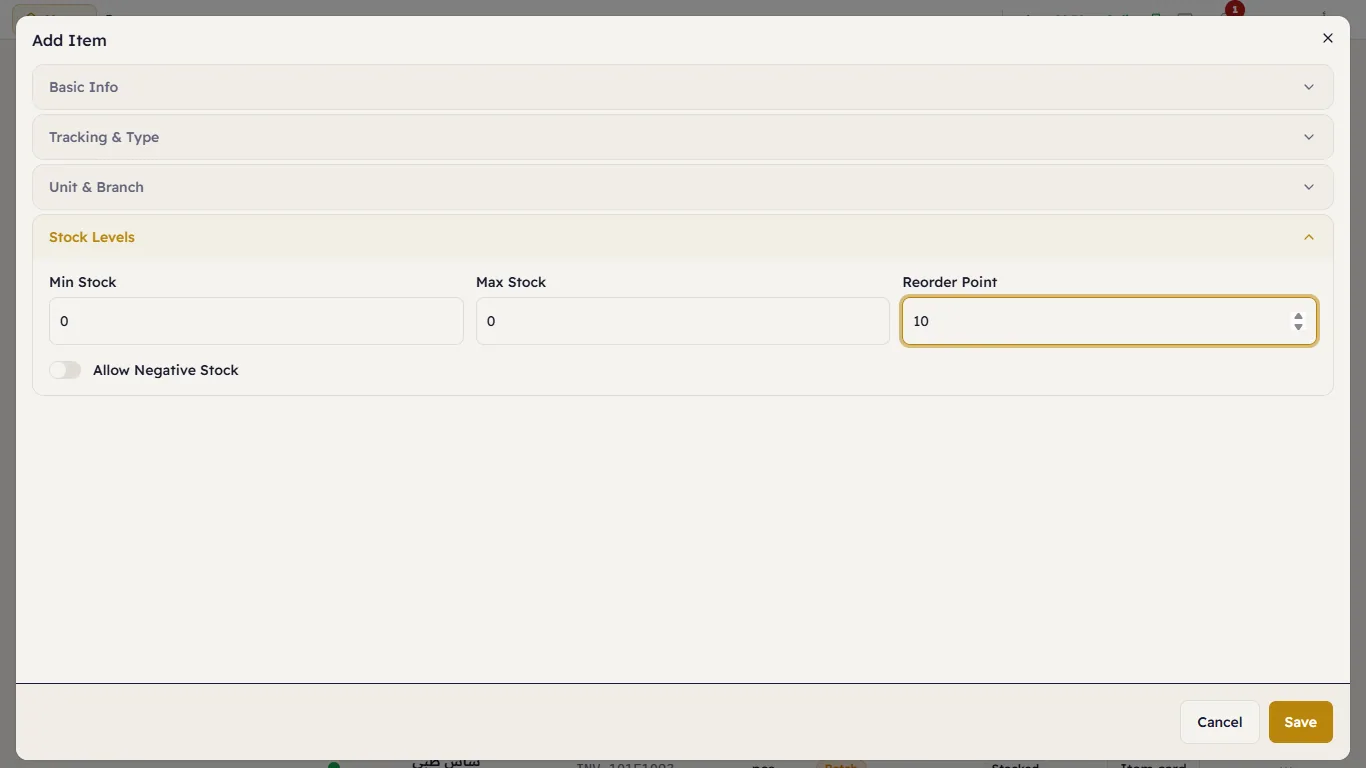
Stock Levels — the minimum, the maximum and the Reorder Point, and Allow Negative Stock (selling more than the system thinks you have; leave it off unless you have a reason).
Press Save.