The database
Where the data lives — on the server PC, or on a shared database server — and upgrading it.
- Who can do this
- Owner
- Permission needed
- «Manage Settings»
Settings → Database:
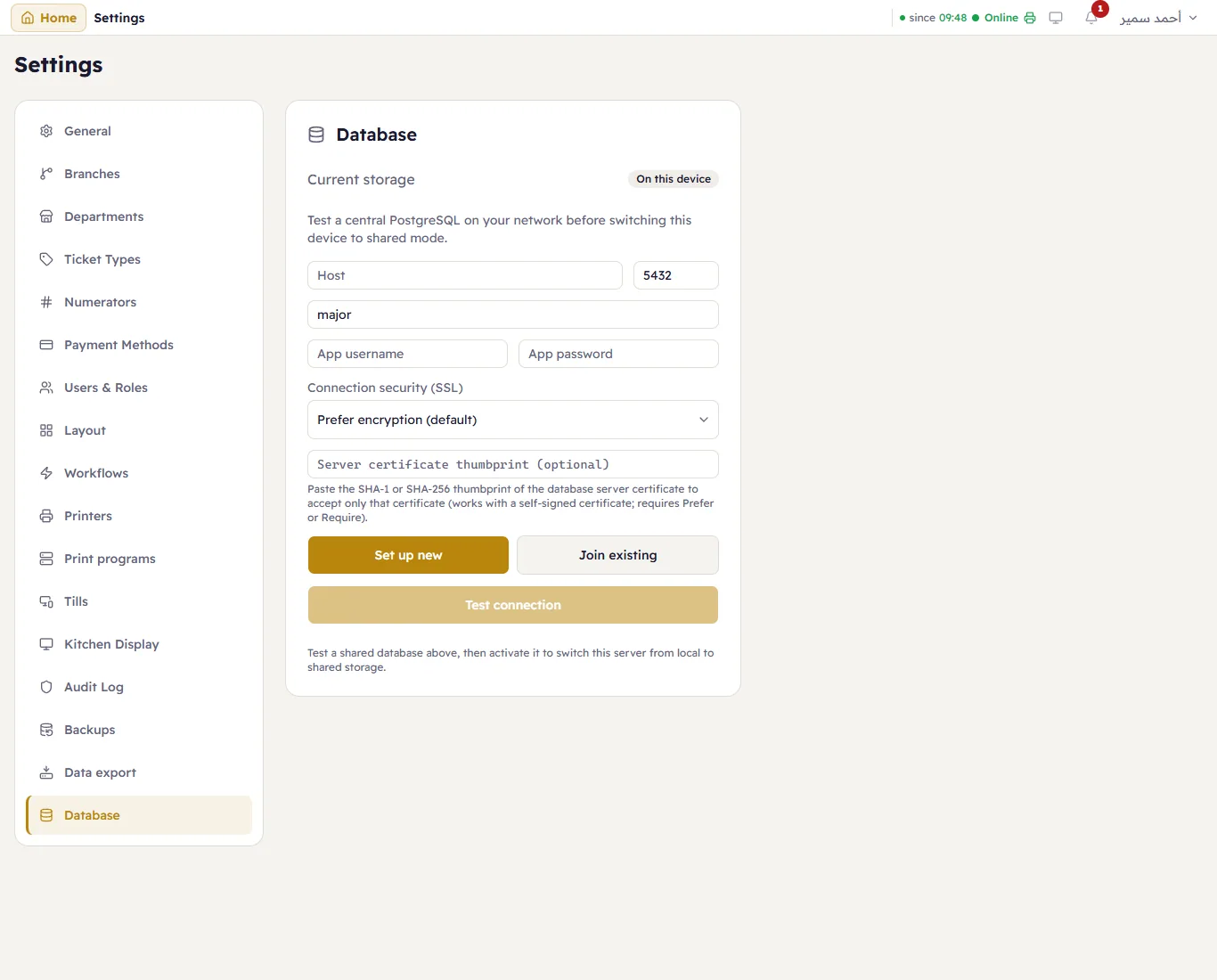
Current storage — On this device for almost every shop: one file on the server PC, backed up every day.
A shared database server
A larger setup can keep the data on a PostgreSQL database server on your network instead, so several PCs running Major share the same data. Set up new creates a fresh database there; Join existing connects to one another server already uses. Enter the server, port, database name, user and password and the secure-connection setting, and press Test connection before you choose it. This is a job for whoever runs your network — ask your Major supplier first.
Upgrades
The database on the server PC is upgraded by itself when the server starts after an update — nothing to do.
A shared database is upgraded by hand, once: a server with a newer version than the shared database stops selling and shows This shared database needs upgrading. Close Major on every other PC, then press Upgrade the database on that one. It takes a backup first.