Creating the owner account
The first account, with every permission — made once, on the first start.
- Who can do this
- Owner
The first time Major opens after installing, there is no one to sign in yet, so it shows Create your account:
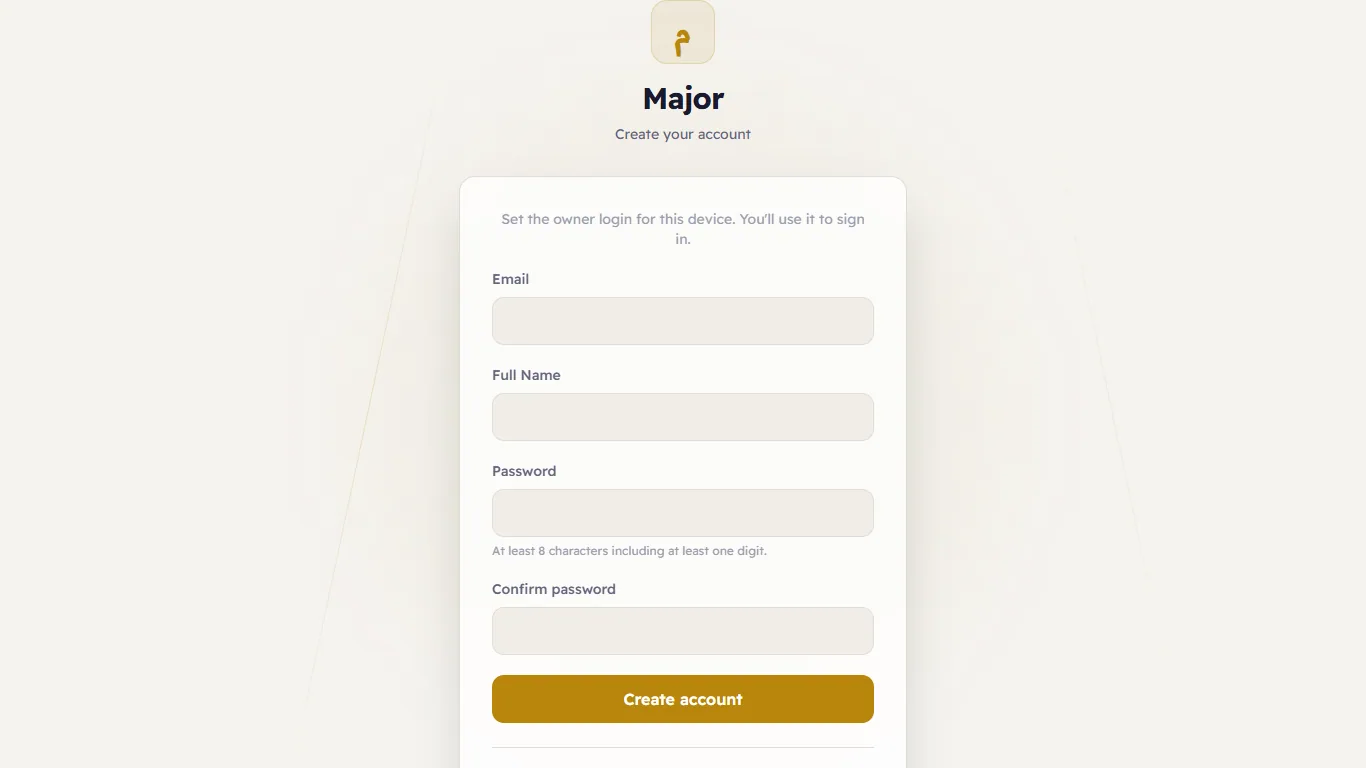
Type the Email you will sign in with, your Full Name, a Password (at least 8 characters with a digit) and the same password again in Confirm Password:
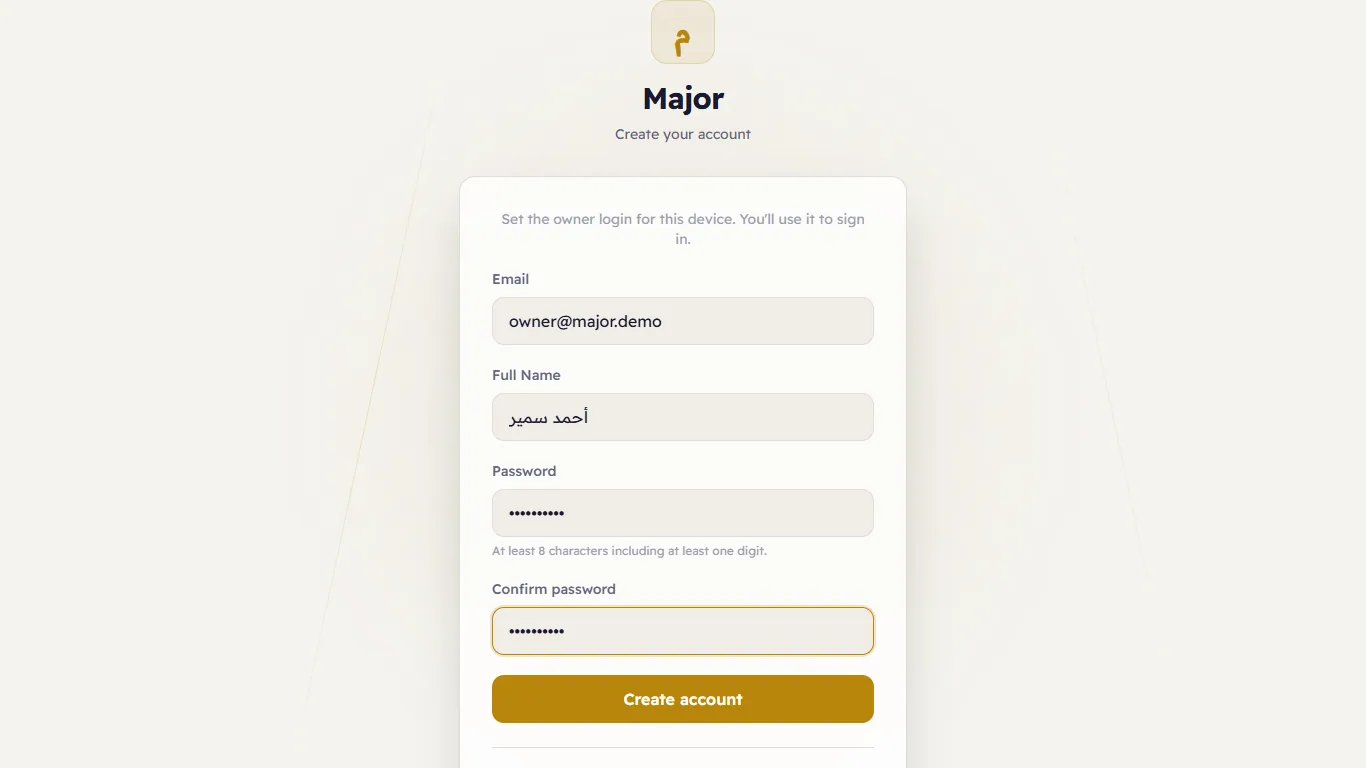
Press Create Account. You are signed in, and the setup wizard starts.
From another PC
For safety, the owner account can be created only on the server PC itself — or with the setup code. From any other
PC Major asks for it (Setup code required). The code is on the last page of the server installer, and an
administrator of the server PC can find it in C:\ProgramData\Major\secrets\setup-code.txt.