Open the kitchen display and choose your station
How the kitchen team opens the order screen on their station.
- Who can do this
- Kitchen Manager Owner
- Permission needed
- «View KDS»
- Before you start
- A restaurant or café with at least one kitchen station.
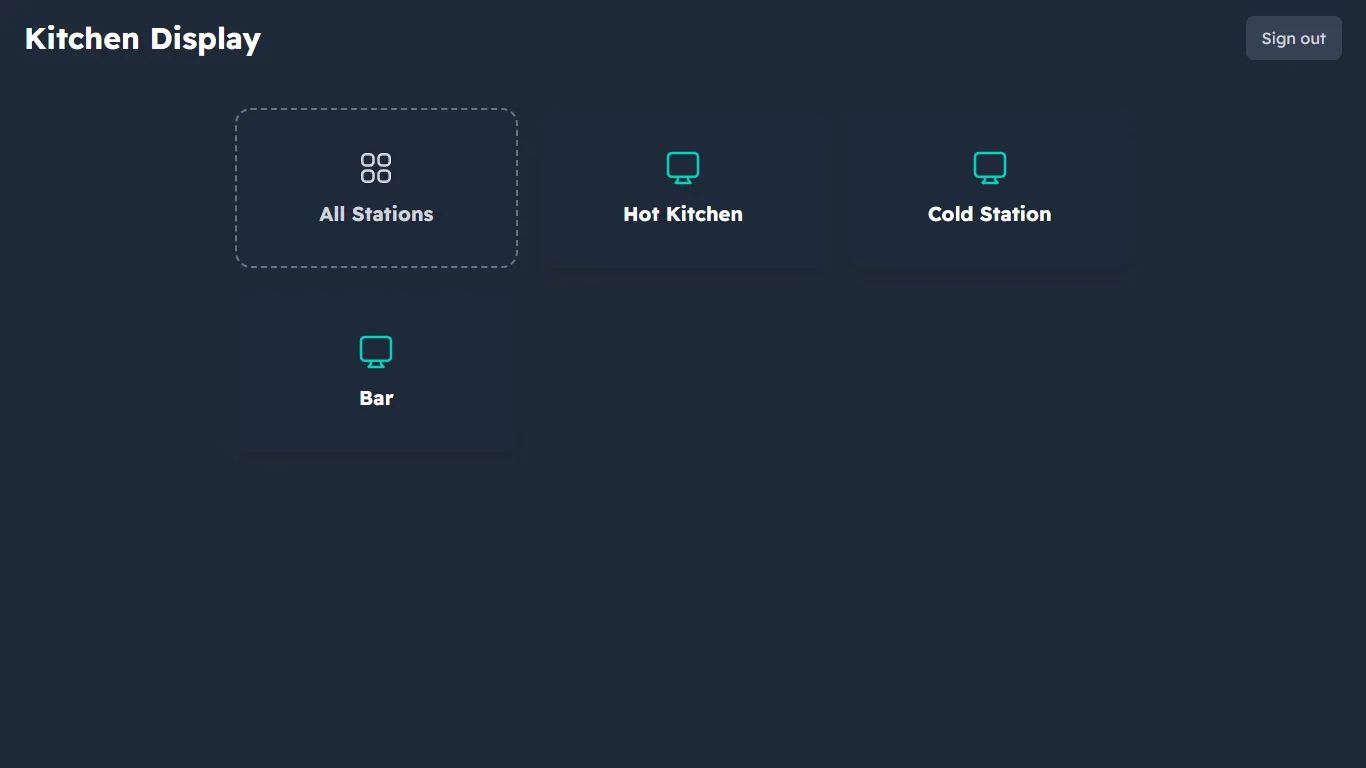
The kitchen display shows orders as soon as the cashier or waiter sends them. The kitchen can be split into stations — say "Hot Kitchen" for food, "Cold Station" for juices and "Bar" for drinks — and each station sees only its own items.
Steps
- Sign in with the kitchen account. A kitchen account opens straight on the kitchen display.
- Choose your station (for example Hot Kitchen), or All Stations if you watch everything (All stations).
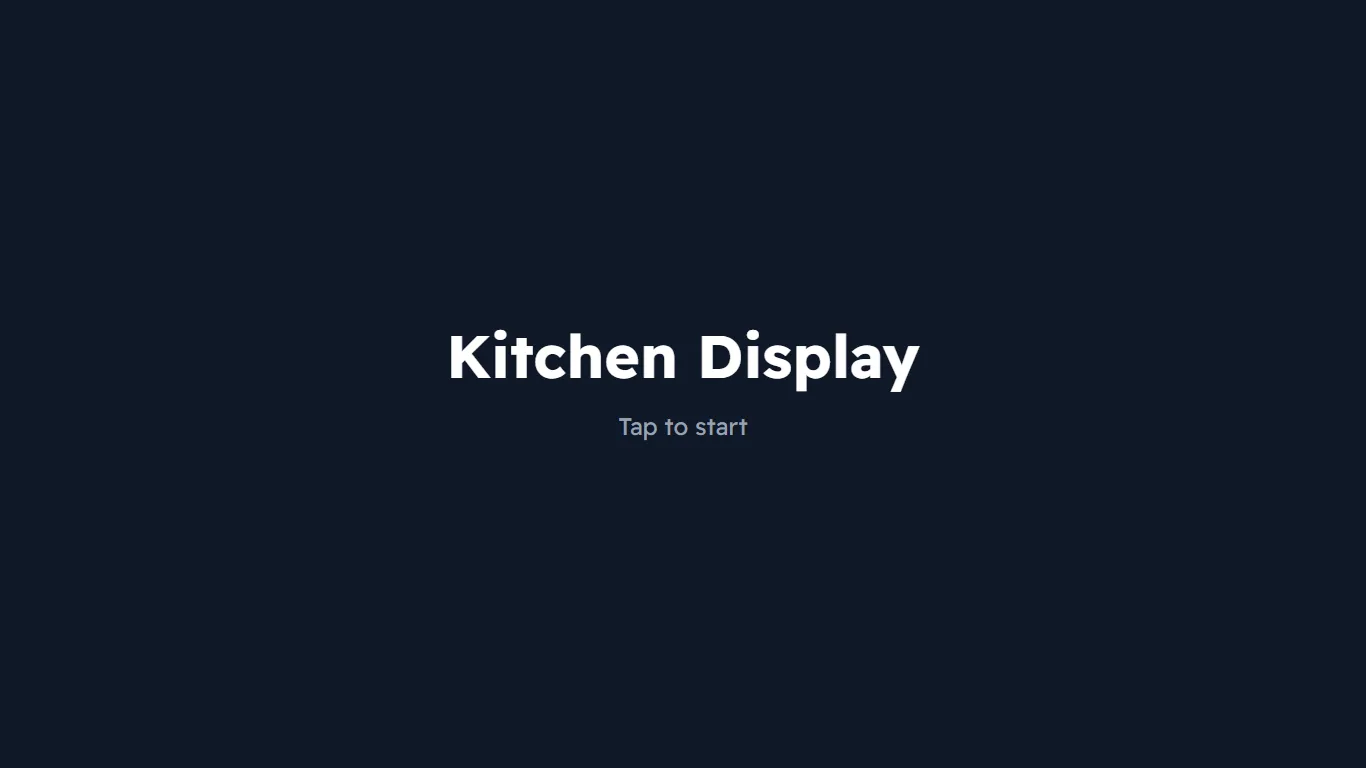
- The "Kitchen Display — Tap to start" screen appears. Tap anywhere on the screen.
On a tablet or screen in the kitchen
- Keep the screen always on (turn off power saving on the device).
- The owner can make the kitchen account open straight on the station from Users (the startup screen).
- Logout is at the top of the station list.
Stations, and which item goes to which station, are set up in Kitchen display setup.