Updates
The server updates itself, then each till updates from the server — the Update Center shows versions and history.
- Who can do this
- Owner
- Permission needed
- «Manage System Updates»
Settings → General → Updates:
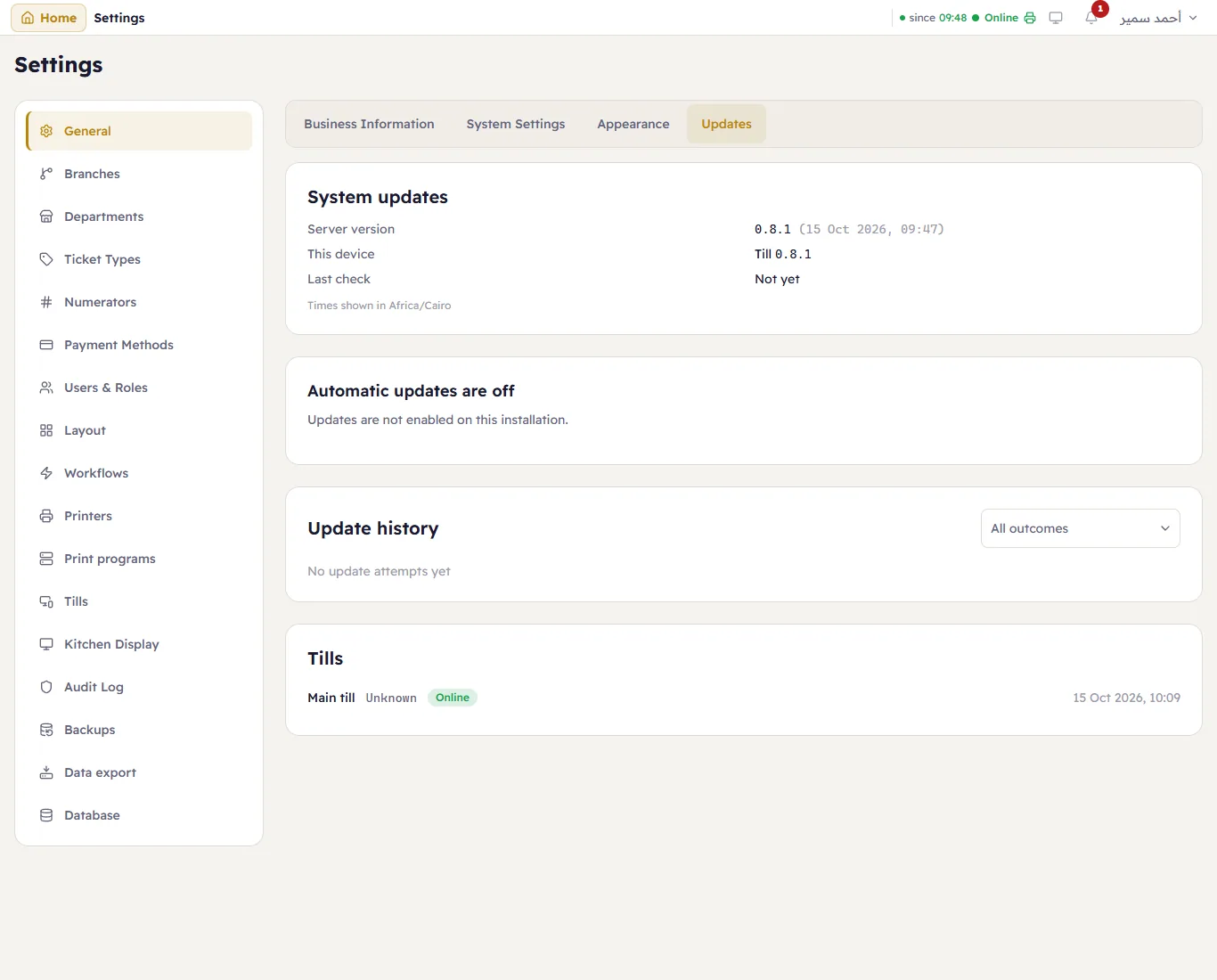
- System updates — the Server version, This device, and the Last check.
- Updates are signed and installed by the Major Updater service on the server PC, at its maintenance window (an urgent security fix installs at once), so a shop is not updated in the middle of a rush. Check for updates looks now (it never restarts anything); Update now installs an available update straight away, after asking.
- Update history — every attempt with its outcome.
- Tills — each till's version. Tills update themselves from the server after the server is updated: nothing to install on them.
On an install where updates are not configured, the page says Automatic updates are off.