Customer returns
A customer brings back something from a closed sale — record it, approve it, put the goods back in stock and give the money back.
- Who can do this
- Manager Owner
- Permission needed
- «View Procurement»
When the sale is already closed, the return goes through the returns desk: Inventory → Returns. (On a sale that is still open, see Refunds (giving money back).)
Record the return
Press Create Return.
Find the sale: Search by Ticket Number (the number on the receipt) or Search by Serial Number (for a phone, say), type it and press Search. Major shows the ticket and the items that can be returned, each with how many Can be returned:
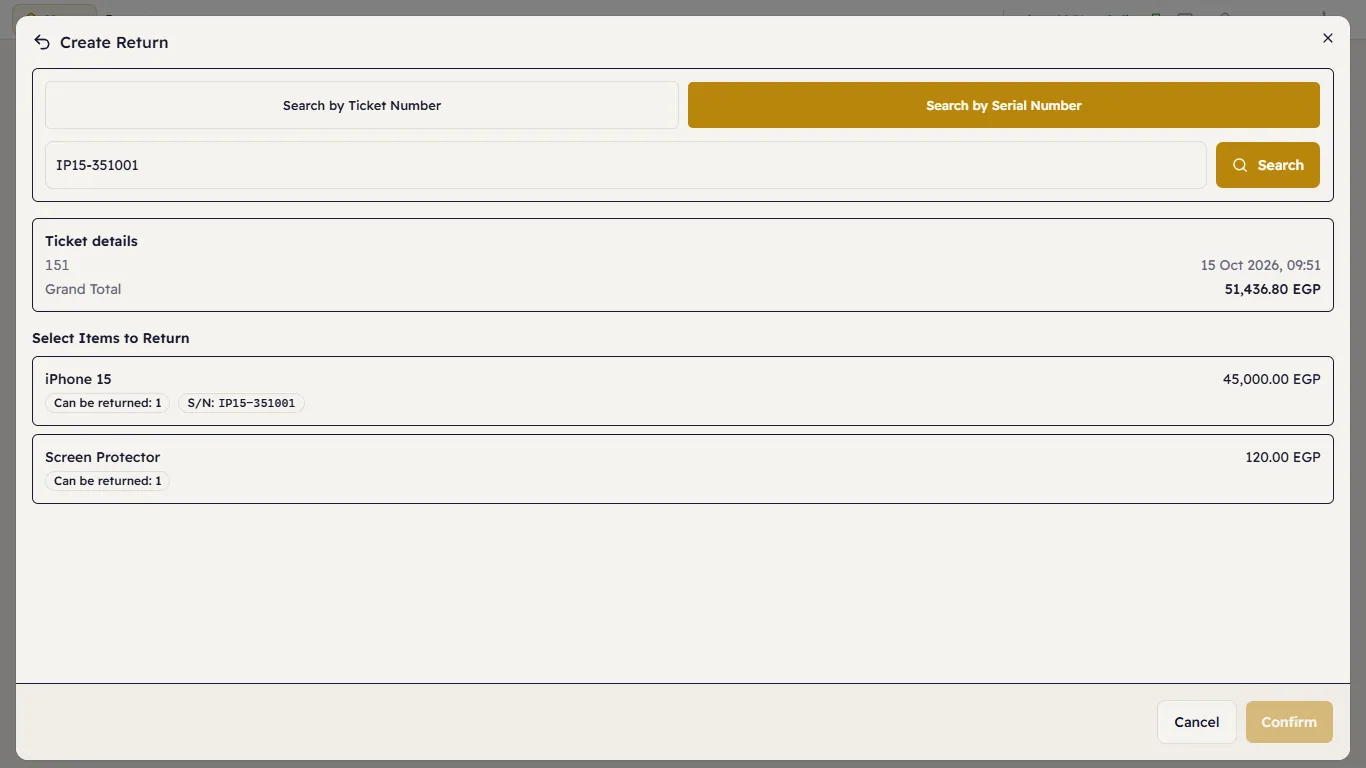
The sale found by its serial number Tap the item that came back. For each item: the quantity, the Reason (Defective, Wrong Item, Customer Request, Expired, Damaged, Other), Restockable (on = it goes back on the shelf; off = it is thrown away), and for a serial item Create RMA for repair inspection:
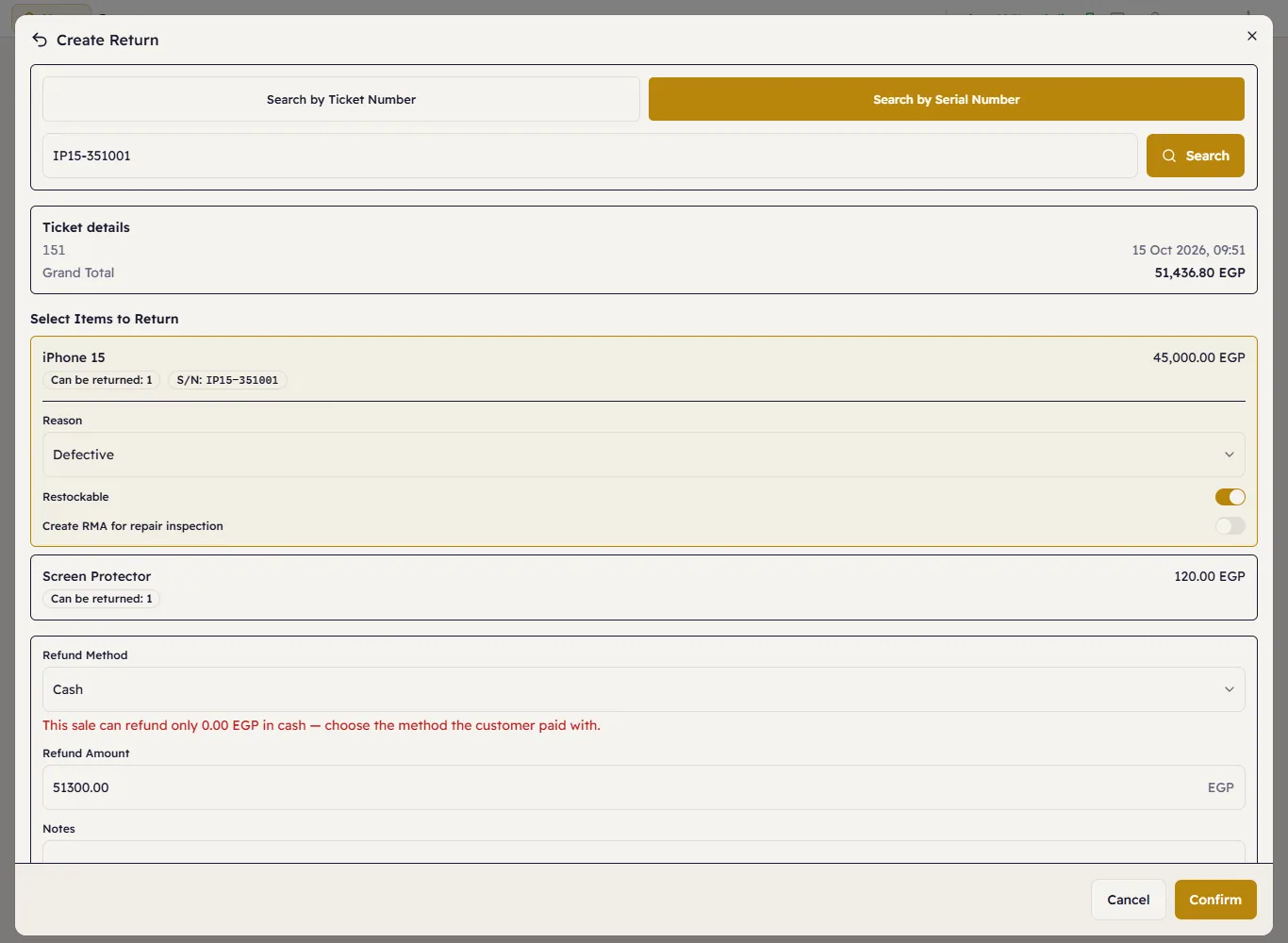
The returned item The Refund Method lists the payment methods that paid this sale, each with how much it can still refund — choose the one the customer paid with. Then the Refund Amount: what the customer paid for those units, VAT and discounts included. You can lower it, never raise it.
Press Confirm. The return is Pending.
Approve and process
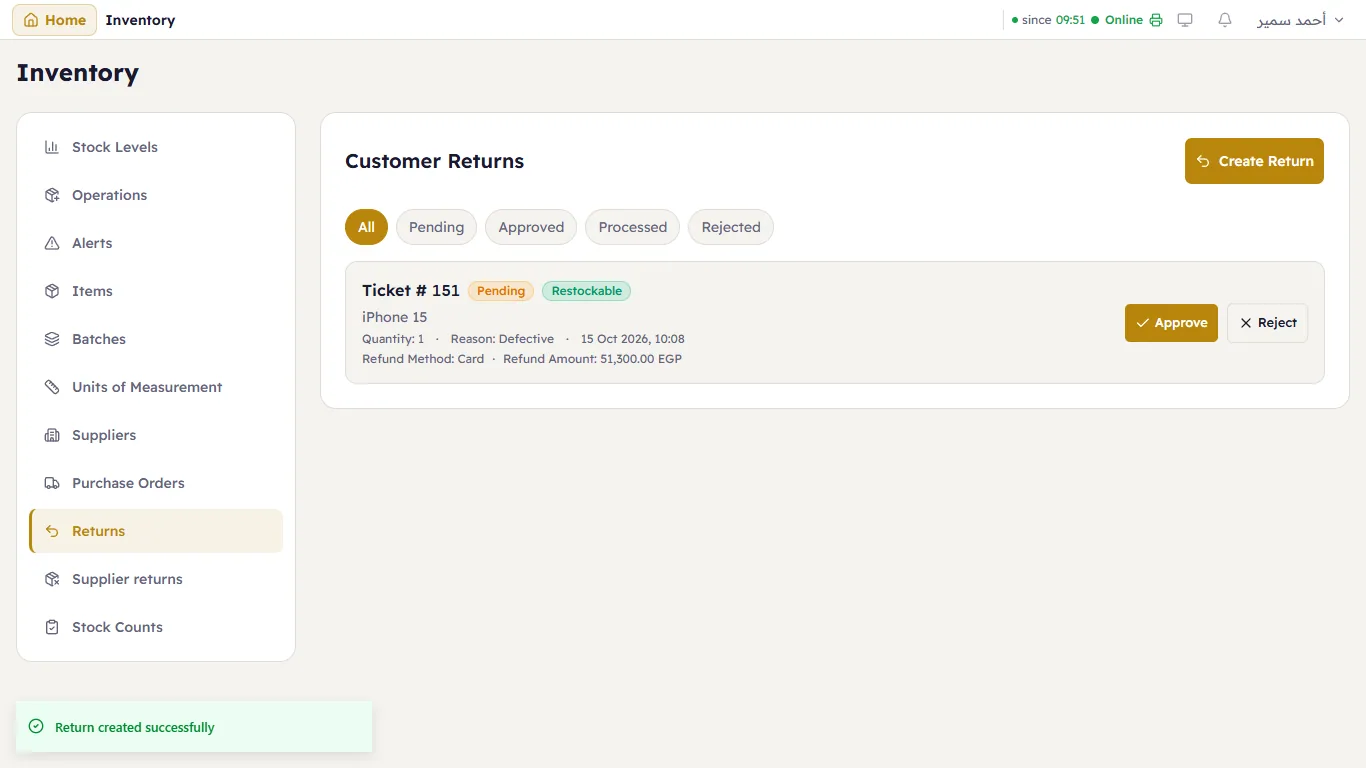
The list shows each return with its status: Pending, Approved, Processed or Rejected. The manager presses Approve (or Reject), then Process:
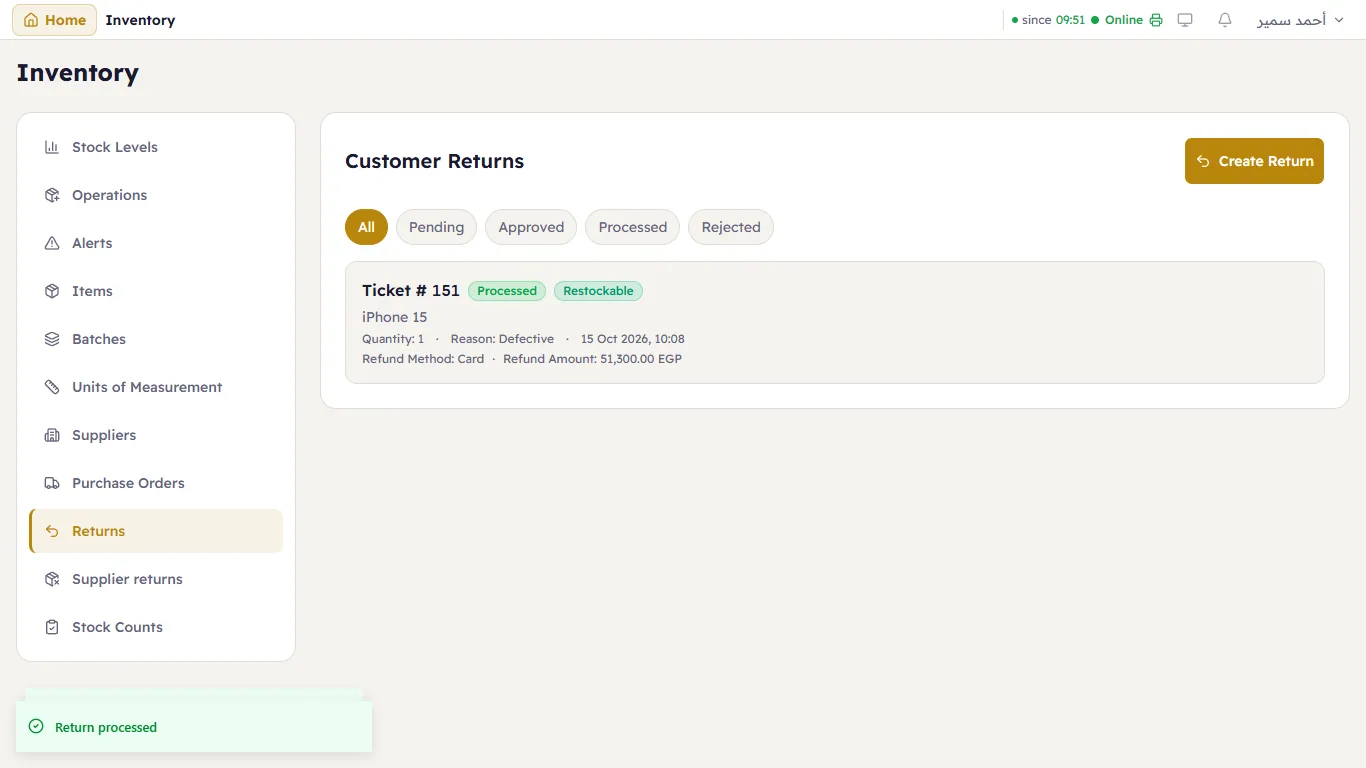
Processing puts a restockable item back in its store (a serial item becomes available again) and books the refund on the sale, against the method you chose, in the open shift — so it appears on the ticket, in the shift's Z report and in the payment-method figures. An open shift is needed. A cash refund comes out of the drawer; for a card or a wallet, give the money back through that method (the card machine, the wallet); an on-account sale lowers what the customer owes.