The cash drawer — cash in, cash out, paying and receiving from a supplier
Record any money that goes into or out of the drawer without a sale, so the drawer balances at the end of the shift.
- Who can do this
- Cashier Manager Owner
- Permission needed
- «Cash In/Out»
- Before you start
- The shift is open.
Any money that goes into or out of the drawer must be recorded, or the drawer will not match Expected Cash at the end of the shift.
Press Cash drawer in the header:
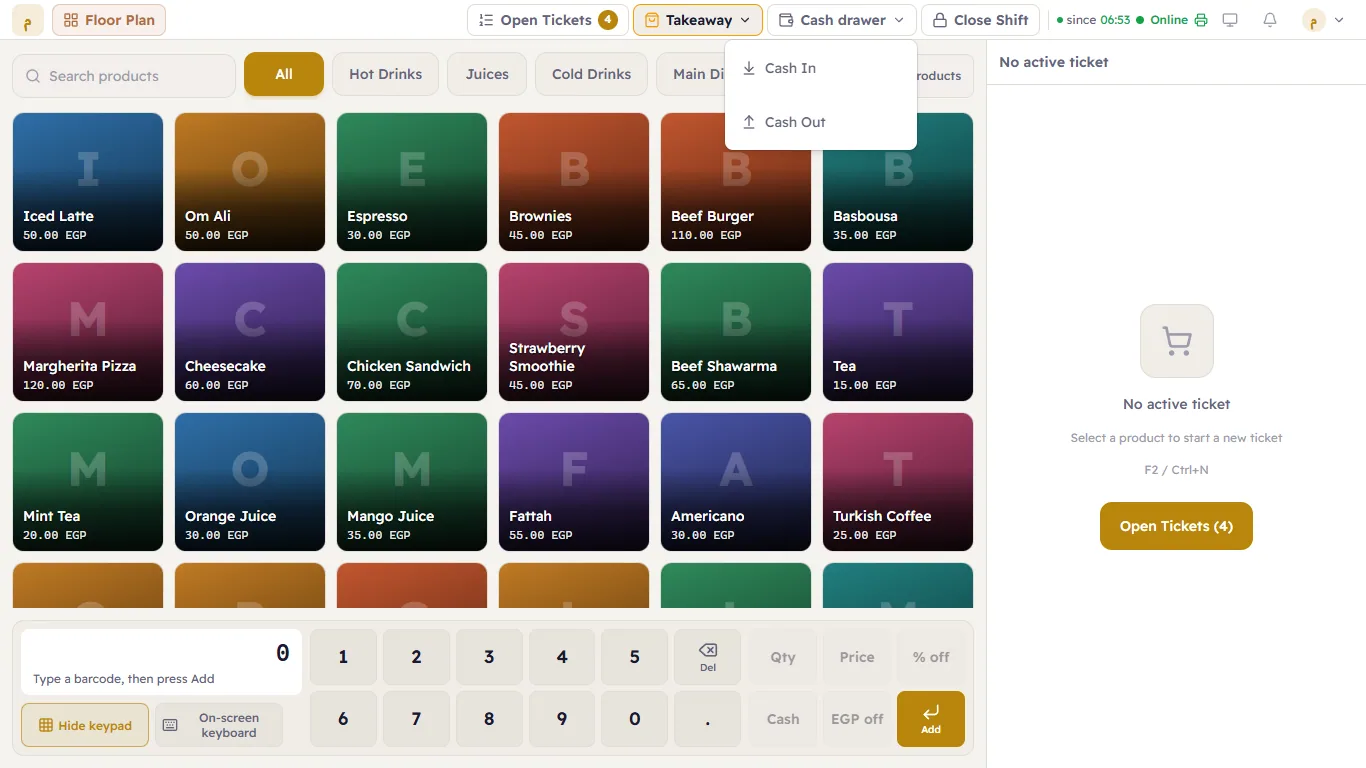
| Option | When |
|---|---|
| Cash In | You put money into the drawer: change from the safe, a float… |
| Cash Out | You took money out: small purchases (ice, milk), a drop to the safe… |
| Pay a supplier | You paid a supplier in cash from the drawer — it is booked on the supplier's account too (Supplier payments). |
| Receive from a supplier | A supplier gave you cash back (a return). |
Steps
- Press Cash drawer and choose Cash In or Cash Out.
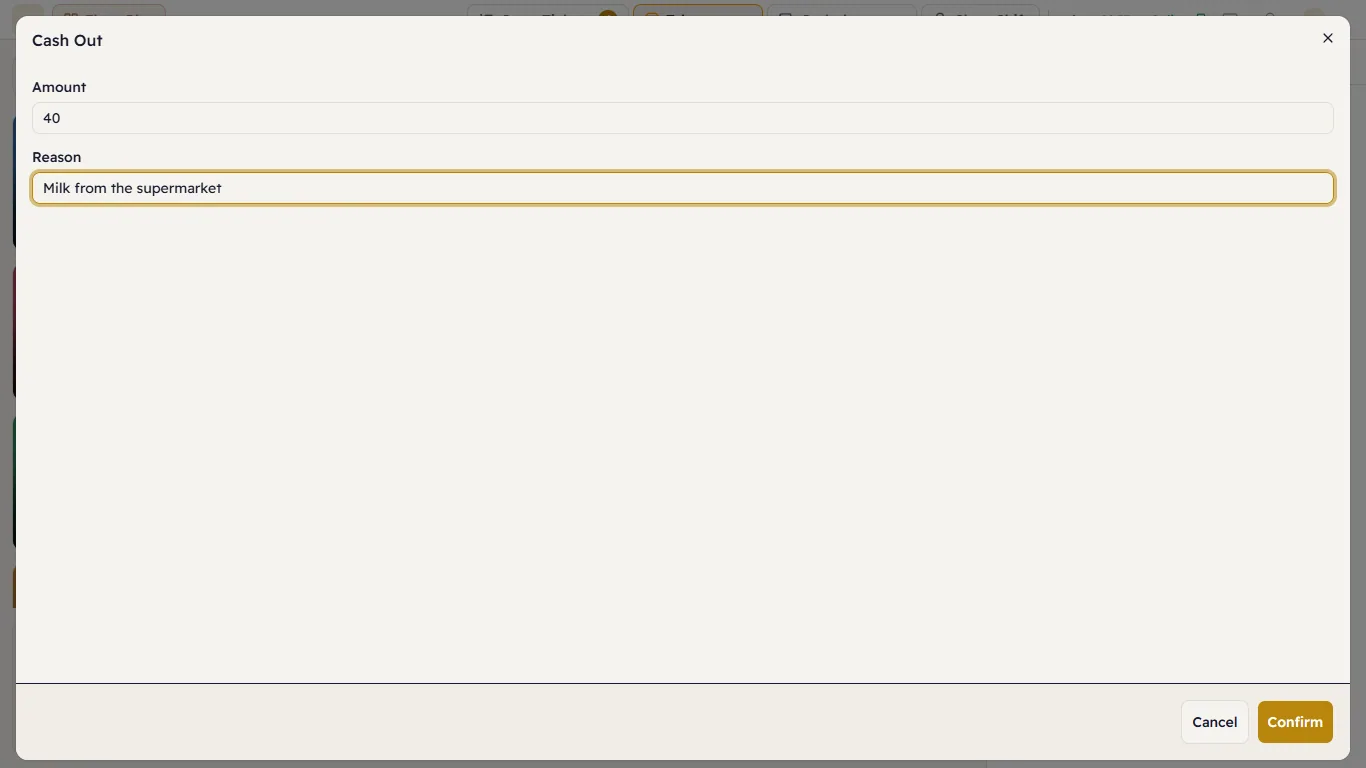
- Enter the Amount and the Reason (for example "Milk from the supermarket").
- Press Confirm.