Returns to suppliers
Send goods back — expired, damaged, extra — record the credit note when it arrives, and take money back.
- Who can do this
- Manager Owner
- Permission needed
- «Manage Procurement»
Inventory → Supplier returns lists the returns (SR-…) with their supplier, invoice, reason, quantity, value and credit note:
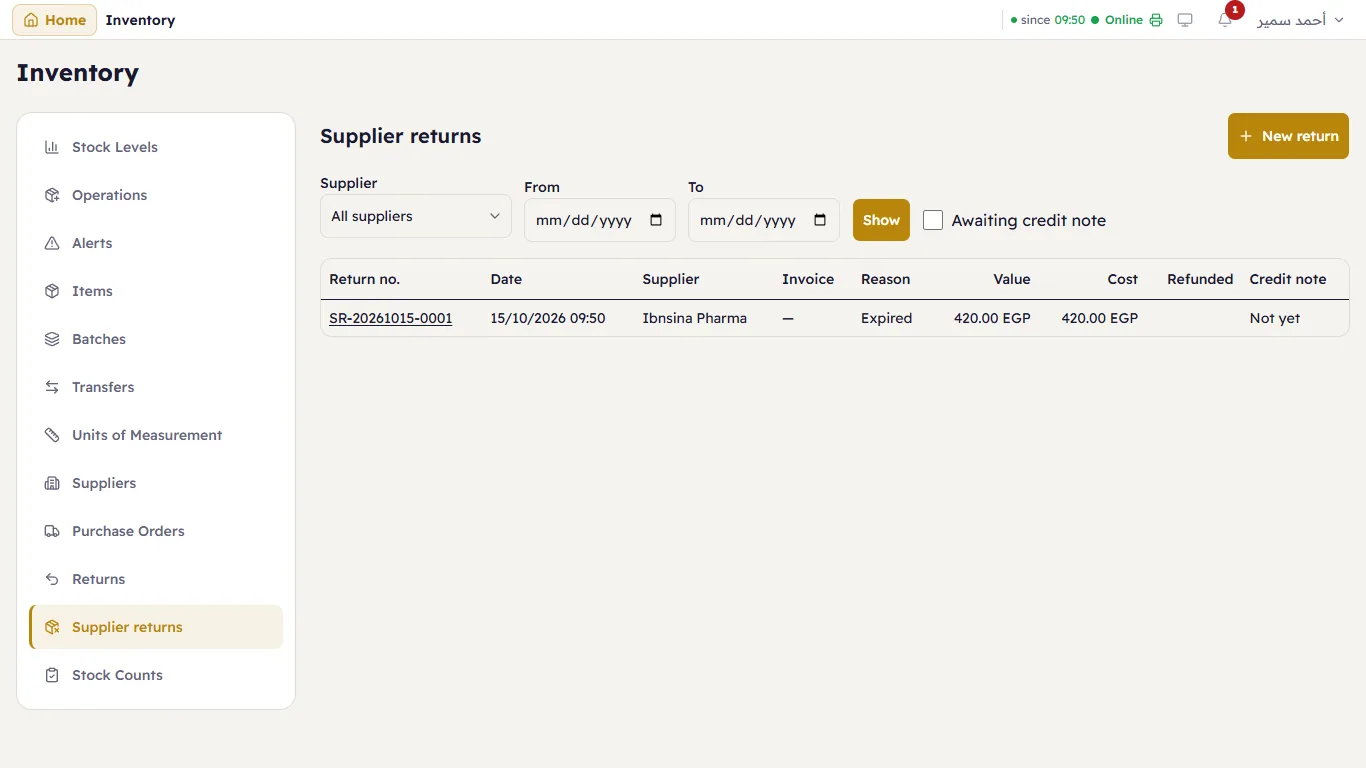
Tick Awaiting credit note to see only the returns the supplier has not yet confirmed.
Make a return
Press New return (or Return on the supplier's card):
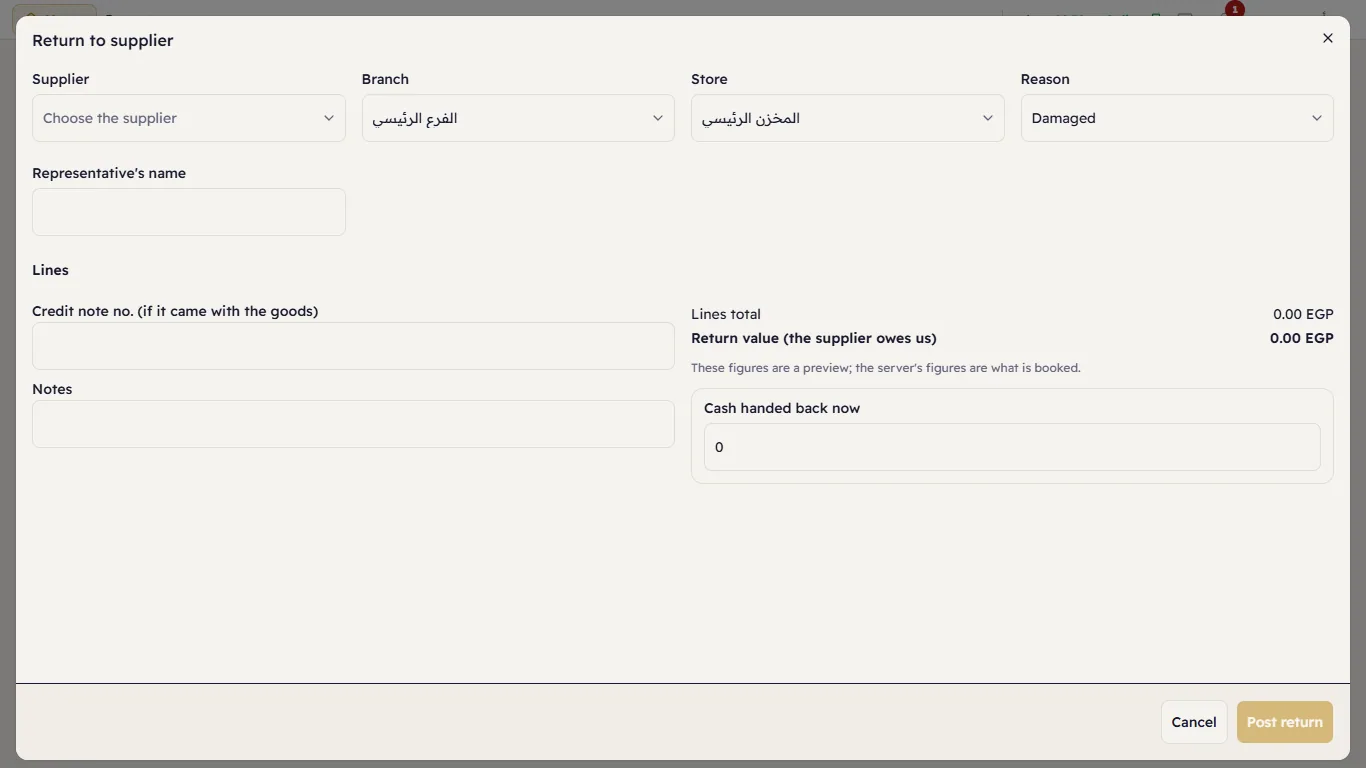
- The Supplier, Branch, Store and Reason.
- Original invoice (optional) — choose it and Major offers its lines with what is left of each, and Return the whole invoice. Without an invoice, search for the items.
- For each line: the Unit, Quantity, Price per unit and, for a batch item, the Lot (expired lots are allowed — that is often why you return them).
- The Representative's name, the Credit note no. (if it came with the goods) and notes.
- Cash handed back now — when the representative refunds you on the spot, and where the money goes.
- Press Post return.
The goods leave the store at their cost, and the supplier's balance goes down by the Return value.
The credit note
Open the return. When the supplier's credit note arrives, press Record credit note:
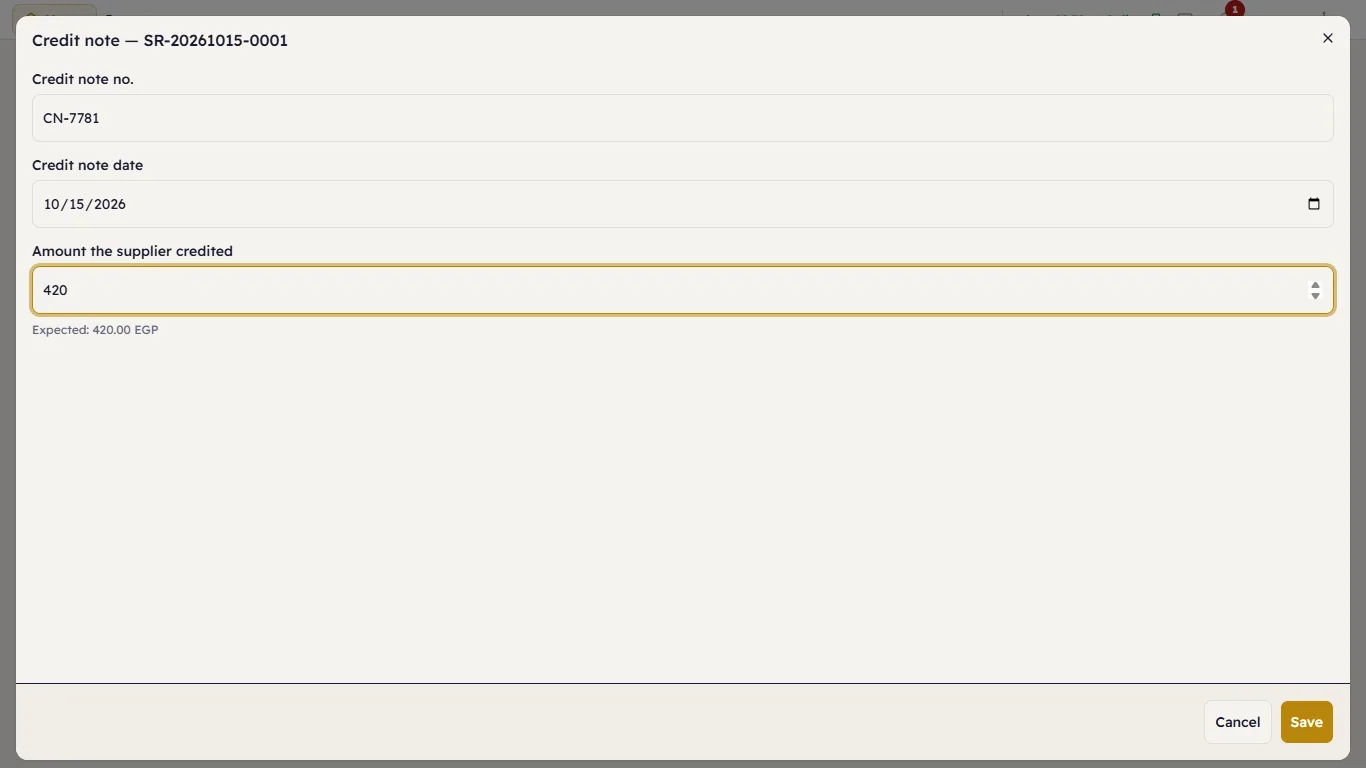
Type the Credit note no., the Credit note date and the Amount the supplier credited. If it differs from the return value, Major books the difference as an adjustment.
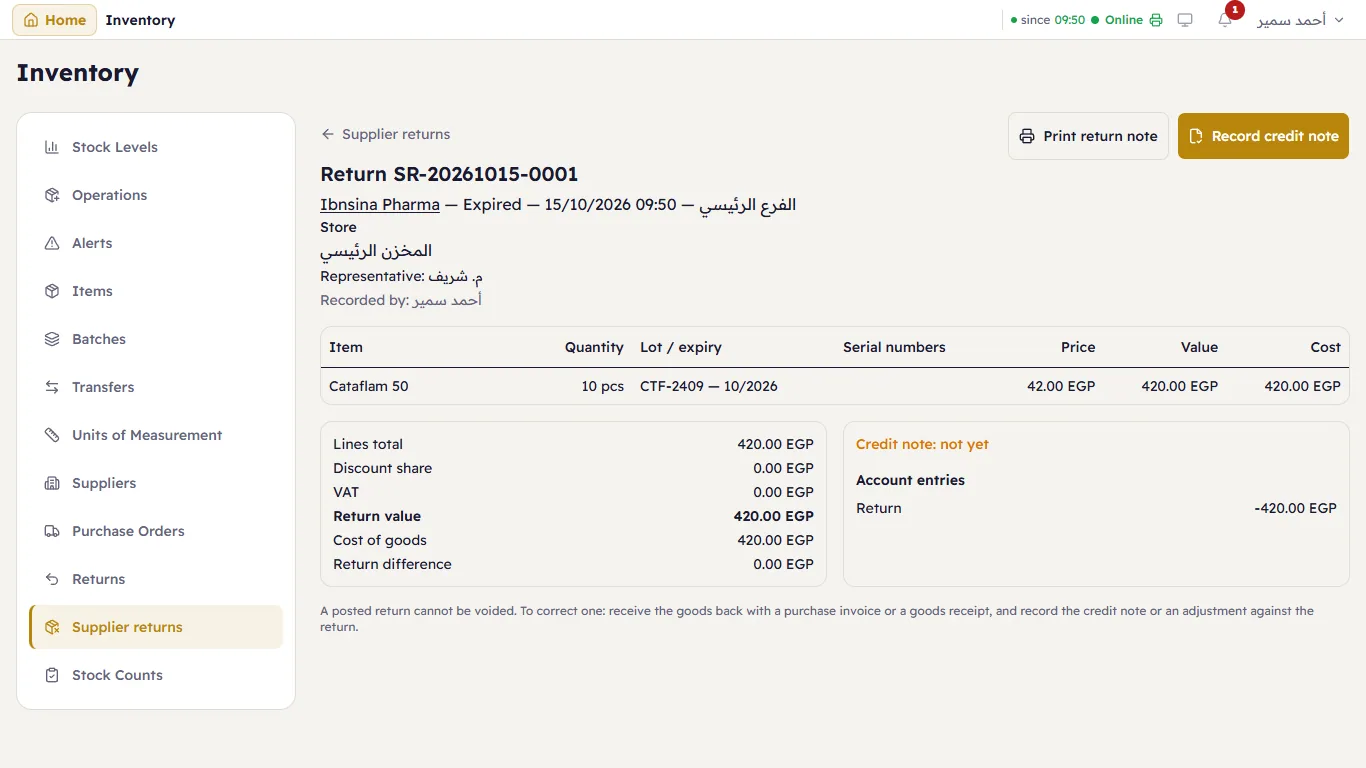
Print return note prints it for the representative to sign.