Opening stock
Enter what is already on the shelves when you start with Major — a table, or a CSV file.
- Who can do this
- Owner Manager
- Permission needed
- «Receive Stock»
When you start with Major, the shelves are already full. Opening stock records what is there, at its cost, in one go. You reach it from the getting-started list (the checklist icon in the header, Add opening stock).
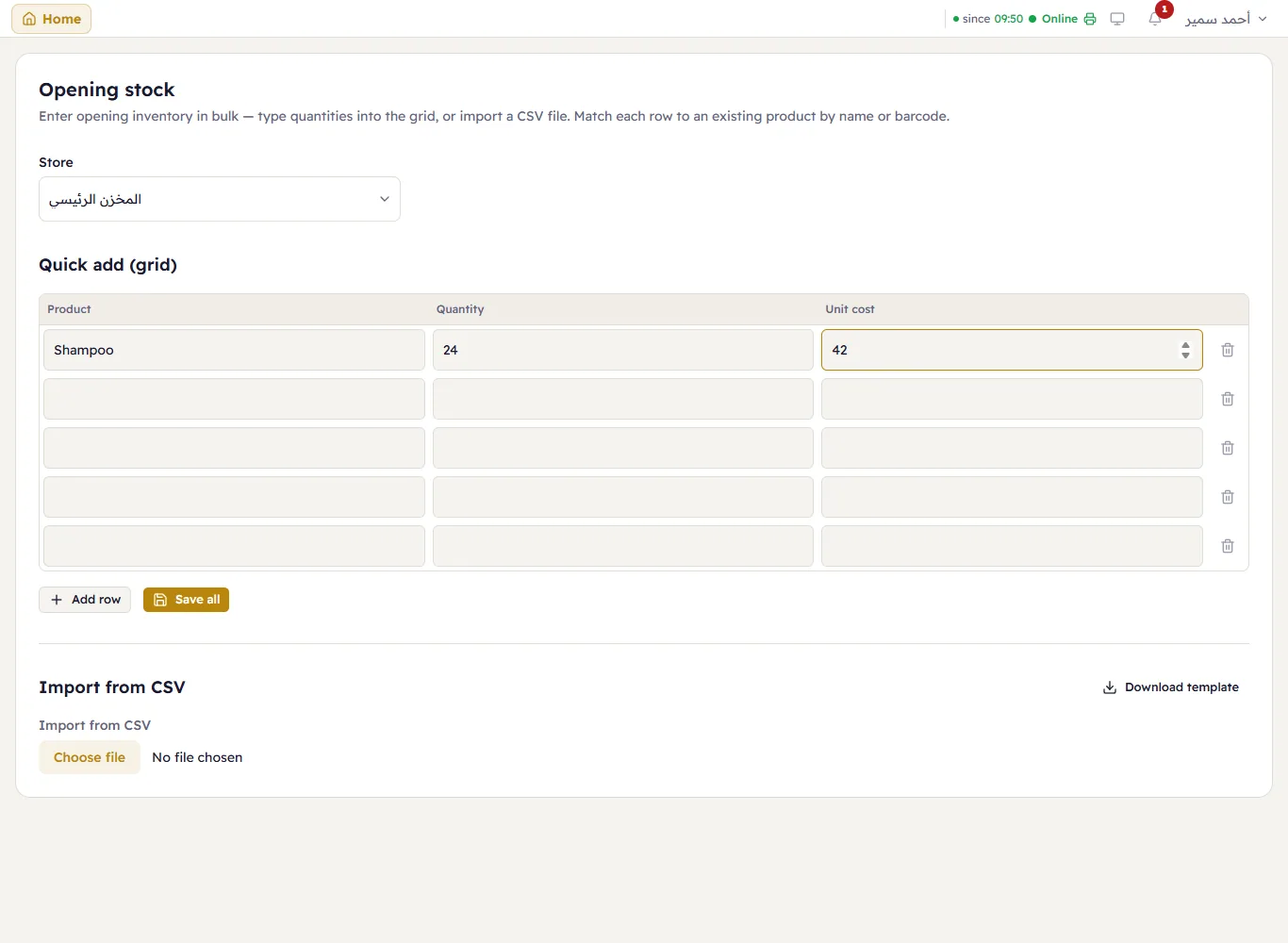
- Choose the Store (when the branch has more than one).
- In Quick add (table) type each row: the Product (name, or barcode), the Quantity and the Unit cost. Add row for more rows.
- Press Save all.
Many items? Download template, fill it in a spreadsheet, and import it under Import from CSV. Each row is matched to an existing product by name or barcode.