Receive, adjust and record waste
The three everyday stock operations — goods in, a correction after counting, and what was spoiled or broken.
- Who can do this
- Manager Owner
- Permission needed
- «Receive Stock», «Adjust Stock»
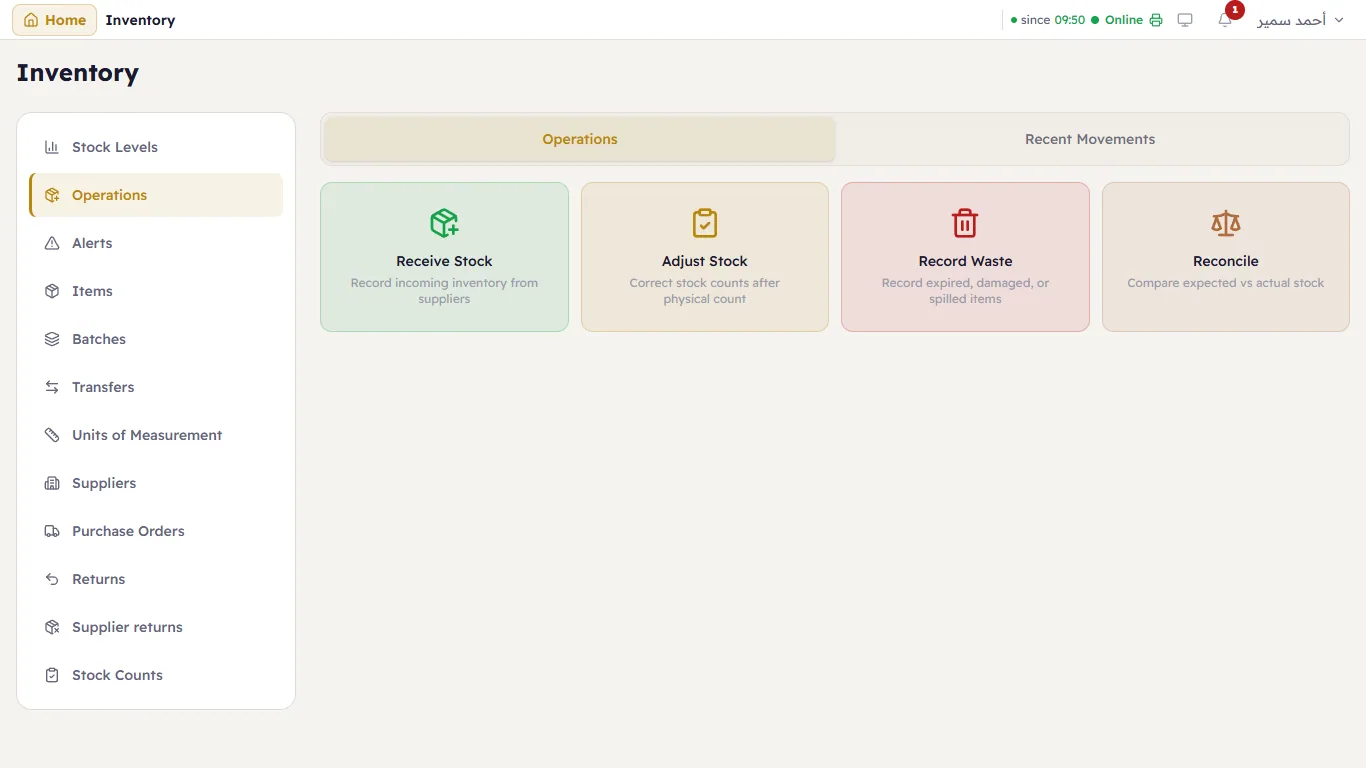
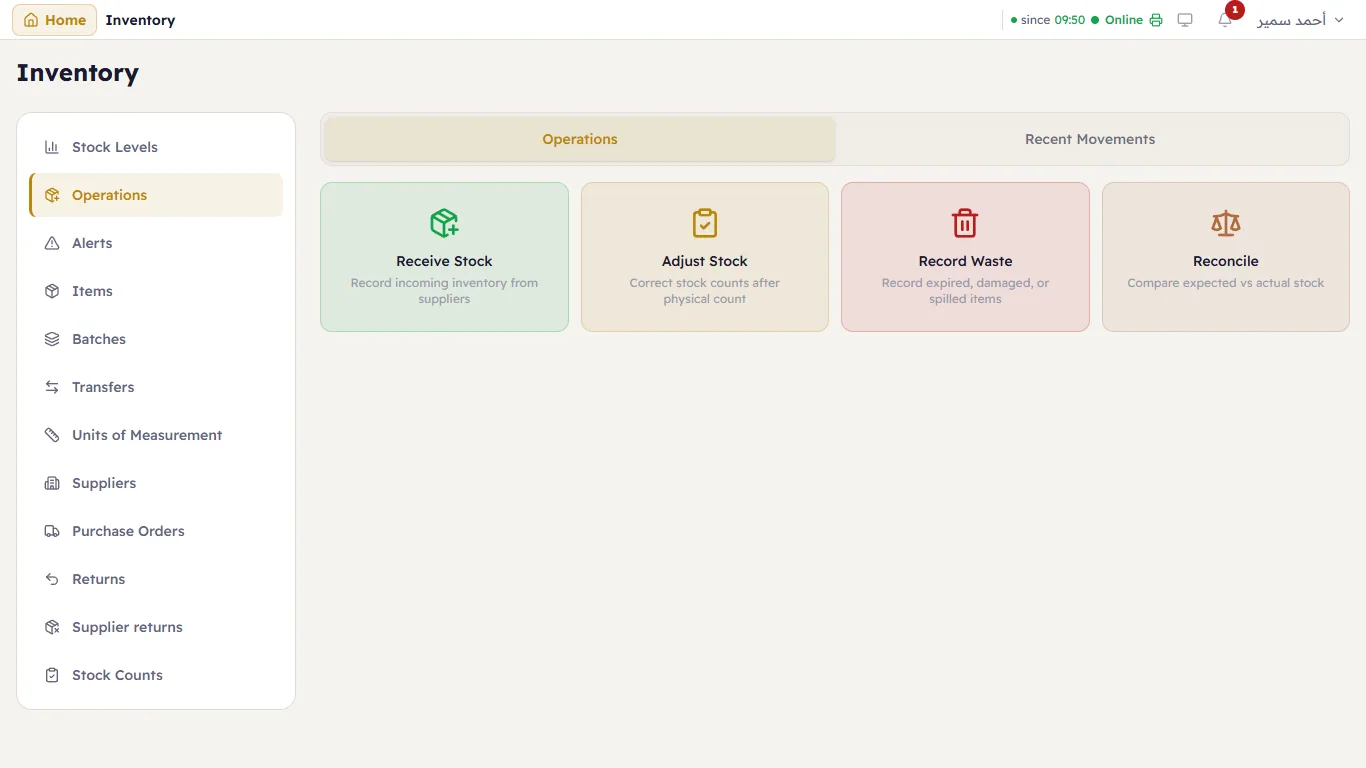
Inventory → Operations:
| Card | When |
|---|---|
| Receive Stock | Goods came in (without a supplier invoice — with one, use a purchase invoice) |
| Adjust Stock | You counted the shelf and it differs from the system |
| Record Waste | Something expired, broke or spilled |
| Reconcile | Check the records agree — see Reconciliation |
Receive stock
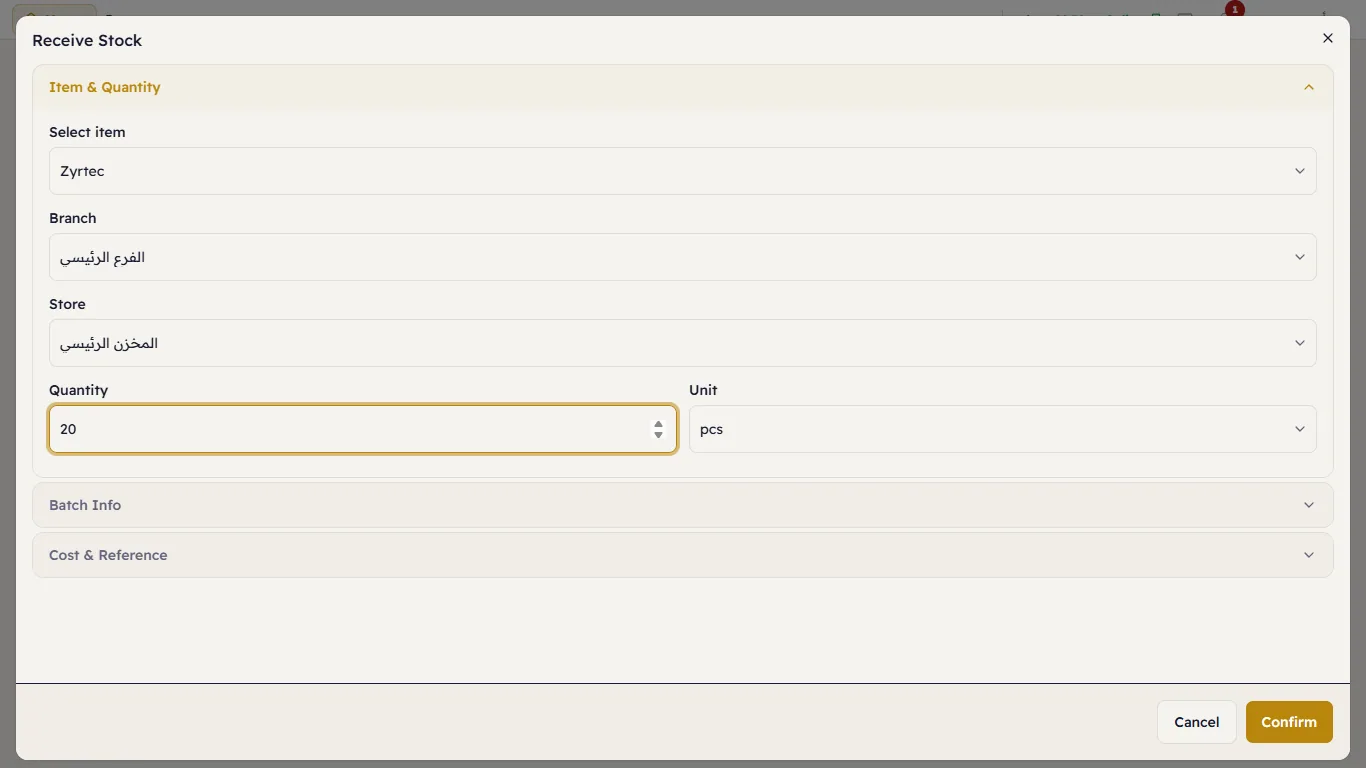
Receive Stock opens a window with three sections:
Item & Quantity — choose the item. The branch is already chosen, and so is the store when the branch has more than one. Type the Quantity; the Unit starts on the item's base unit, and you can choose a larger one (a box).
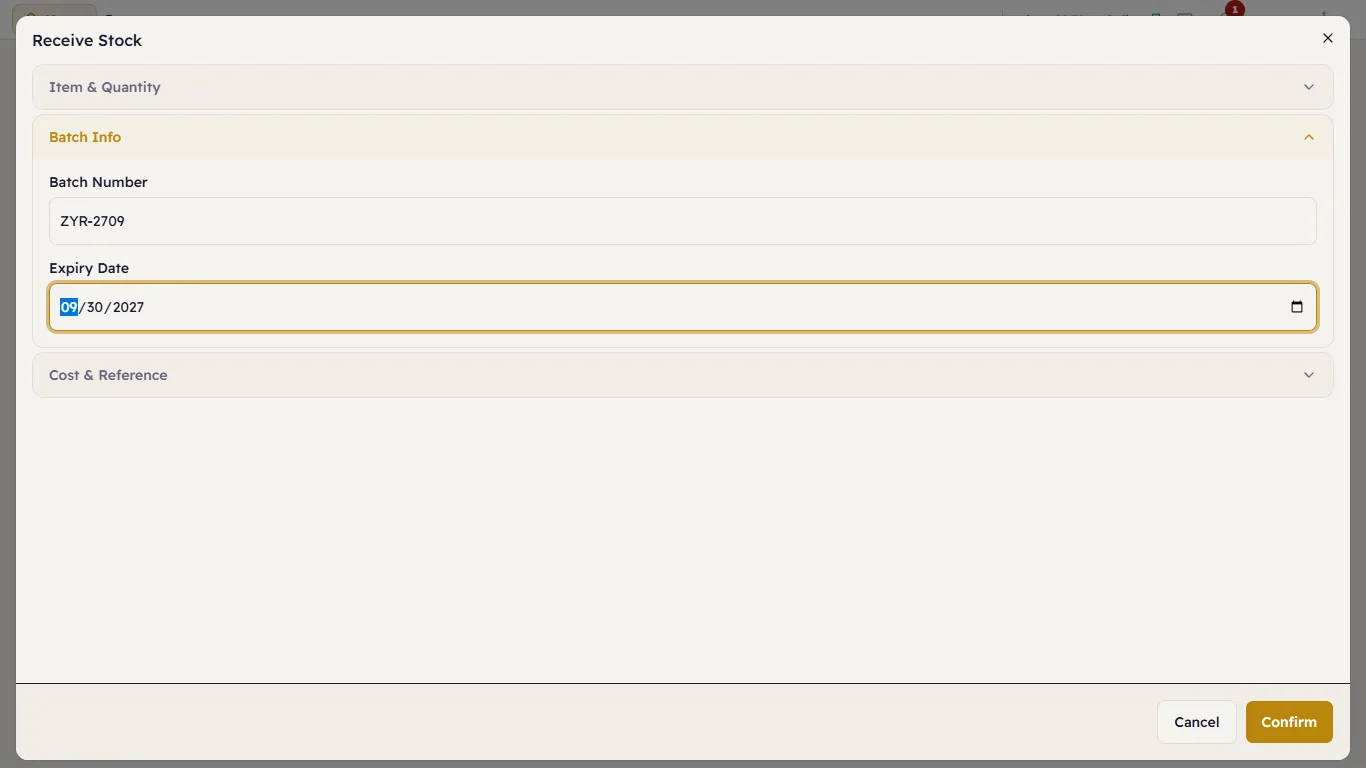
Batch Info — for an item tracked by batch: the Batch Number and Expiry Date printed on the pack.
For a serial item, scan or type each piece's serial number instead of a quantity.
Cost & Reference — the Cost per Unit and a Reference (the delivery note number, say). Press Confirm.
Adjust stock
Adjust Stock: the item, the Quantity to add (a positive number) or take away (a negative one, such as -2), and the Reason:
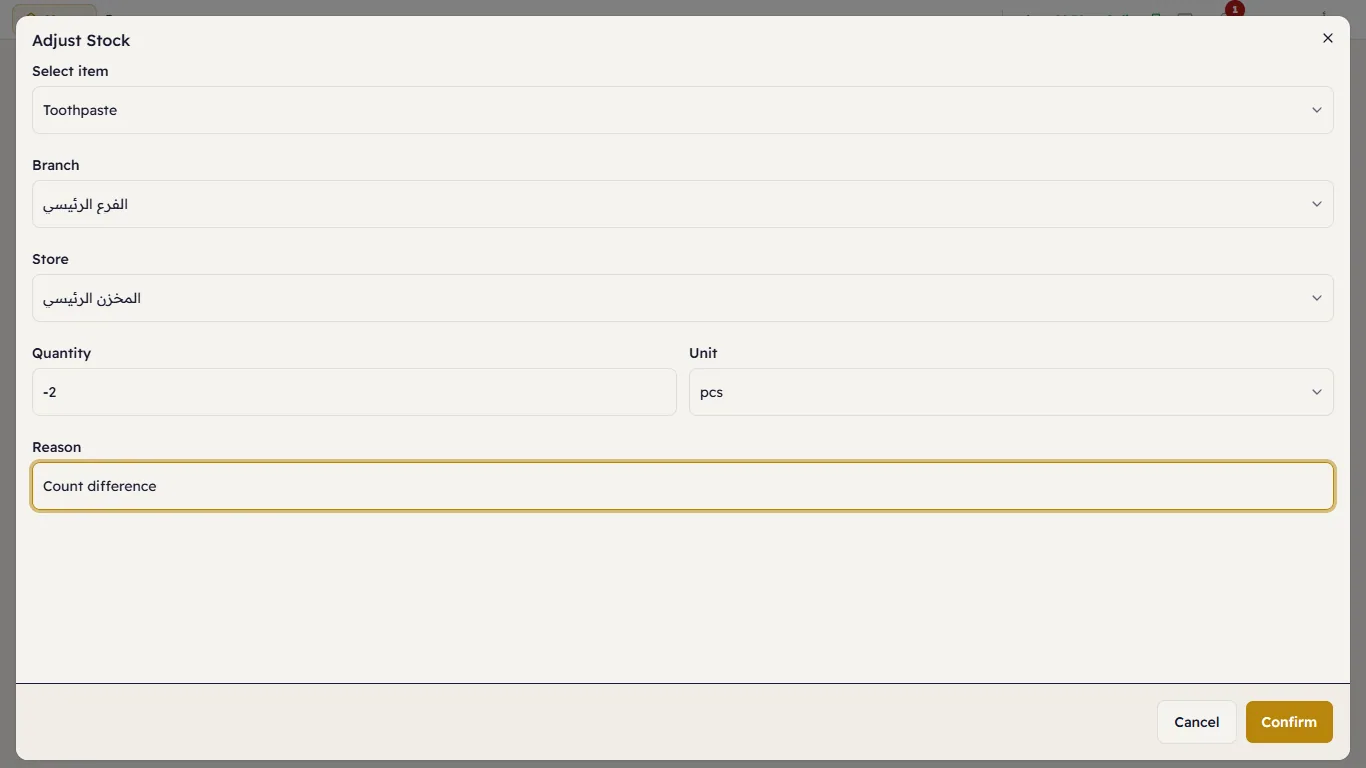
For a serial item, tick the pieces that are missing instead.
Record waste
Record Waste: the item, the quantity, the Waste Reason (Expired, Damaged, Shrinkage, Spoilage, Prep Waste, Other) and notes:
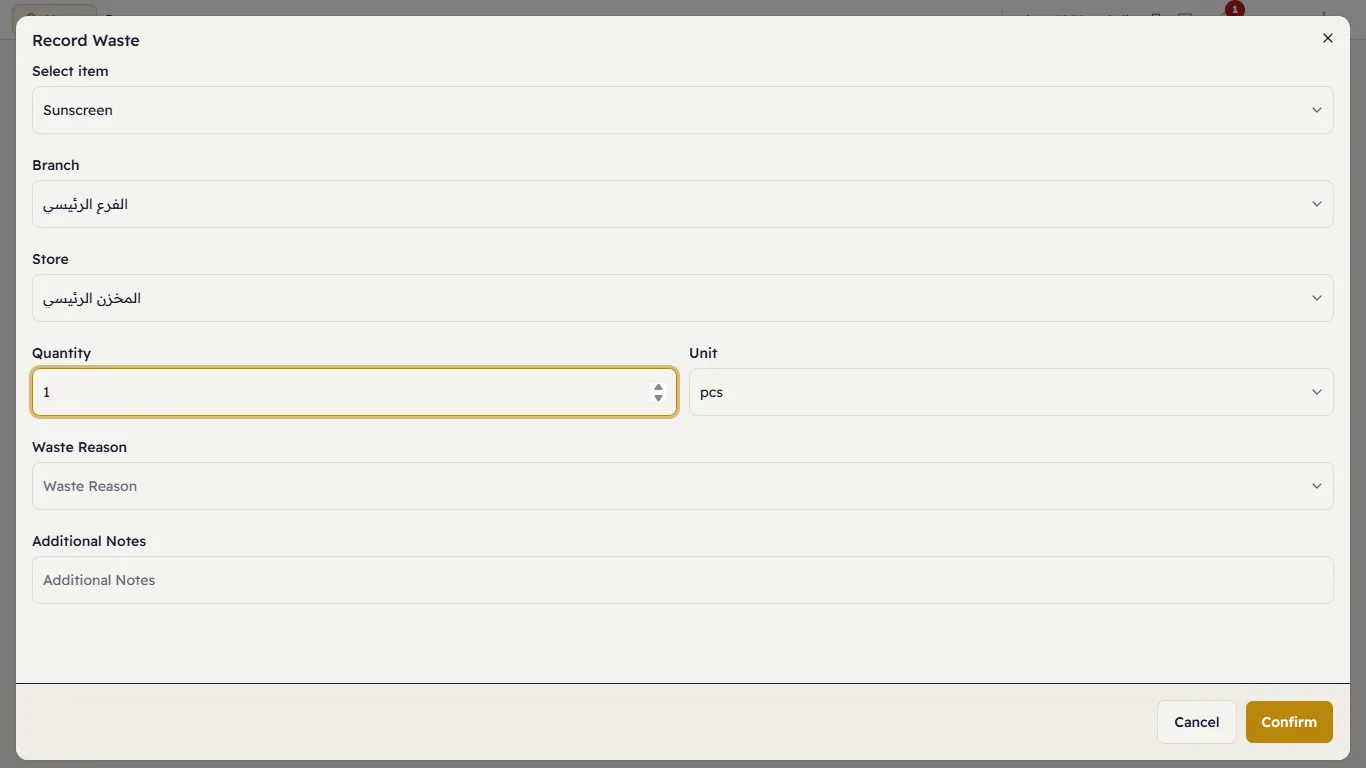
Waste is reported separately from sales, so you can see what it costs you.
Recent movements
The Recent Movements tab lists every stock movement — sale, receipt, adjustment, waste, transfer — newest first, with the item, store, quantity, batch and who did it: