Close the shift and read the Z report
End of the day — count the money in the drawer, close the shift and review the Z report.
- Who can do this
- Cashier Manager Owner
- Permission needed
- «Close Shift»
Steps
- Close every open ticket that has been paid (unpaid open tickets stay open for the next shift).
- Press Close Shift in the header.
- Step 1 of 2 — count the cash: "Count the cash in your drawer and enter the total". Count all the money in the drawer and enter it in Actual Cash. You can add Notes.
- Press Close Shift.
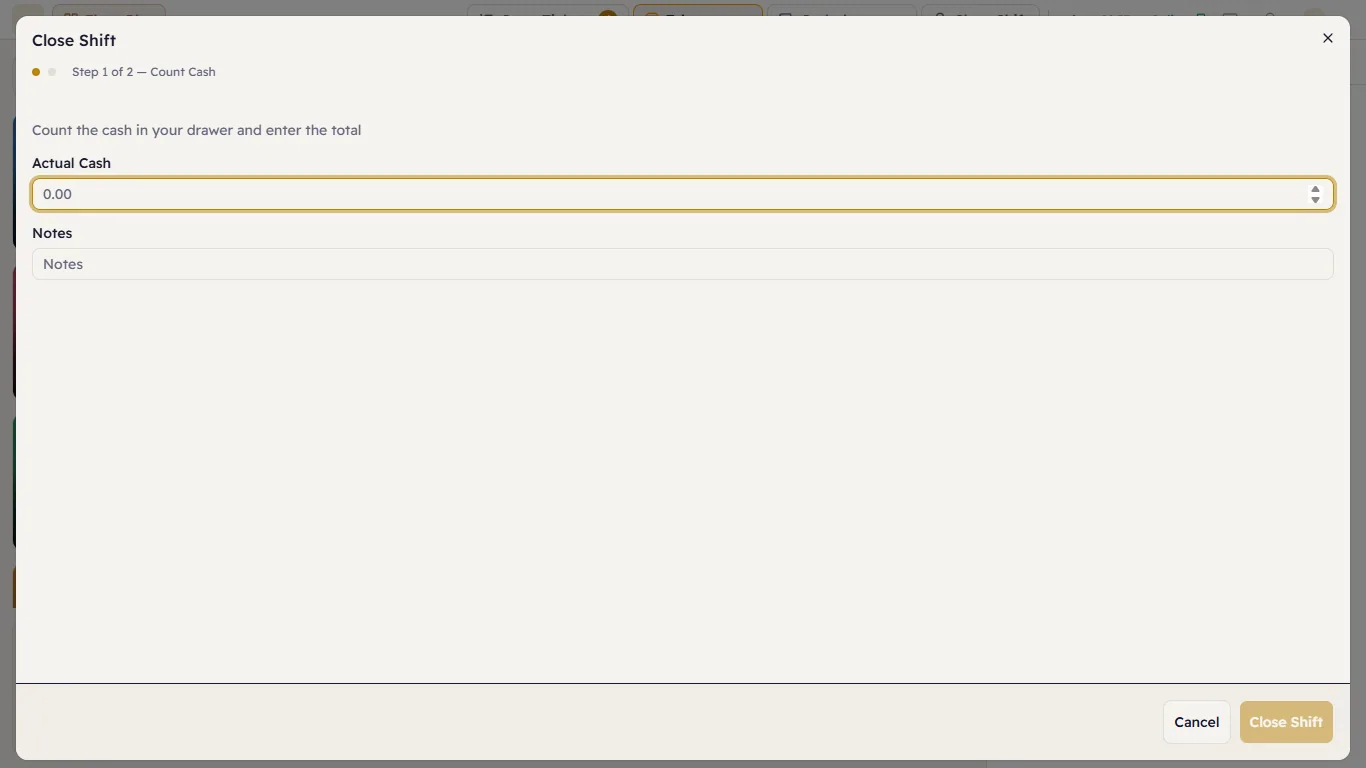
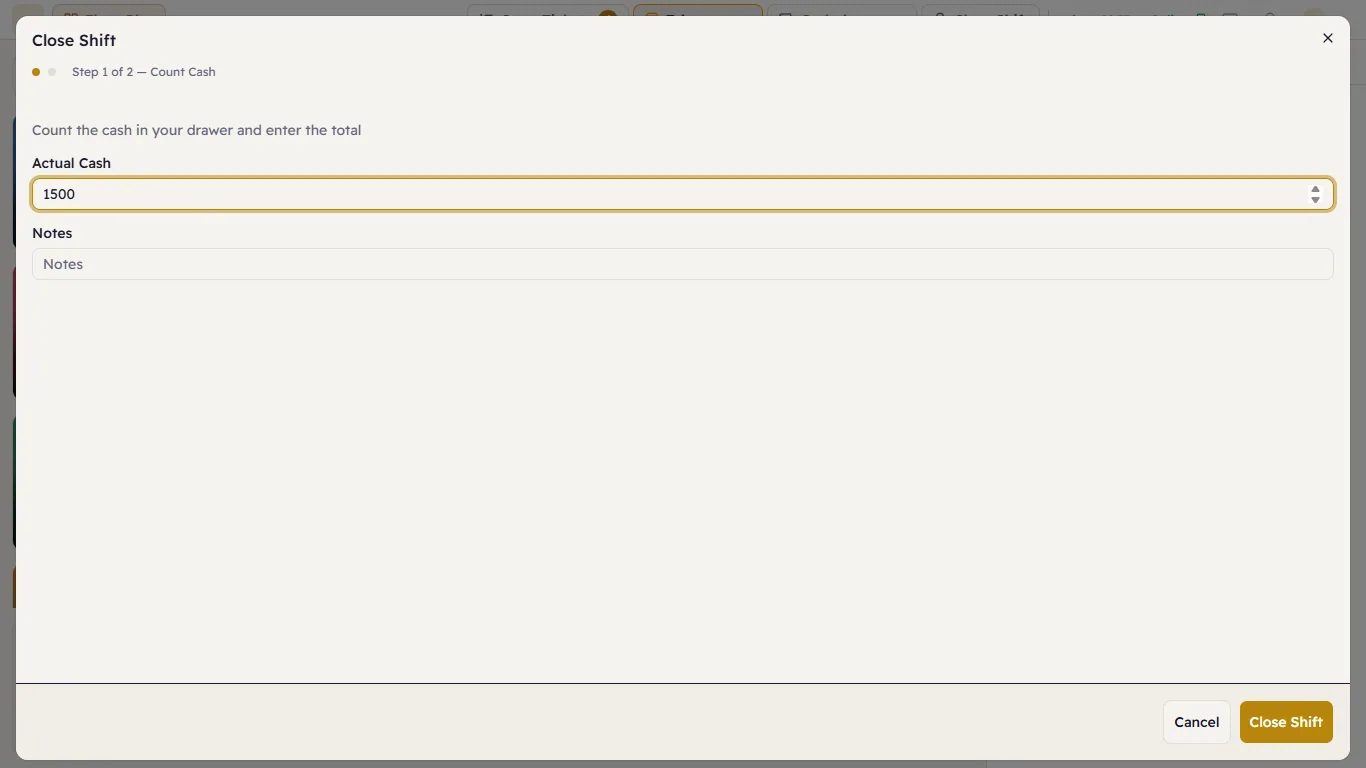
Step 2 of 2 — the Z report
After closing, the Z-Report appears: the summary of the whole shift.
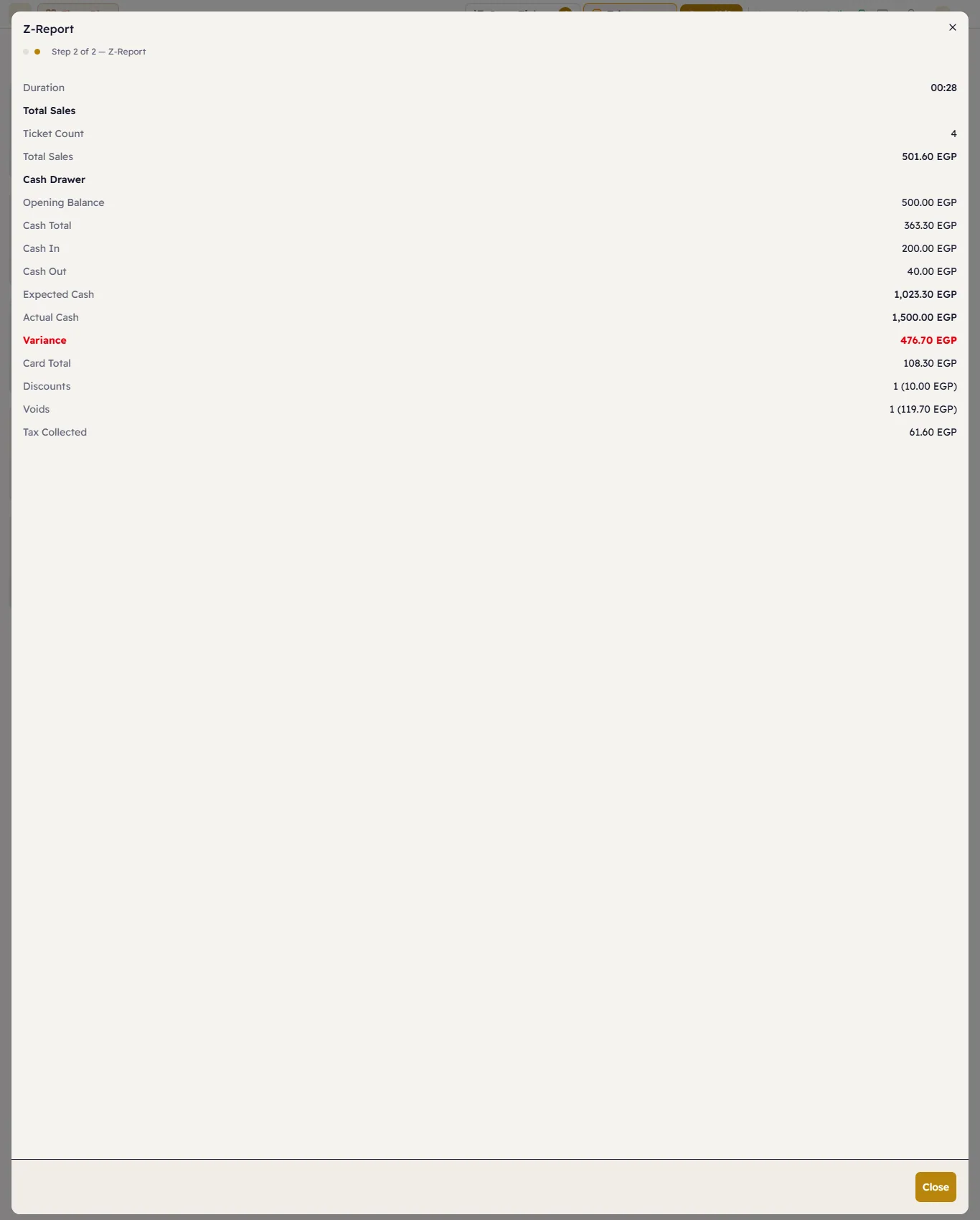
| Line | Meaning |
|---|---|
| Duration | How long the shift was open. |
| Ticket Count / Total Sales | The new sales in this shift. |
| Opening Balance | What was in the drawer at the start. |
| Cash Total | Net cash from sales (after cash refunds). |
| Cash In / Cash Out | From the drawer menu — with "of which supplier payments" under cash out, if any. |
| Expected Cash | Opening + cash + cash in − cash out = what should be in the drawer. |
| Actual Cash | What you counted. |
| Variance | Actual − expected. Red when there is a difference (over or short). |
| Card Total | Cards, wallets and InstaPay — not in the drawer. |
| Discounts / Voids | How many (and how much). |
| Tax Collected | VAT on the shift's sales. |
In the example: 500 + 363.30 + 200 − 40 = 1,023.30 expected, and the cashier counted 1,500 — a Variance of 476.70 over. A difference like that means money went into the drawer without being recorded (usually an unrecorded sale or a forgotten cash in).
If the shift was opened on another till
There is one shift per branch, stamped with the till that opened it. Closing it from another till (or from a browser) asks "Close a shift from another till?" — press Close it here if you are sure nobody is still selling on the other till.