Departments (Dine-In, Takeaway, Delivery) and moving a ticket
Choose the department before you start selling, and move a ticket to another department when the customer changes their mind.
- Who can do this
- Cashier Waiter Manager Owner
- Permission needed
- «Open Ticket»
A department is the kind of sale, and it decides which screen the sale starts on. The sample café has three:
| Department | The sale starts from |
|---|---|
| Dine-In | The table map — choose the table first (Tables) |
| Takeaway | The items straight away |
| Delivery | A customer search by phone number (Delivery) |
Shops that are not restaurants start with a single department ("In-Store"); the owner can add more in Departments.
Change the department
Press the department button in the header (it shows the current department's name) and choose one. The current department is marked Current.
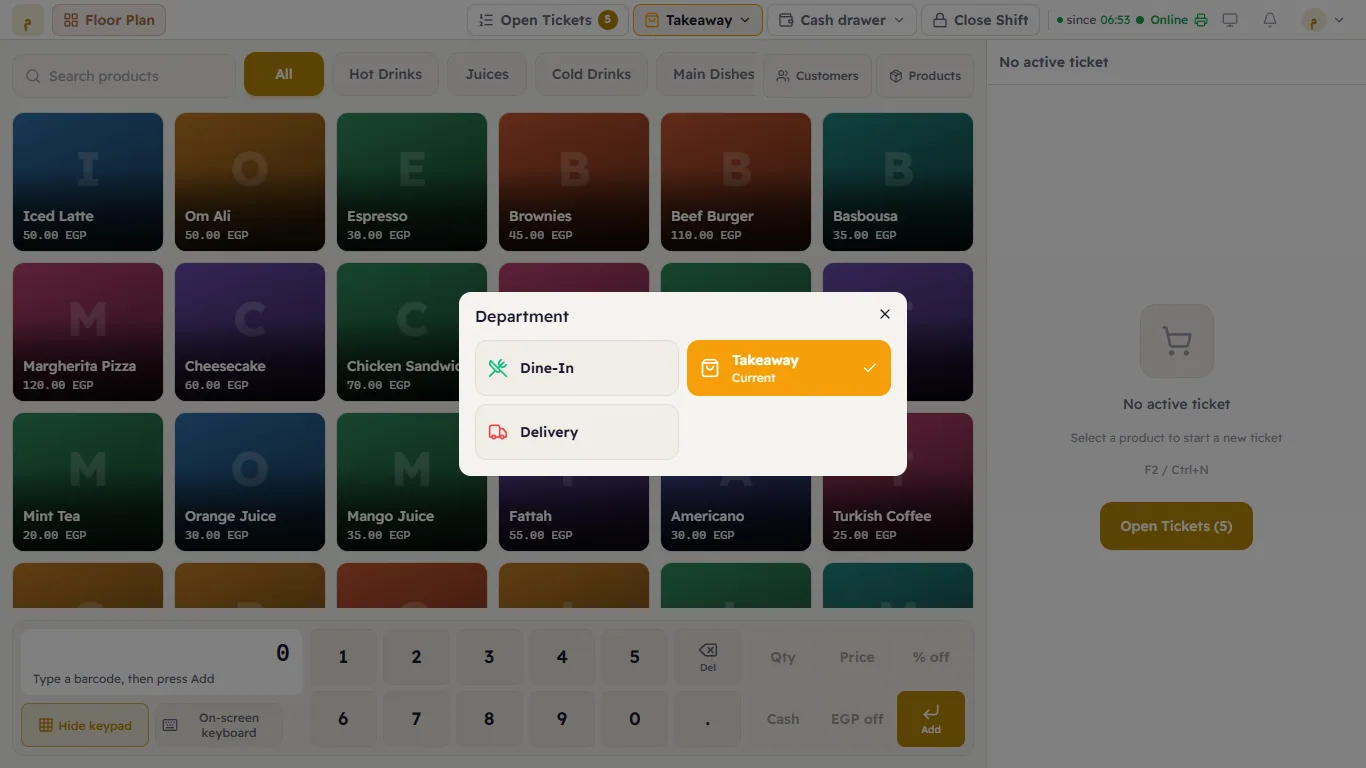
Move a ticket to another department
The customer was eating in and decided to take the food away? Move the ticket:
- Open the ticket and press Move to department under it.
- In "Move ticket #… to…" choose the new department.
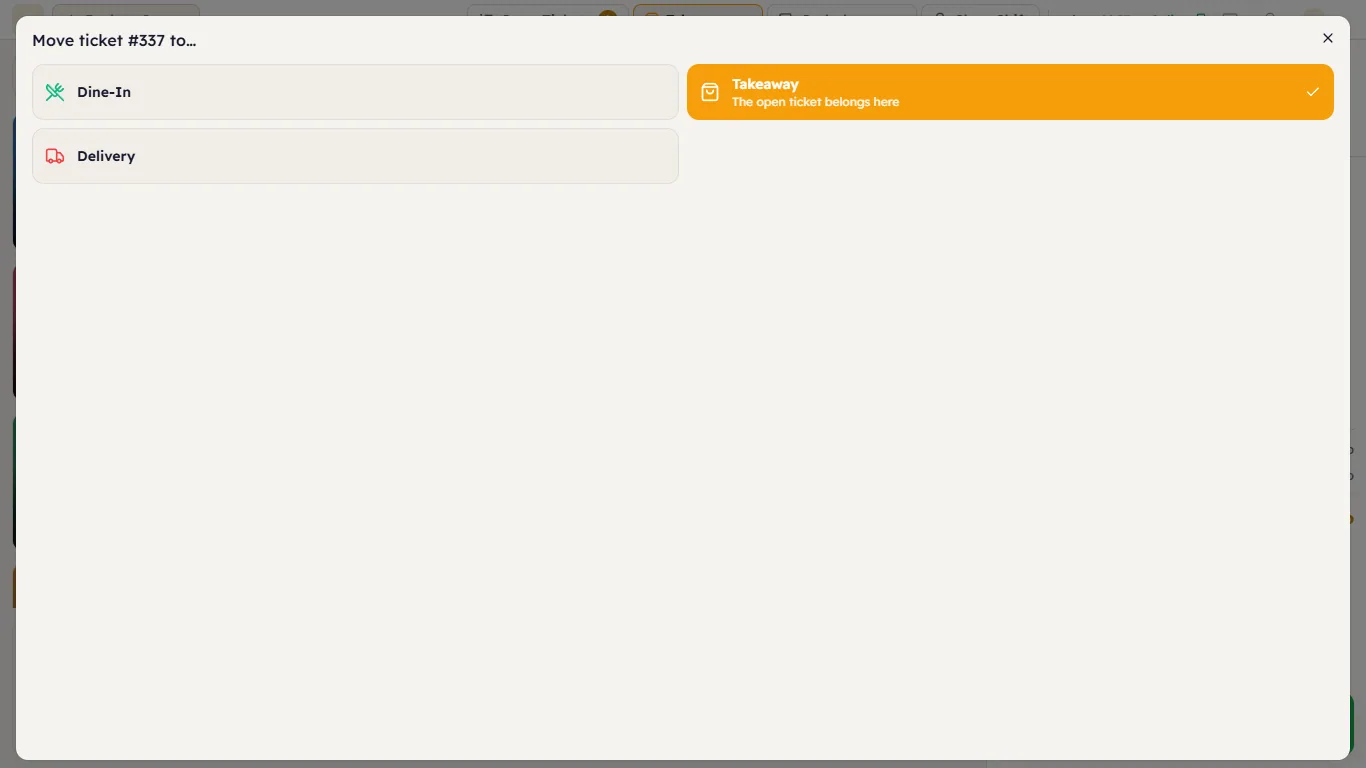
The ticket keeps its number, items and payments. If it was at a table, Major asks "Move this ticket?" — "This ticket leaves …. … is freed unless another ticket is still on it." Press Move the ticket. If the new department is Delivery, it asks you to choose the customer.