Stock transfers
Move stock from one store to another — in the same branch or to another branch — with a printed transfer note.
- Who can do this
- Manager Owner
- Permission needed
- «Transfer Stock»
Stock moves between stores only by a transfer (TR-…). Inventory → Transfers — shown once you have two stores:
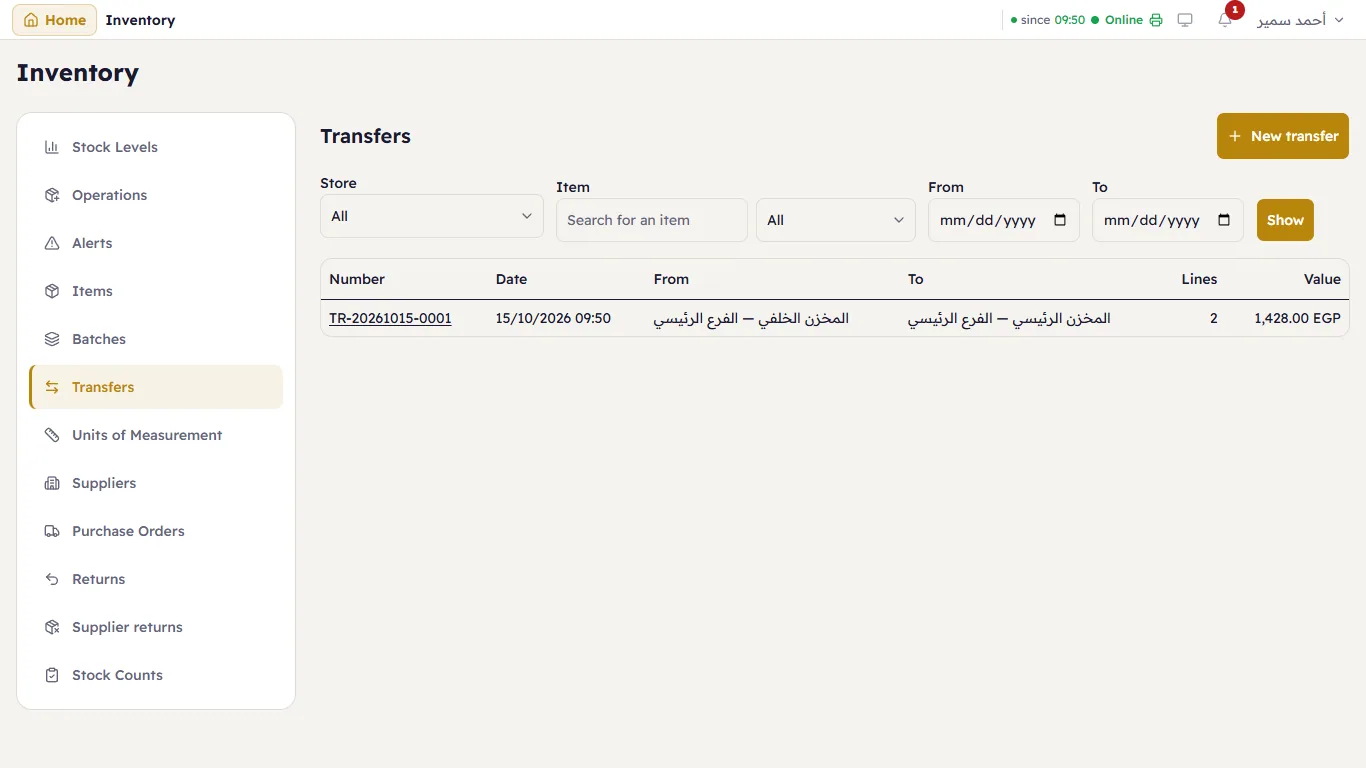
Filter by store, item and dates. Each row: the number, the date, from, to, the number of lines and the value.
Make a transfer
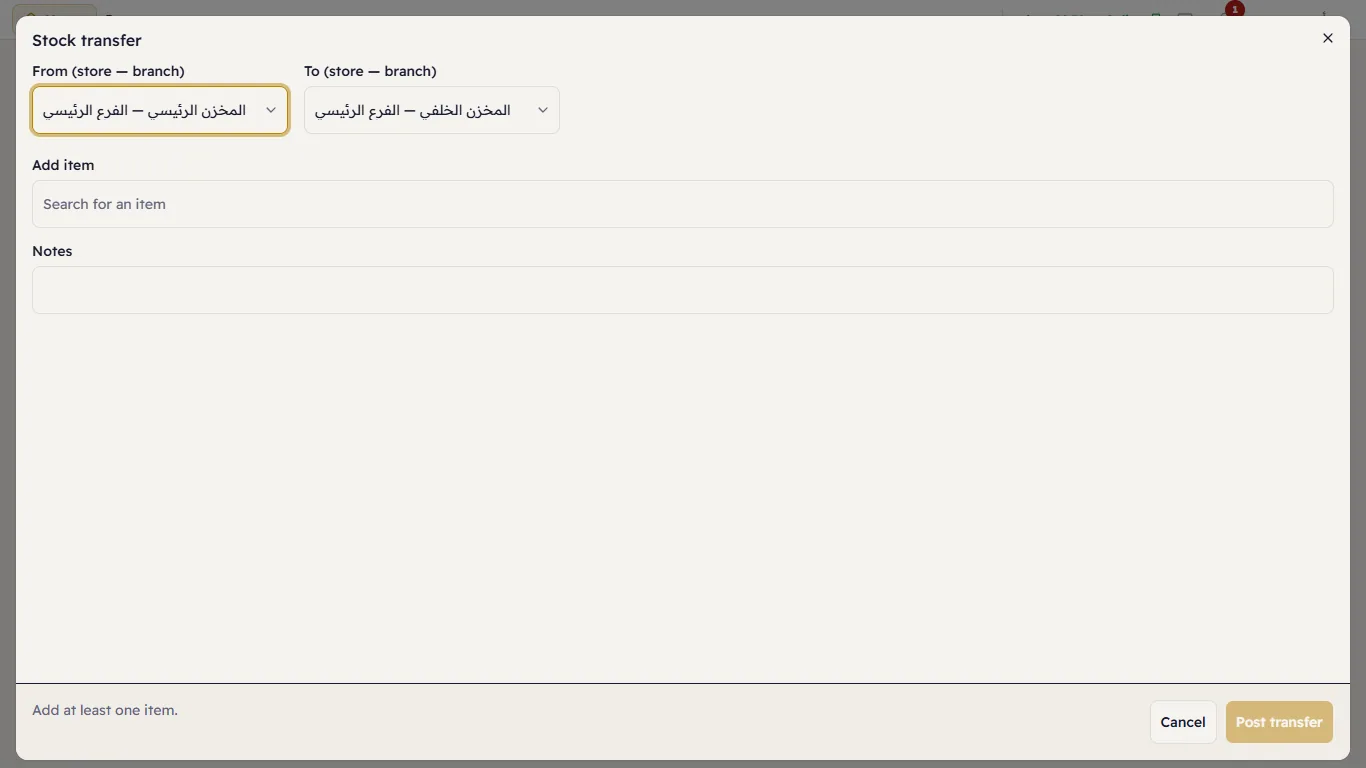
- Press New transfer.
- Choose From (store — branch) and To (store — branch).
- Add an item: search for it and press it. Type the quantity; the on-hand quantity in the source store is shown under it. For a batch item choose the Lot; for a serial item, the pieces.
- Press Post transfer.
The transfer note
Press a transfer's number to open it — what moved, from where, to where, who posted it and the value:
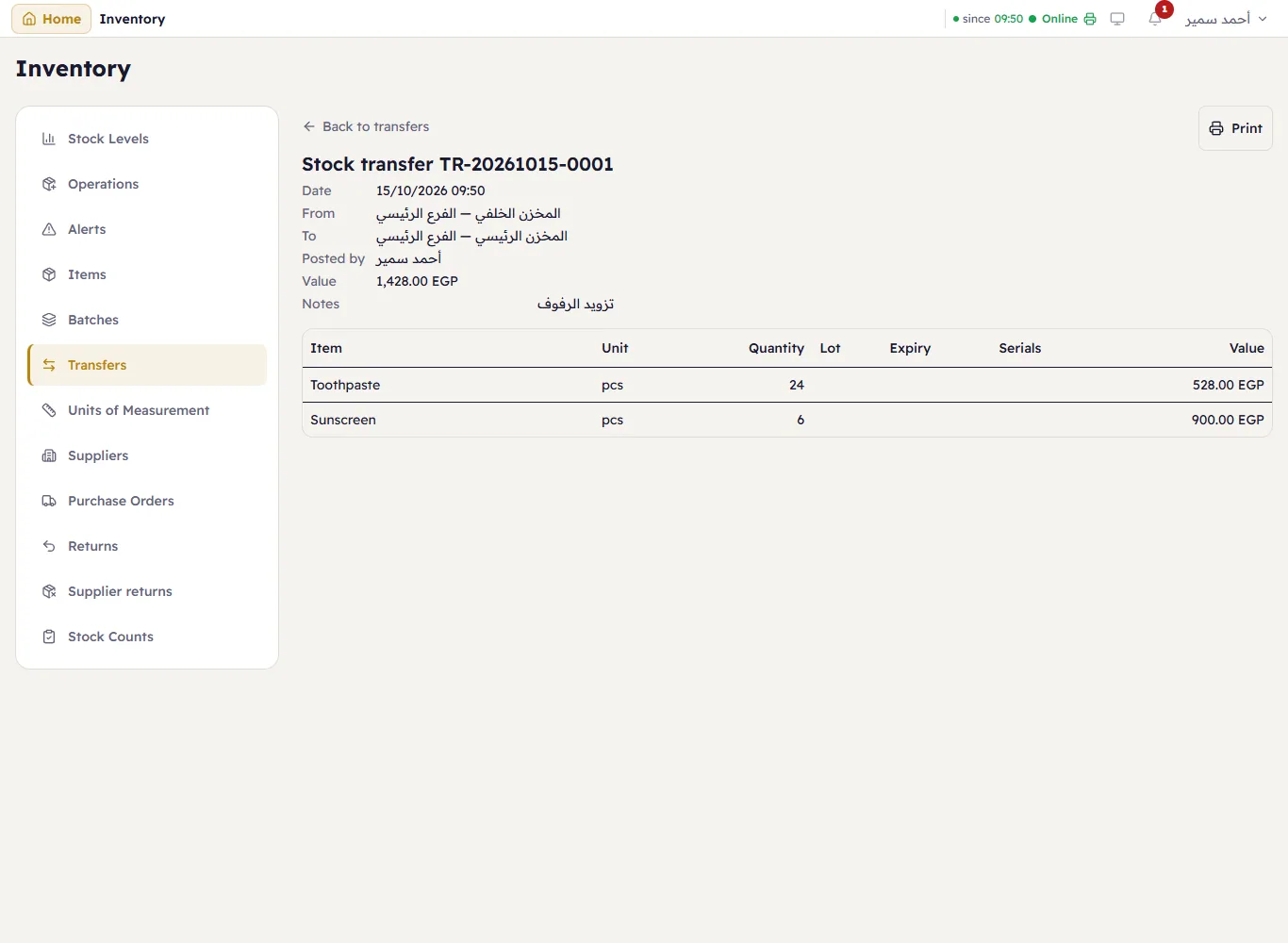
Print prints the transfer note on A4 with Handed over by / Received by / Approved by lines, and without prices.