Data export
Your data is yours — any table as CSV, or the whole database as one file.
- Who can do this
- Owner
- Permission needed
- «Manage Settings»
Settings → Data export:
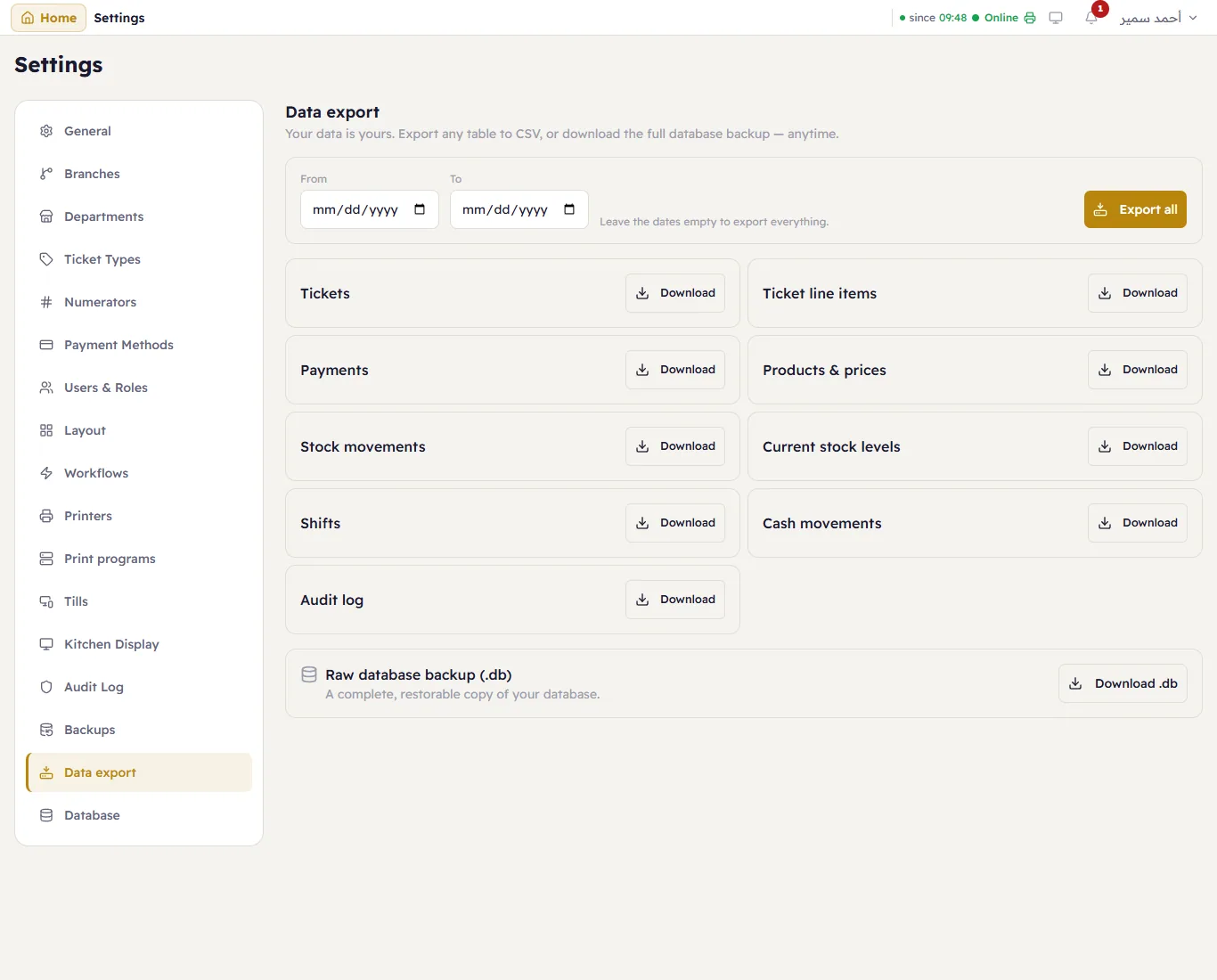
- Each table — products and prices, stock levels, stock movements, payments, cash movements, shifts, suppliers, the audit log… — has Download: a CSV file that opens in Excel. Choose From and To to export a period; leave them empty to export everything. Export all downloads them all.
- Raw database backup (.db) → Download .db — the complete database in one file, the same as a backup, that can be restored.
For a report as a spreadsheet, see Exporting reports.