Selling on account
Sell to a customer who pays later; the amount is booked as their debt.
- Who can do this
- Cashier Manager Owner
- Permission needed
- «Receive Payment»
- Before you start
- The customer is registered in Customers (or register them from the same window).
Selling On Account means the customer does not pay now; the amount is booked as a debt on their account to be paid later. That is why the ticket must be linked to a customer.
Steps
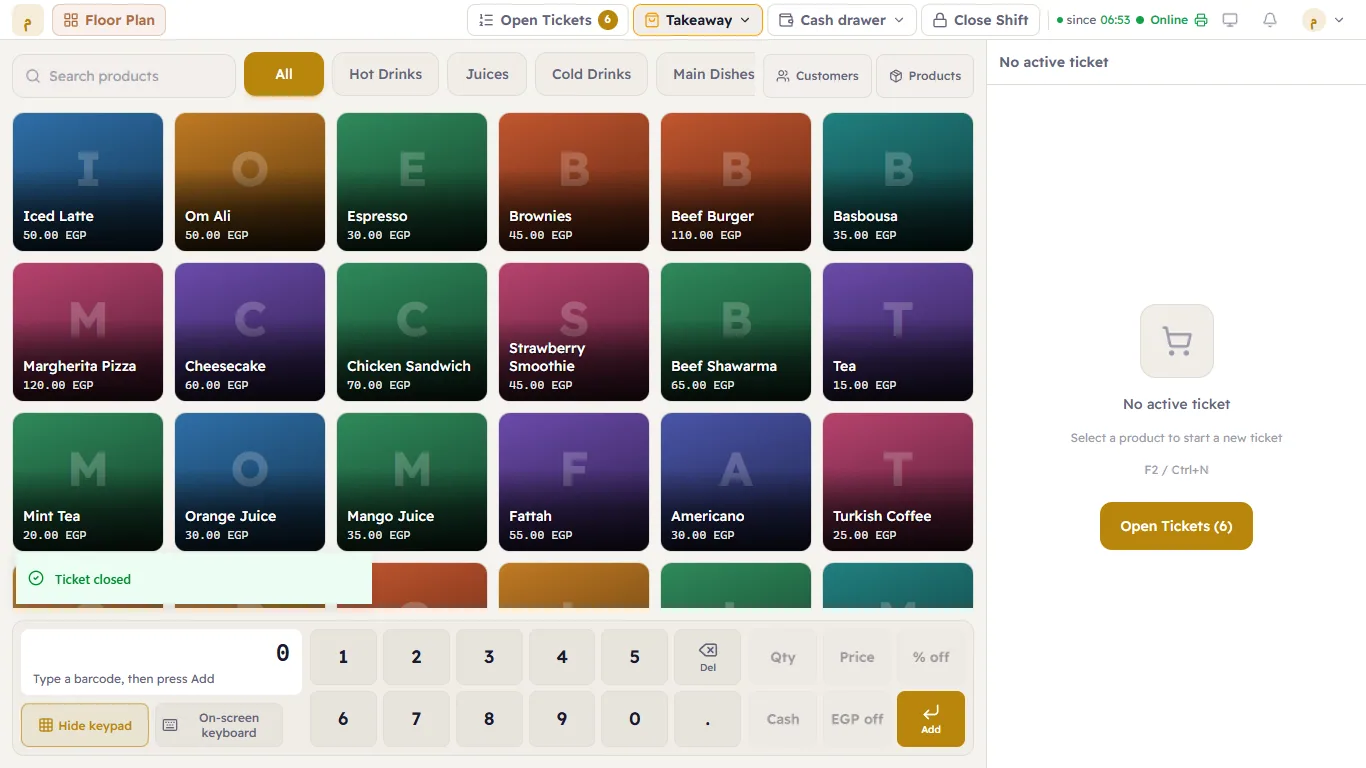
- Add the items to the ticket.
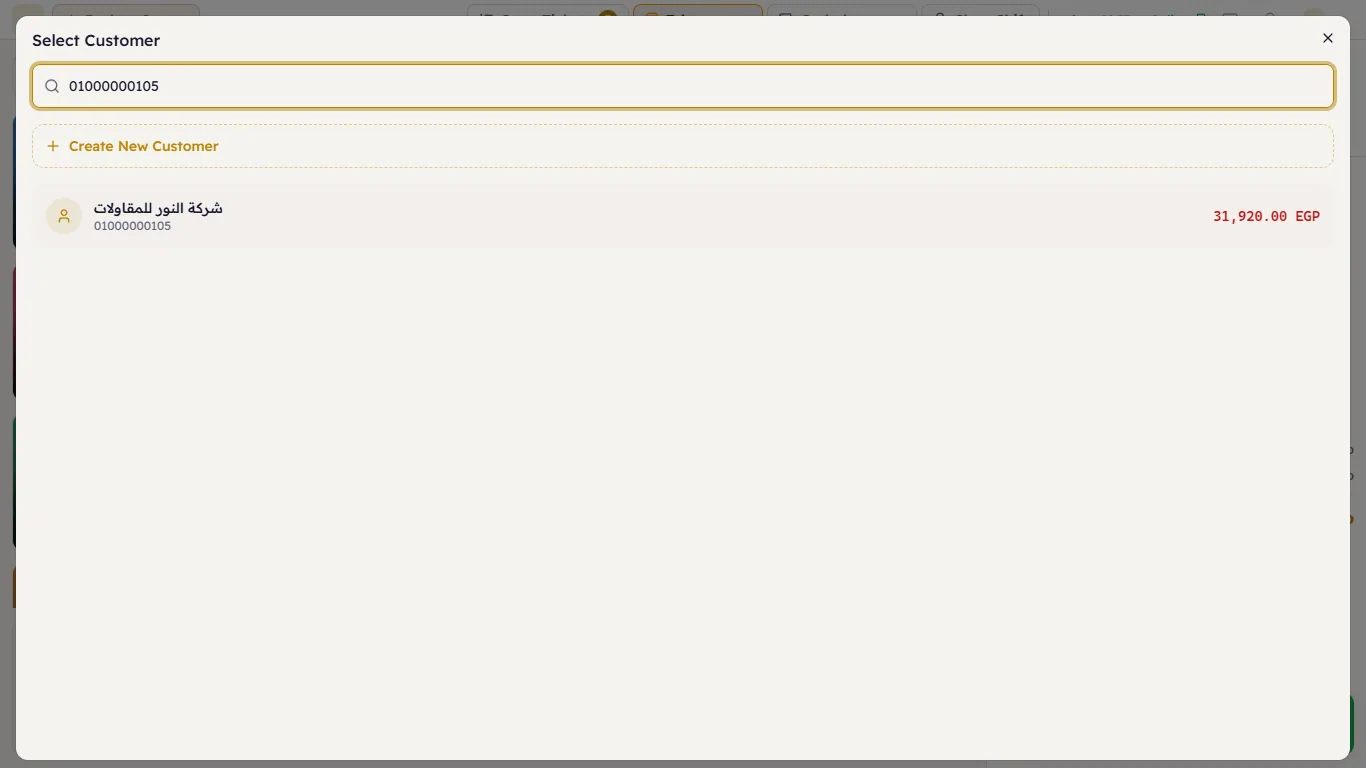
- Press Link Customer above the ticket. In Select Customer, type the customer's mobile number (or part of it) and pick them from the results. If they are not there, press Create New Customer and register them.
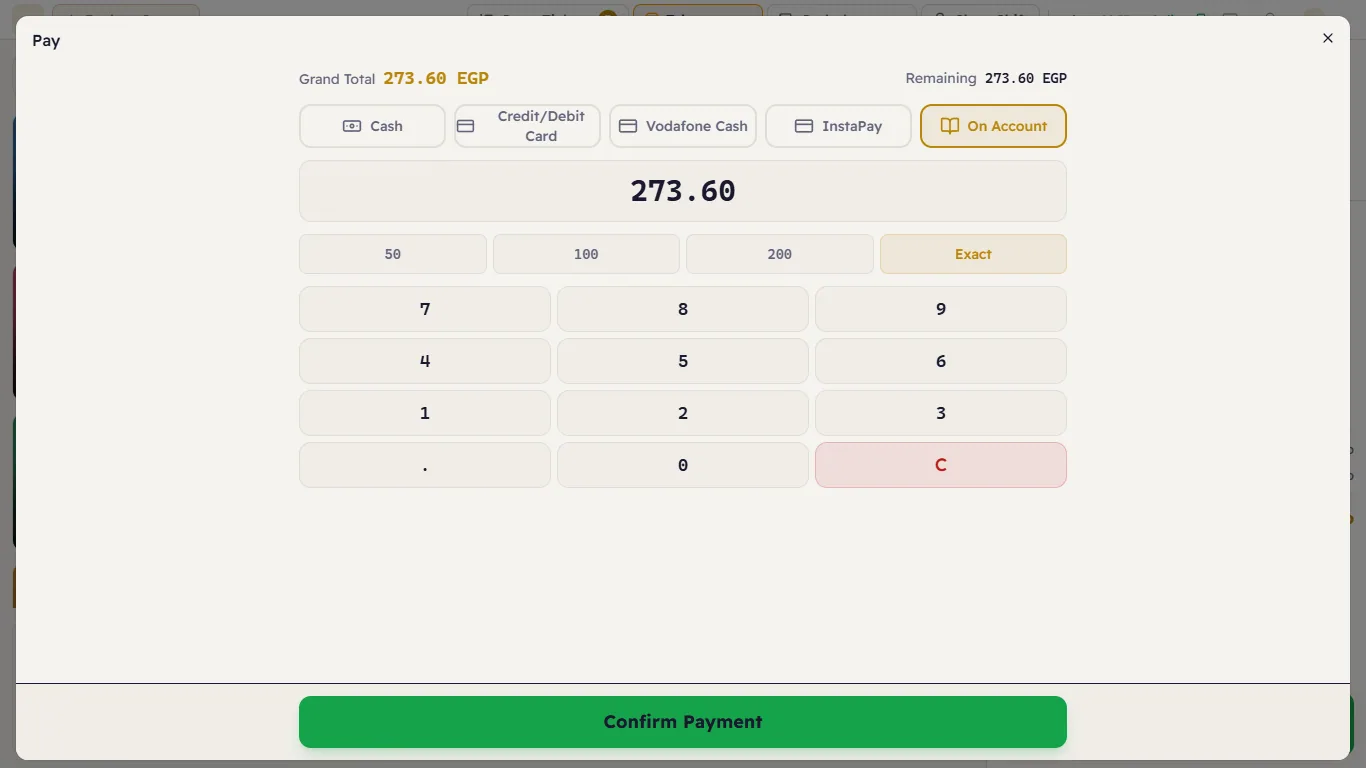
- Press Pay and choose On Account.
- Press Exact, then Confirm Payment.
Rules to know
- Not without a linked customer: "An on-account payment needs a customer on the ticket."
- Not more than what is left on the ticket: "An on-account payment can't be more than the ticket still owes (…). Enter the amount owed." — there is no change on account.
- Part cash, part on account works: take the cash part first with Cash, then the rest On Account (as in Paying with more than one method).
- On-account payments do not go into the drawer; they appear on their own in the shift report.
The customer comes to pay what they owe
Collect it from Customers → the customer → Collect Payment (see Collecting payments and adjusting balances). Collecting cash needs an open shift, so the money goes into the drawer.