Notifications
What the bell at the top tells you, and who receives each notification.
- Who can do this
- Everyone
When something needs following up — an item running low, a receipt that did not print, a batch close to its expiry date — Major sends you a notification. Notifications are kept, so if you were away you will find them when you come back.
Read your notifications
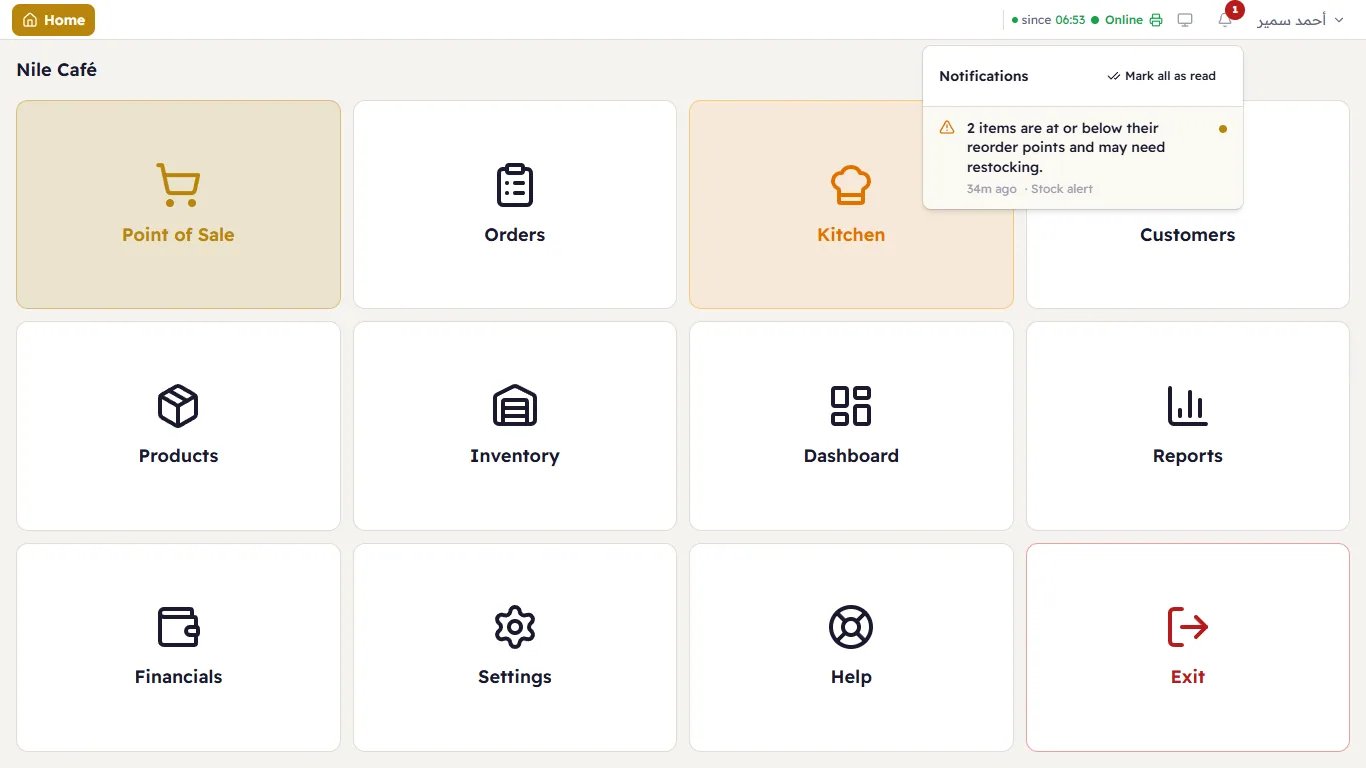
- Press the bell in the header. The red number on it is how many are still unread.
- The Notifications list opens: each one shows the message, how long ago ("2m ago"), and the part of Major it comes from (such as "Stock alert"). A coloured dot next to it means it is unread.
- When you have read them all, press Mark all as read to clear the number.
Notifications you may receive
| Notification | Who receives it | What to do |
|---|---|---|
| "… items are at or below their reorder points and may need restocking." | Owner and managers | Open Inventory → Alerts, check the items and order from the supplier. Major checks stock every hour. (Alerts) |
| "… batches have expired / expire within 7 days / are close to expiry. Check your stock." | Owner and managers | Check Batches in Inventory; sell the closest first or return them to the supplier. (Batches and serial numbers) |
| "The receipt for ticket #… is waiting — this till's print program isn't running." | The cashier who made the sale | Open the till app on the computer with the printer; the receipt prints by itself. |
| "The receipt for ticket #… was not printed: this branch has no active receipt printer." | The cashier | A manager adds a printer or switches one on in Settings → Printers. (Printers) |
| "The kitchen ticket for order #… did not print on "…" — print it again." | The cashier | Print it again and check the printer. |
| "The printer "…" has been stuck on an earlier job for over … minutes, so new prints for it are waiting." | Waiting cashiers + managers | Check the paper and power, or close and reopen the till app on the computer the printer is plugged into. |
| "Ticket #…: serial … was not in the selling store …, so no stock was deducted for it." | Managers | Transfer the unit to the selling store, then reconcile. (Transfers) |
| "Someone entered a wrong pairing PIN … times in a row, so pairing is paused …" | Owner | If it wasn't you or your staff, someone on the network is trying to pair a till. (Pairing tills) |
| "Batch recall: …" and controlled-item operations | Owner | For pharmacies. (Pharmacy) |