Backups and restore
A backup every day by itself, one any time you ask, a copy off the PC — and going back to a chosen day.
- Who can do this
- Owner
- Permission needed
- «Manage Settings»
Settings → Backups:
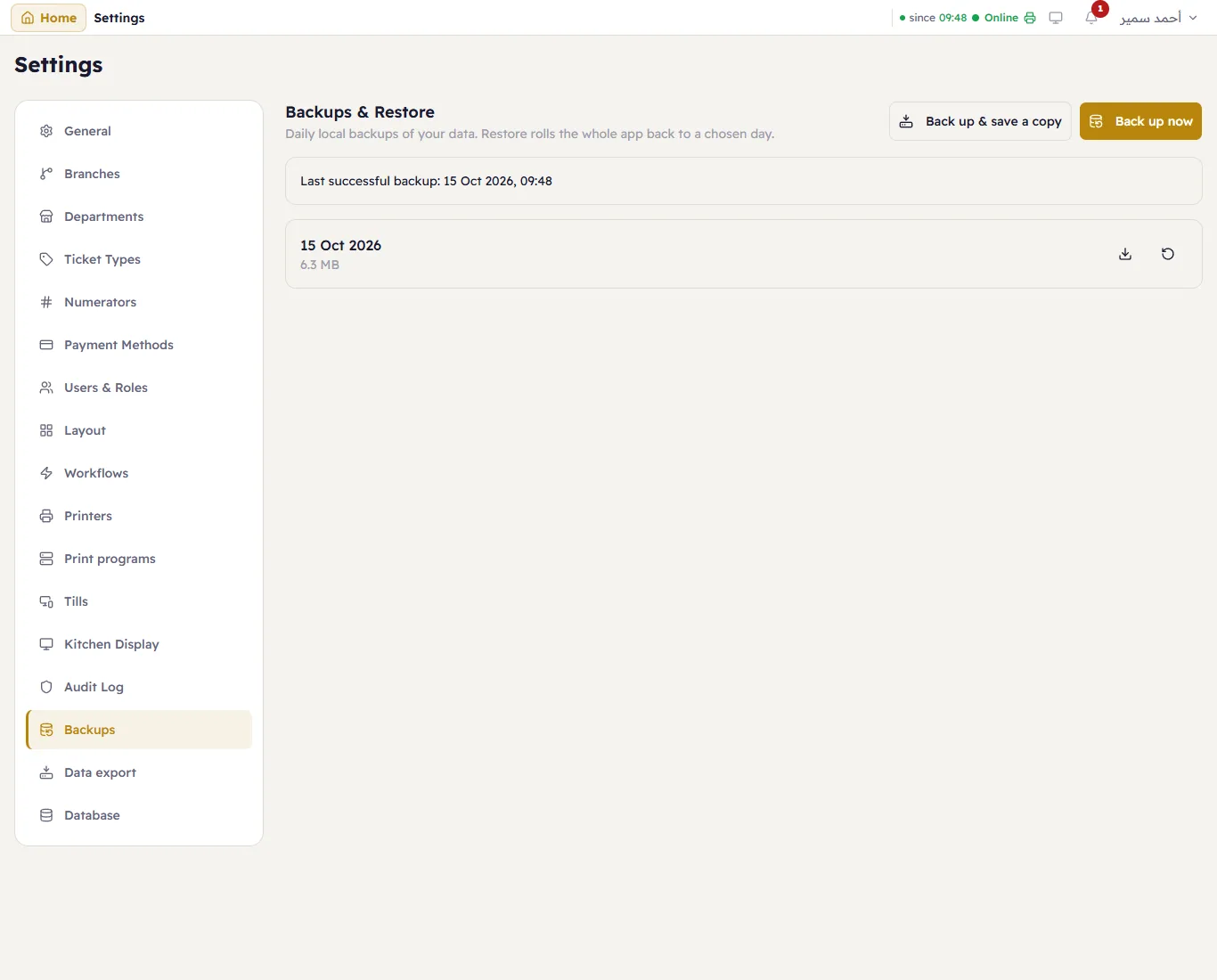
Major backs the database up every day by itself on the server PC (C:\ProgramData\Major\backups). The top line says
Last successful backup; the list has every backup with its date and size.
- Back up now — before a big change, say.
- Back up & save a copy — takes a backup and downloads it, so a copy lives off this PC (a USB stick, the cloud). Do it every week: a backup on the same disk does not survive the disk.
- On a backup row: Download saves that one; Restore goes back to it.
Restore
Restore replaces all current data with that backup. Major first takes a safety copy of the current data, then restarts with the restored data. Sales made after that backup are gone, so restore only for a real reason (a broken database, a big mistake) — and tell the tills, which reconnect by themselves.