Cancel a whole ticket before payment, or open a closed ticket again to change it.
Who can do this
CashierManagerOwner
Permission needed
«Void Ticket»
Cancel a ticket before payment
The customer left before paying, or the whole order was rung up wrongly? Cancel the whole ticket:
Open the ticket and press Cancel Ticket.
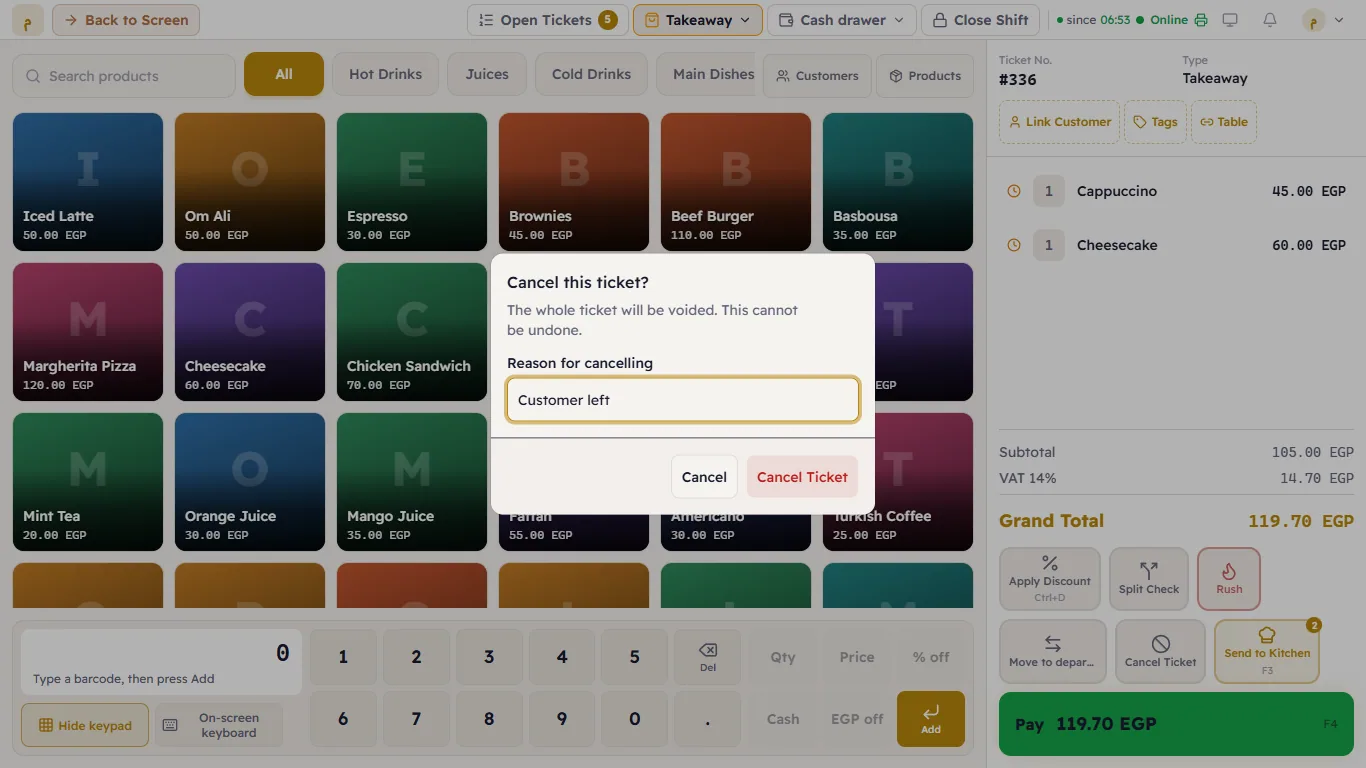
"Cancel this ticket?" appears — "The whole ticket will be voided. This cannot be undone." Type the Reason for cancelling (for example "Customer left").
Press Cancel Ticket.
Confirming the cancellation, with its reason
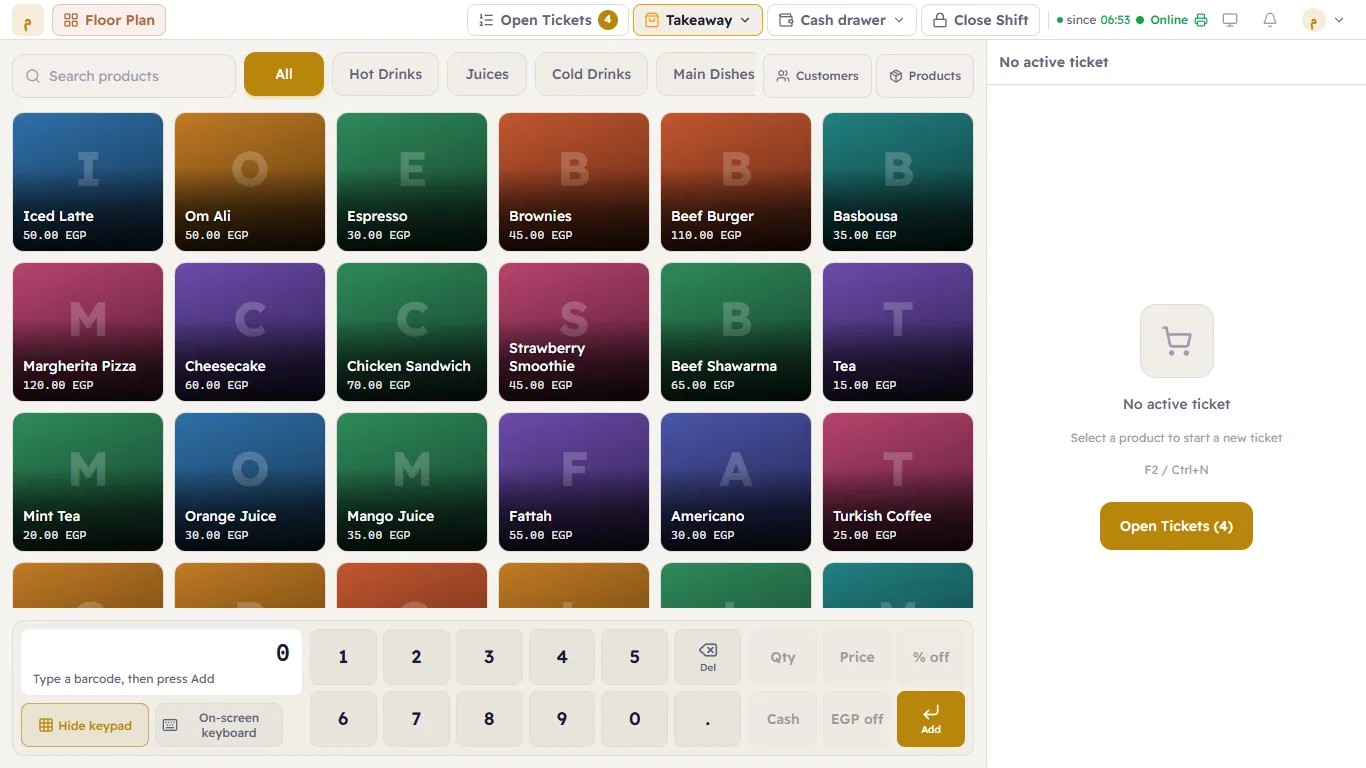
The till after cancelling
Reopen a closed ticket
The customer came back to add something to a closed ticket, or a mistake needs correcting:
Open Orders (from Home or the Orders button).
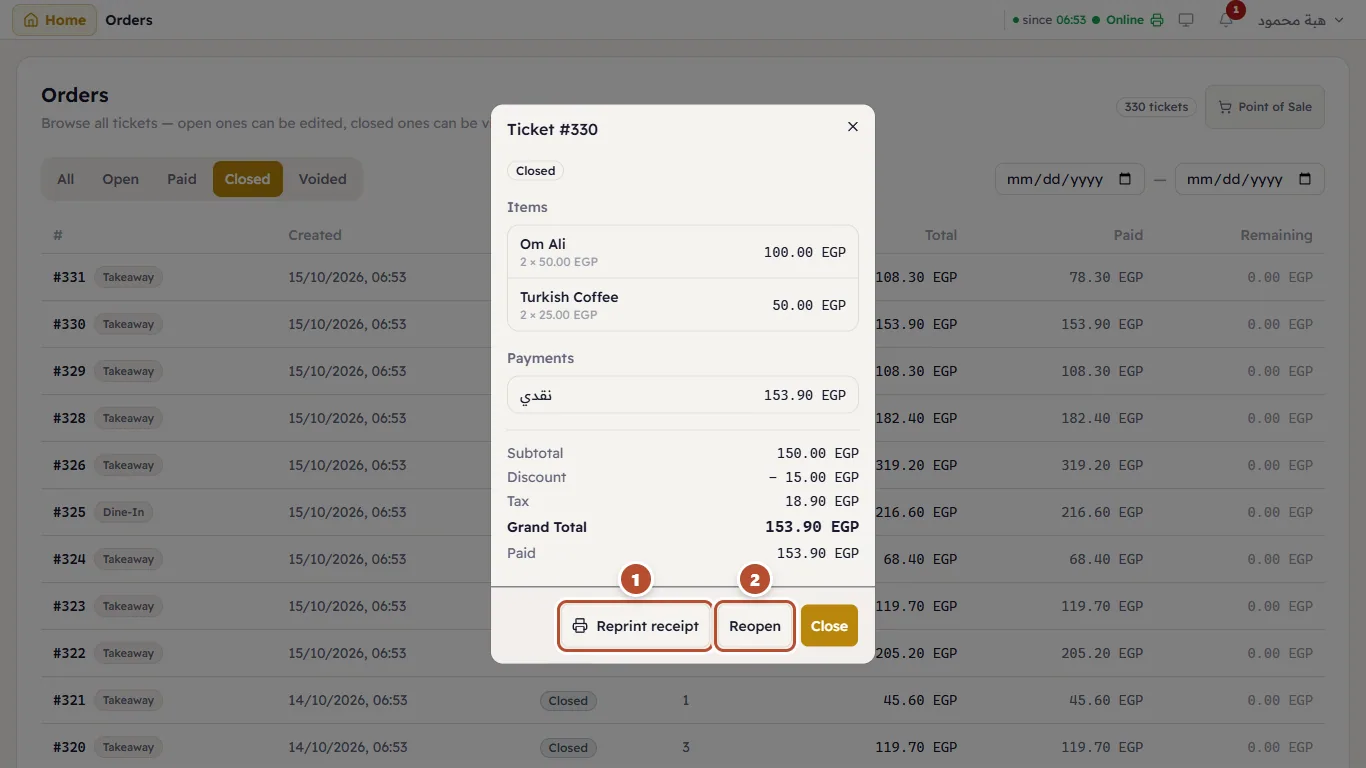
Tap the closed ticket. Ticket Details opens with its items and payments.
Press Reopen(2).
A closed ticket's details: Reprint receipt and Reopen
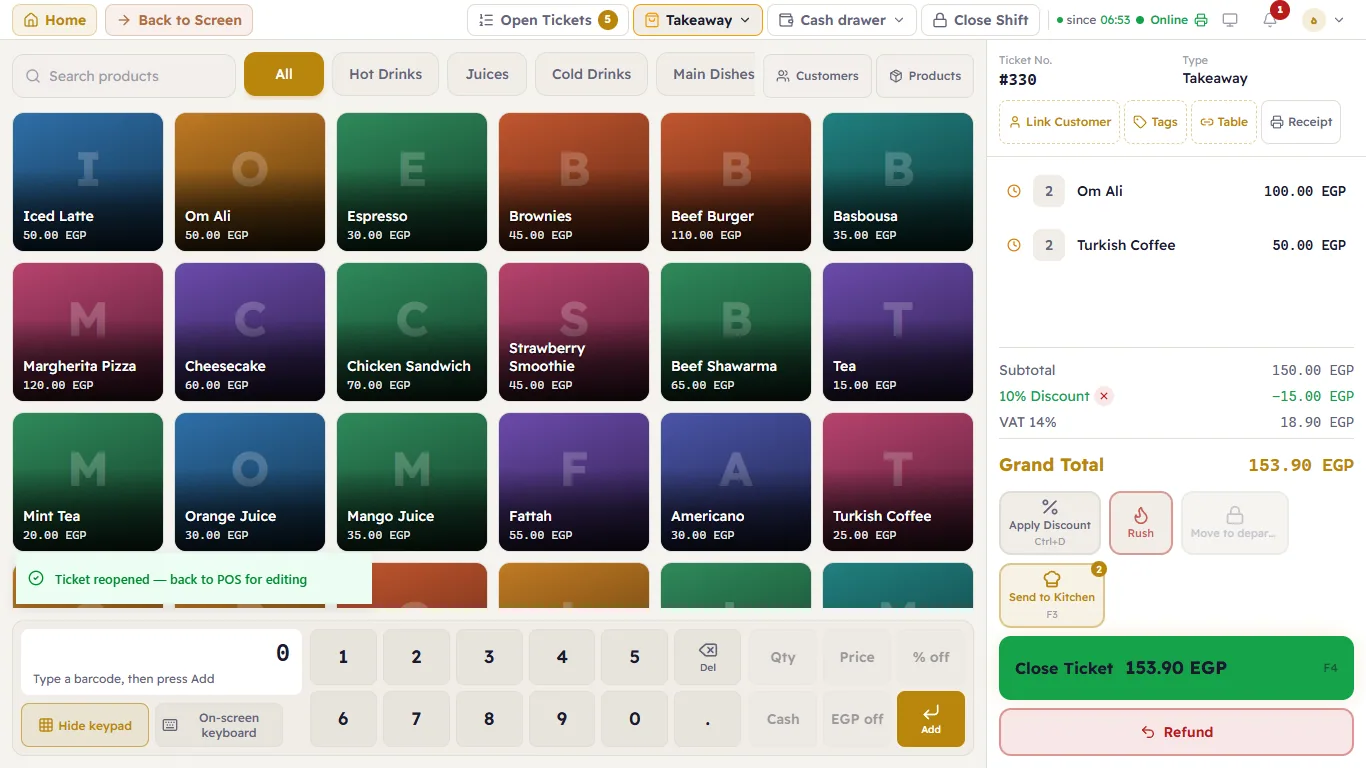
The ticket open again on the till
If the customer returned something after paying, see Refunds.