Selling serial and batch items
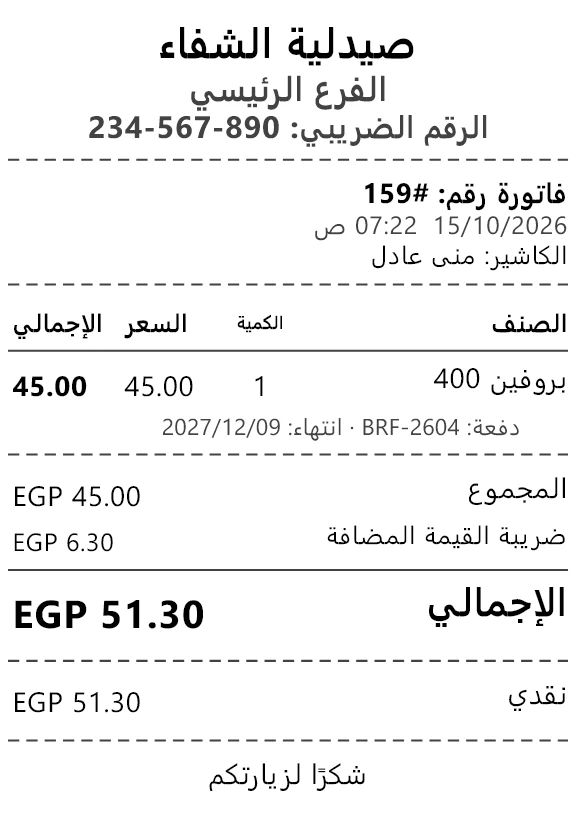
A phone sold by its serial number, a medicine sold from the lot that expires first — and both printed on the receipt.
- Who can do this
- Cashier Manager Owner
- Permission needed
- «Open Ticket»
Some items are tracked one by one (a serial number per piece) or by lot (a batch number and an expiry date). See Inventory items for how an item is set up.
A serial item
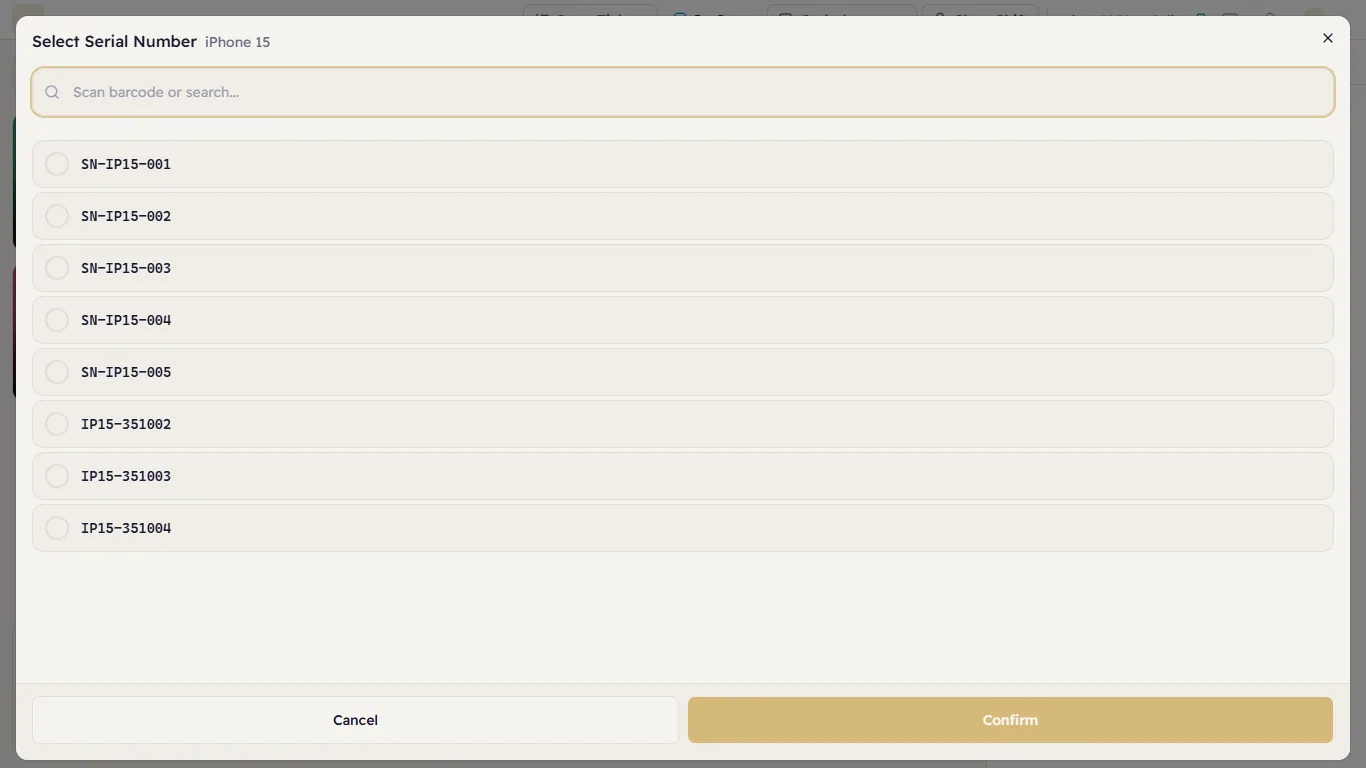
Tap the product. Major opens Select Serial Number with the pieces available in the selling store:
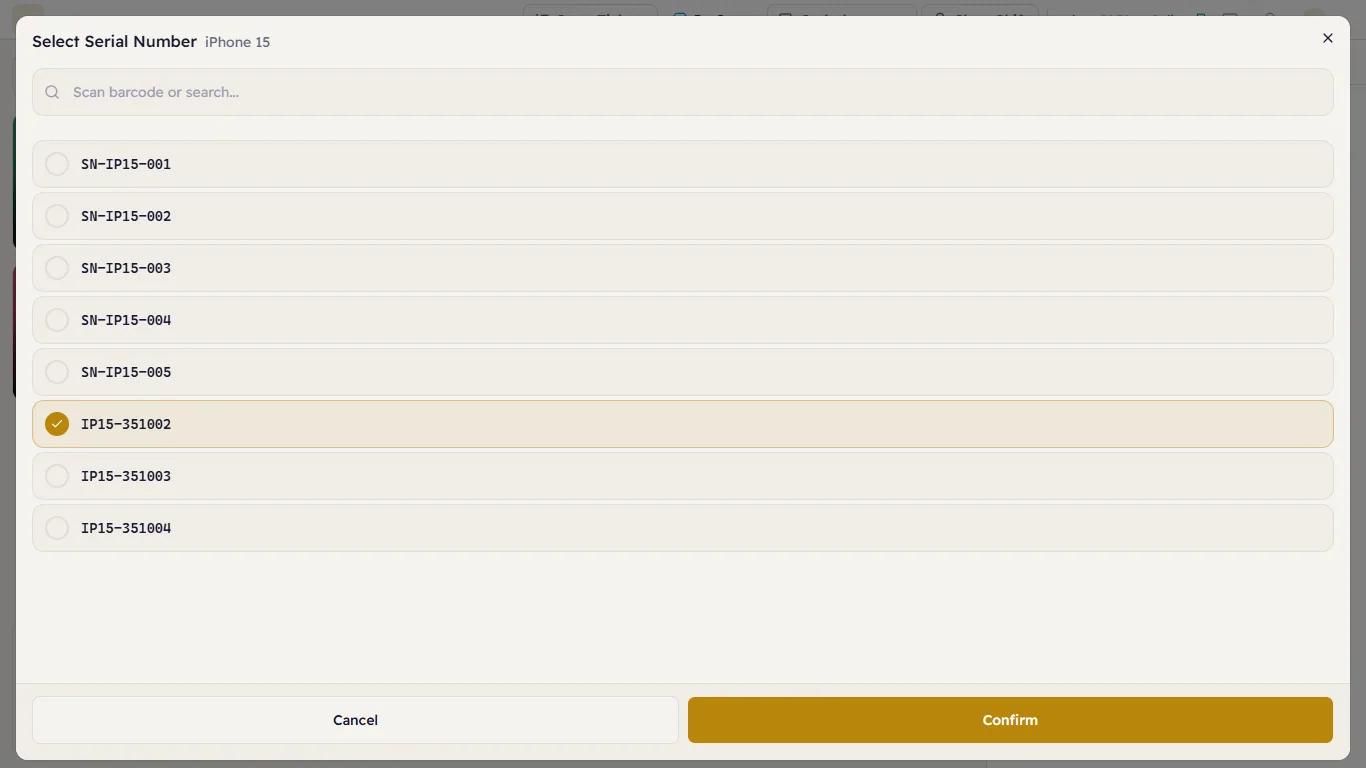
Tap the piece you are handing over — or scan its barcode into the search box — and press Confirm:
The line shows its serial number under the name, so you can check it against the box:
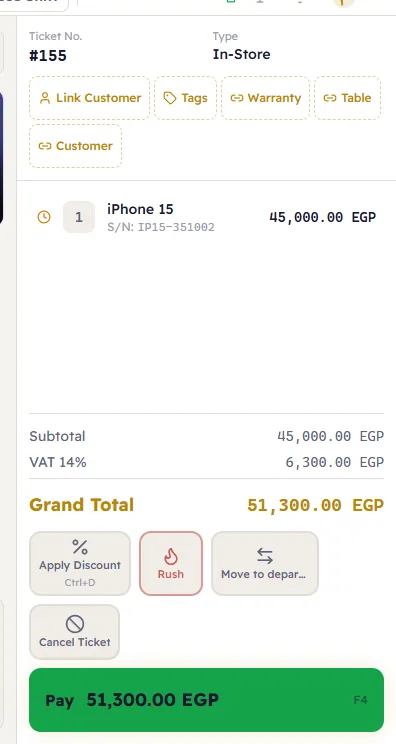
Each piece is one line: to sell two phones, add the product twice and pick each serial. The serial prints on the receipt and is what the returns desk and the warranty find later.
A batch item
Tap the product as usual — there is nothing to choose:
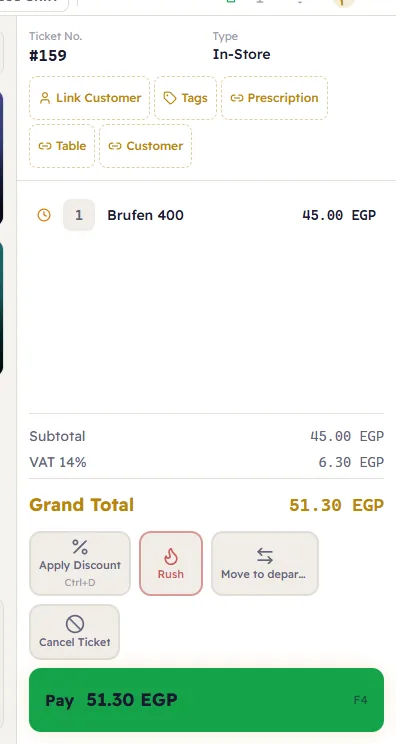
When the sale closes, Major takes the units from the lot that expires first (or the oldest, for items costed first in, first out), never from an expired or recalled lot. The receipt prints the lot and its expiry under the line: