Business info, system and appearance
The shop's name, address and tax ID on the receipt, the language and currency, and the brand colour.
- Who can do this
- Owner
- Permission needed
- «Manage Settings»
Settings → General has four tabs.
Business Information
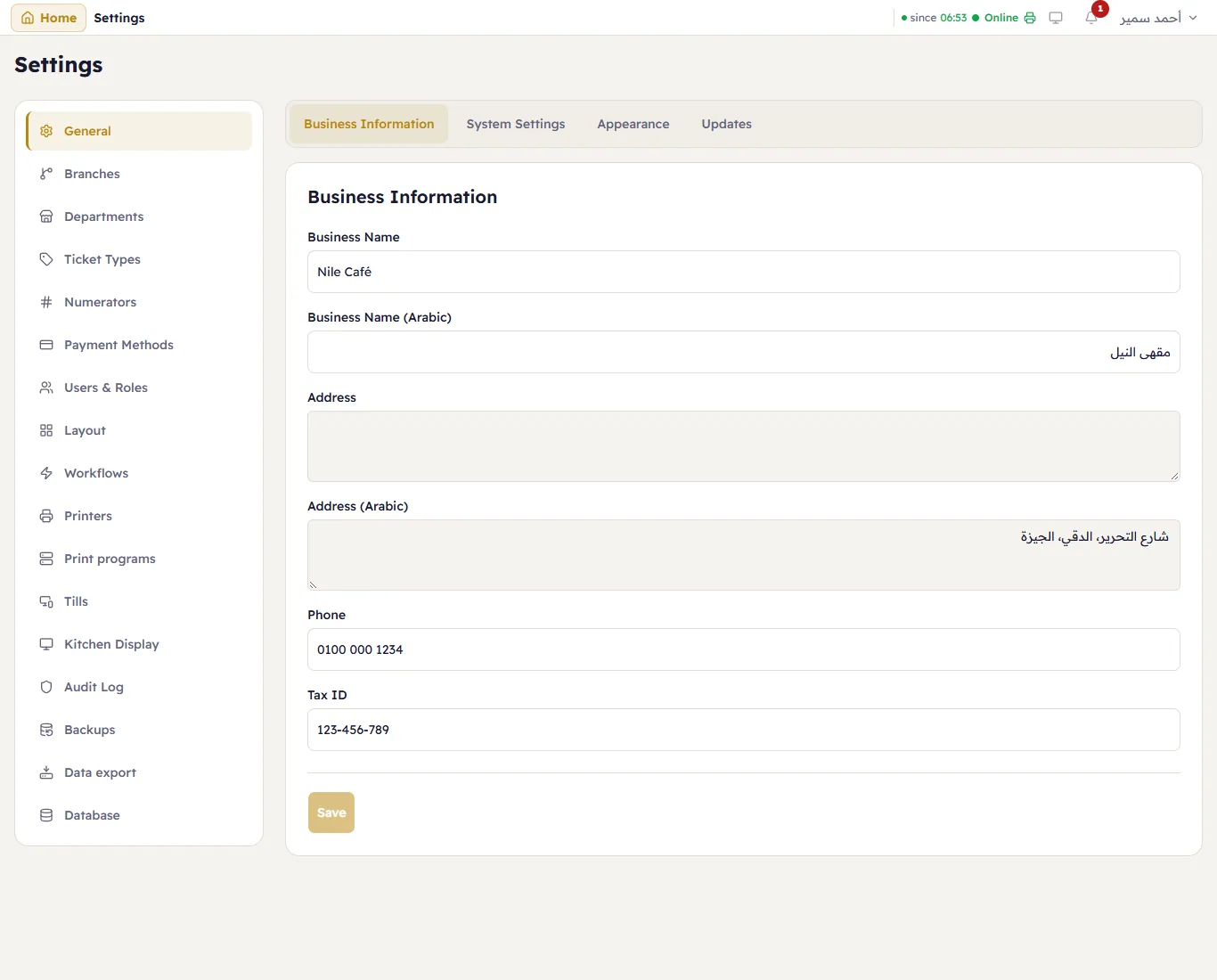
The shop's name in English and Arabic, the address in English and Arabic, the phone and the tax ID. They print at the top of every receipt. Change a field and press Save.
System Settings
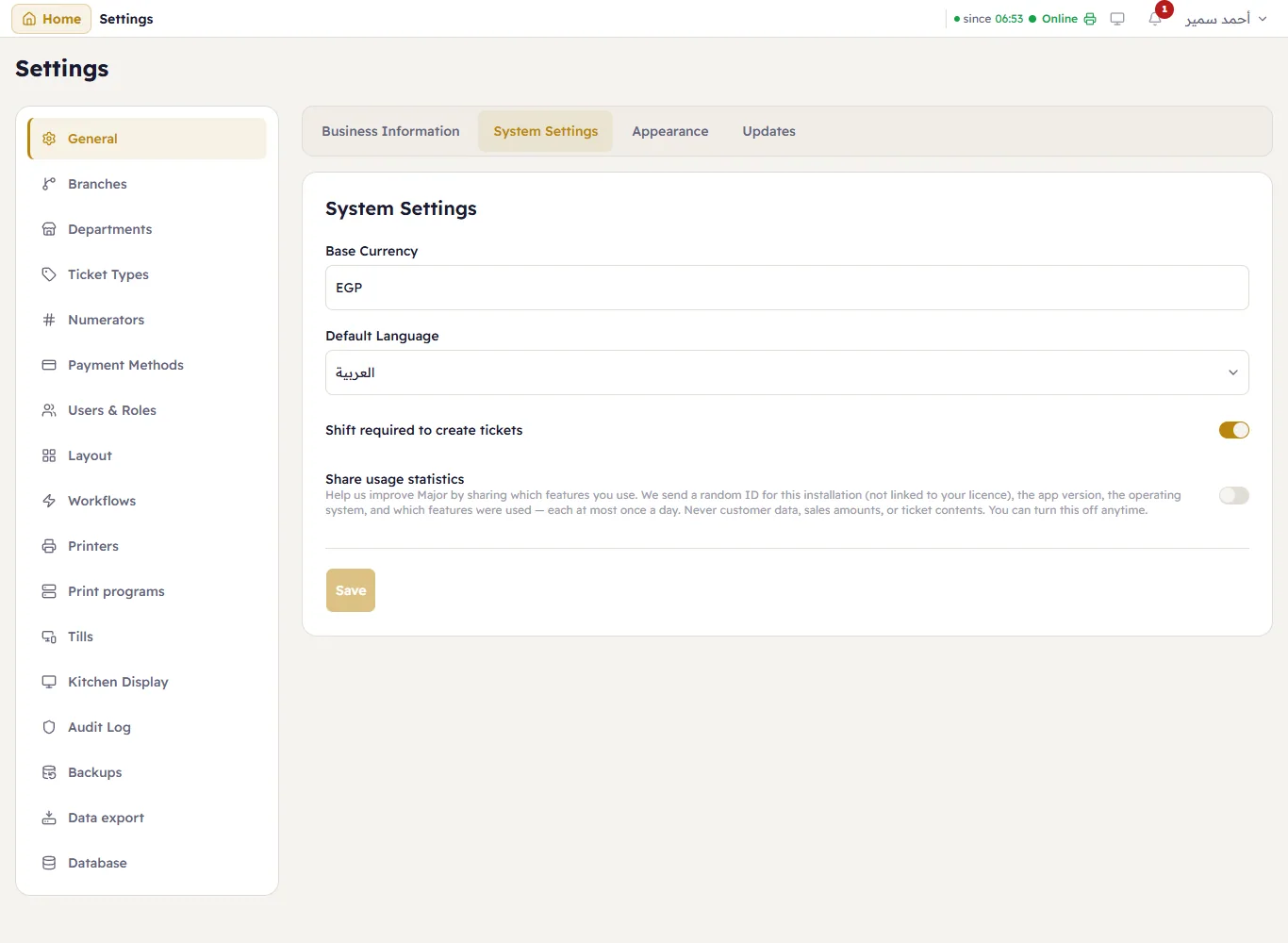
- Base Currency — EGP.
- Default Language — what the sign-in page and new users start in; each person can switch from the account menu.
- Shift required to create tickets — on: the till asks for an open shift before the first sale (recommended, so every sale belongs to a drawer); off: selling works without one.
- Share usage statistics — see the setup wizard.
Appearance
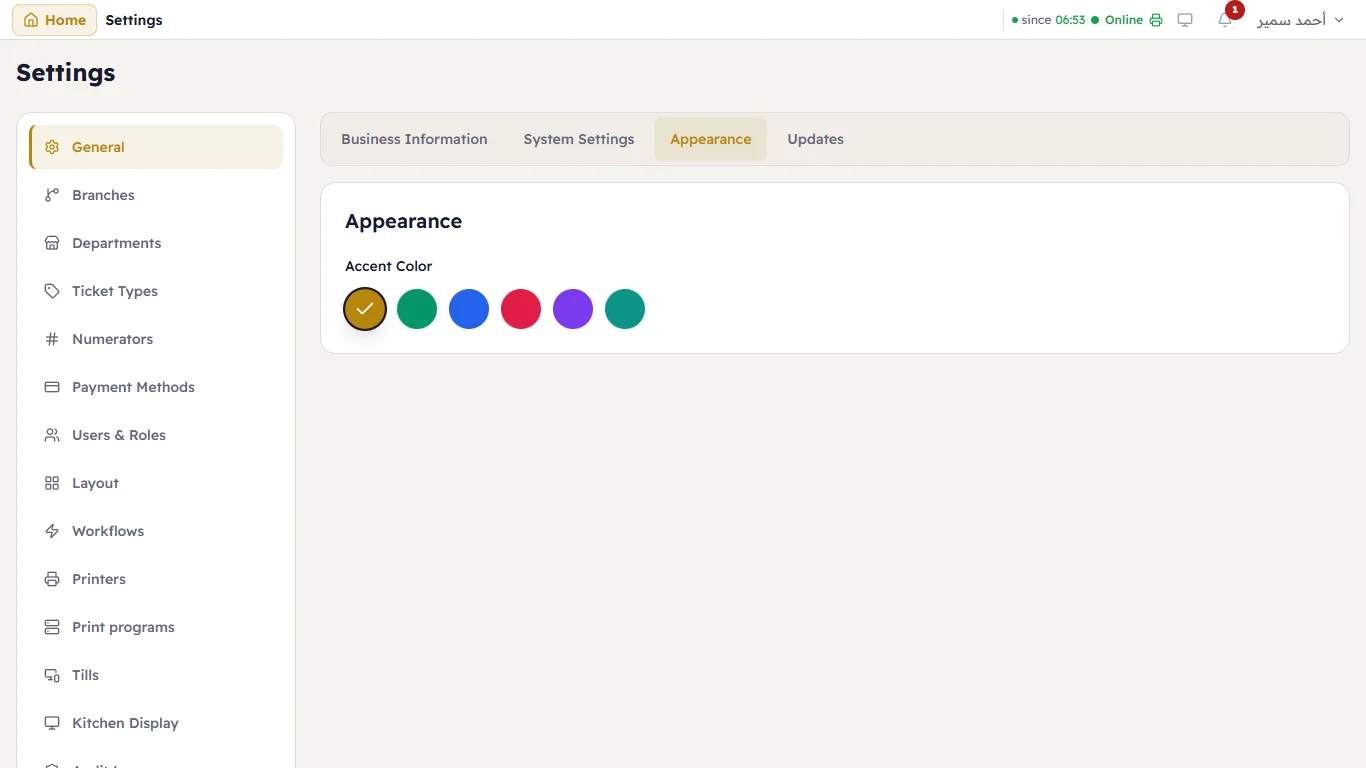
The Accent Color of buttons and highlights. Light or dark is each person's choice, from the account menu.
Updates
See Updates.