Sizes and extras
Items sold in sizes (small/medium/large), with extras (an extra shot, oat milk) or with ingredients that can be removed.
- Who can do this
- Cashier Waiter Manager Owner
- Permission needed
- «Open Ticket»
Some items open a window when you tap them, so you can choose something before the item is added.
An item sold in sizes
For example, Americano comes in Small, Medium and Large, each with its own price.
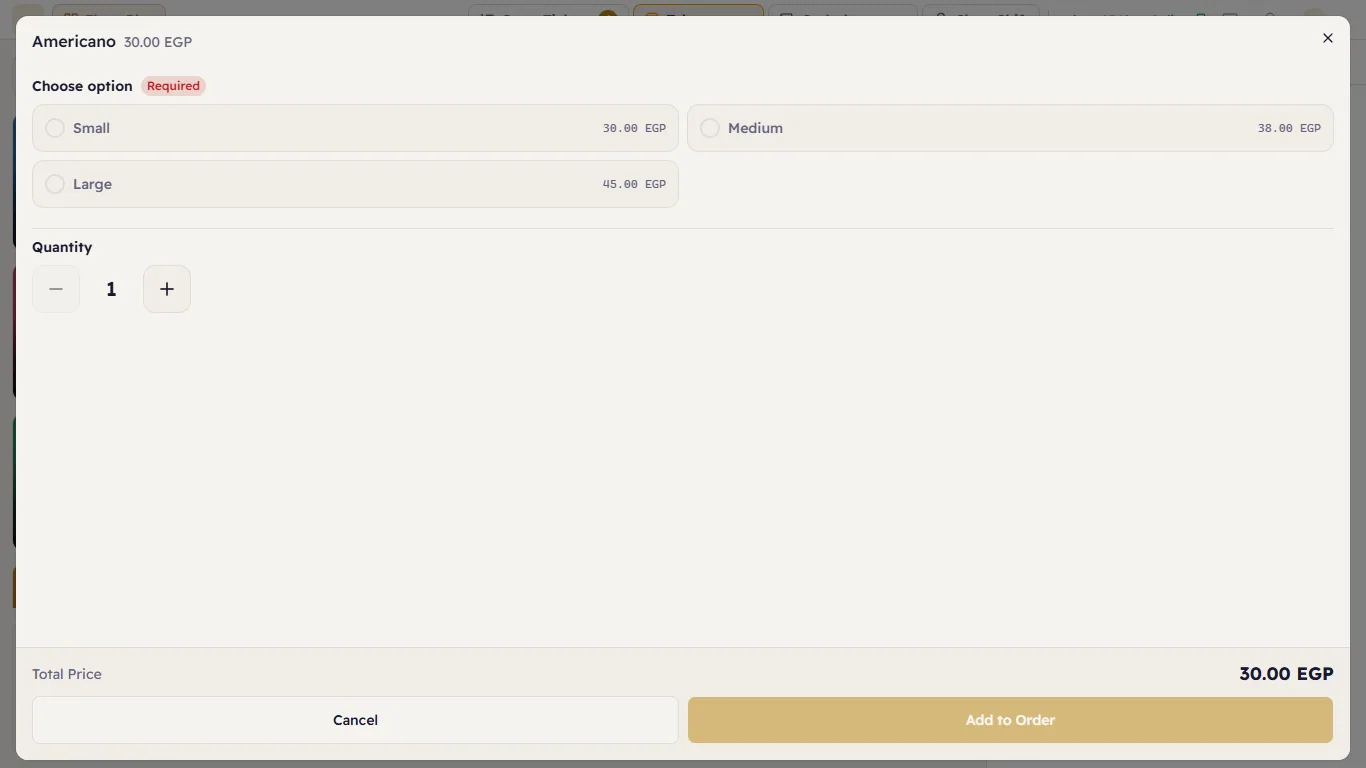
- Tap the item.
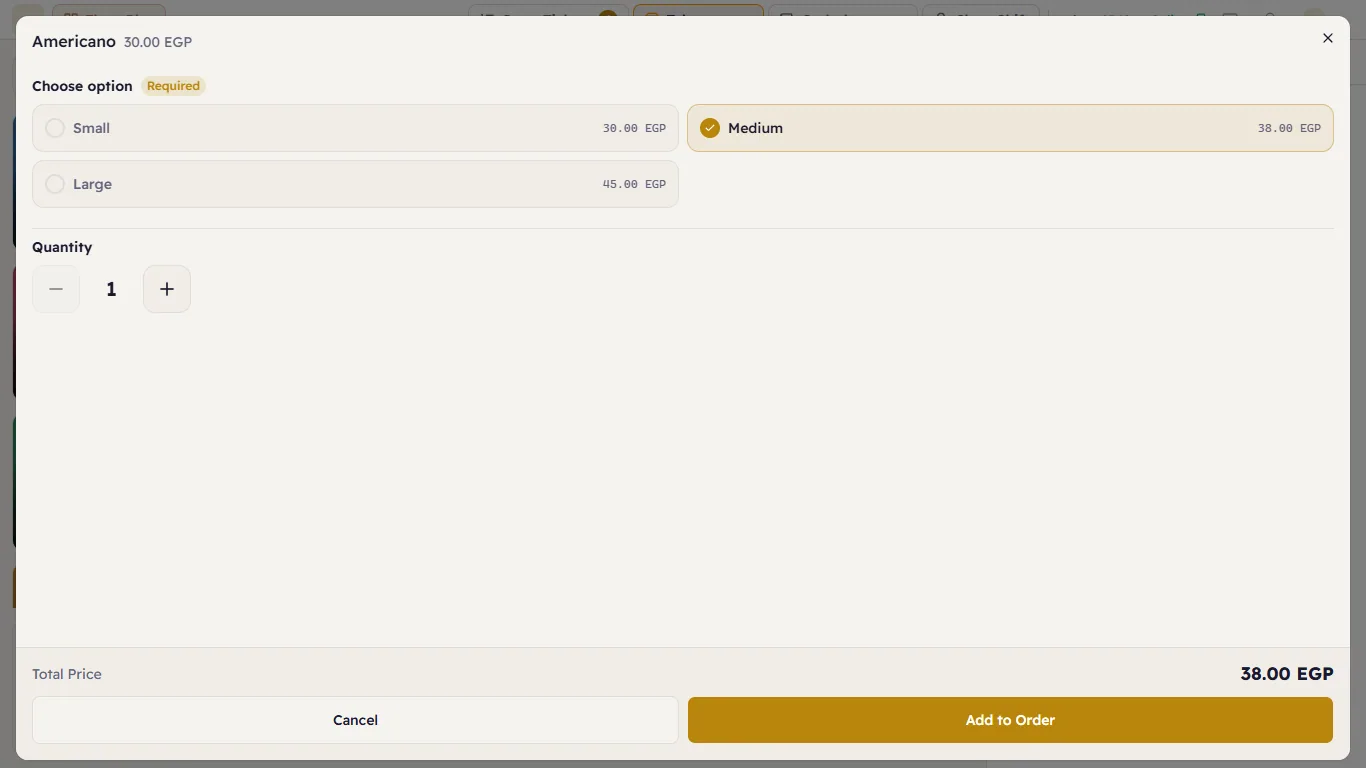
- Under Choose option (marked Required) tap the size. The Total Price at the bottom follows your choice.
- To sell more than one, change the Quantity with + and −.
- Press Add to Order.
An item with extras
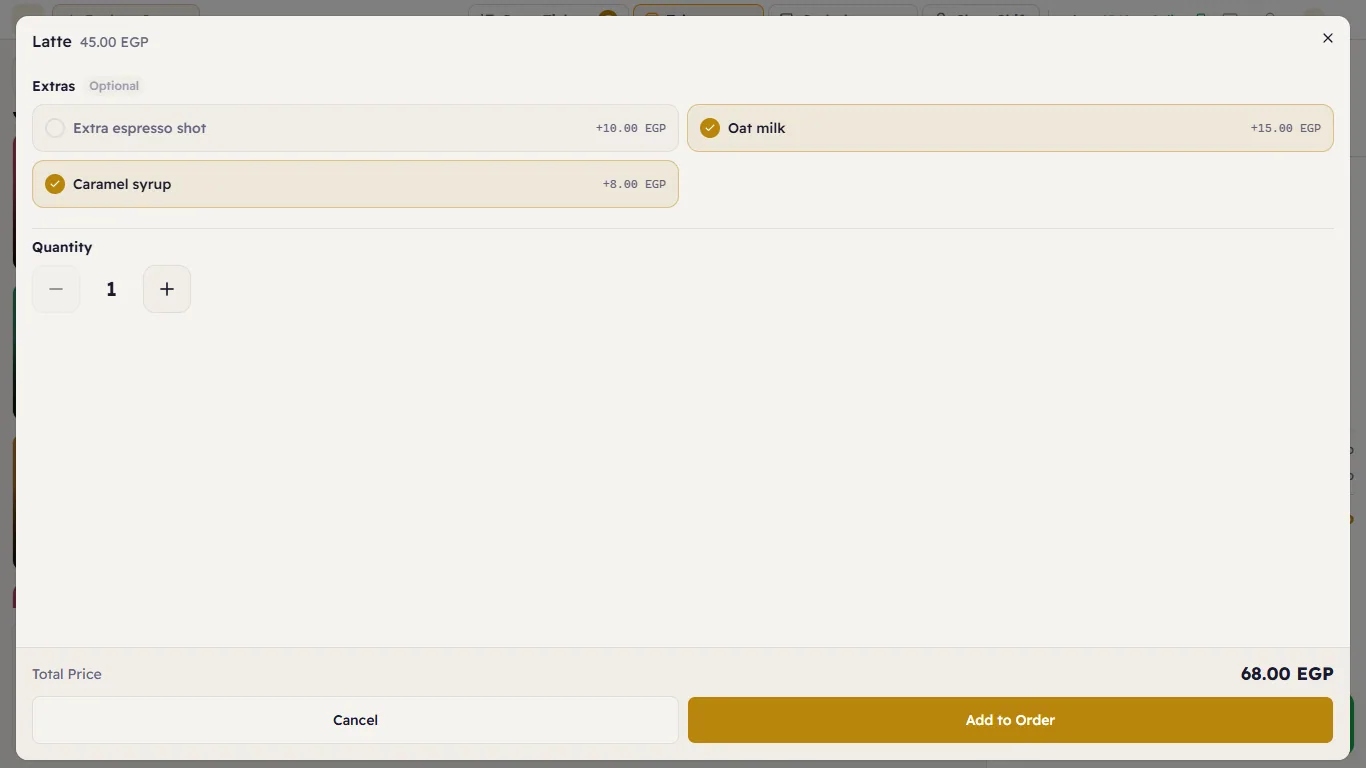
For example, Latte has Extras (marked Optional): Extra espresso shot +10, Oat milk +15, Caramel syrup +8. Tap every extra the customer wants (you can pick several); its price is added to the total.
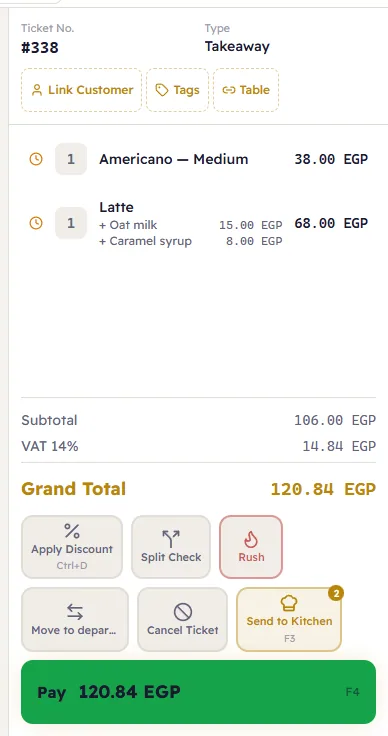
On the ticket, the extras appear under the item's name and its price includes them:
Remove or swap an ingredient
In restaurants and cafés some items have ingredients the customer can remove ("no onions") or swap ("oat milk instead of regular milk"). They appear in the same window under Customize ingredients if a manager has set them up for the item, each with Keep, Remove or Replace with... (a substitute that is out of stock is marked Out of stock). Stock is deducted according to the choice, and the kitchen sees it on the ticket. Managers set this up in Recipes.
A note on the item
If the customer wants something that is not an option ("no garlic"), add the item normally, then write it as a note on the line (see Changing items on the ticket).