Sizes (variants) and extras (modifiers)
Make a product sold in sizes with different prices, and add extras at an extra charge.
- Who can do this
- Manager Owner
- Permission needed
- «Edit Product»
Sizes — "Variants"
A product such as Americano is sold Small, Medium and Large, each with its own price. That is a Variant product.
- When adding the product, choose Product Type: Variant, and press Save & add variants.
- Under Variants press Add variant, type the Arabic and English names and the price, then confirm.
- Repeat for each size, then press Done.
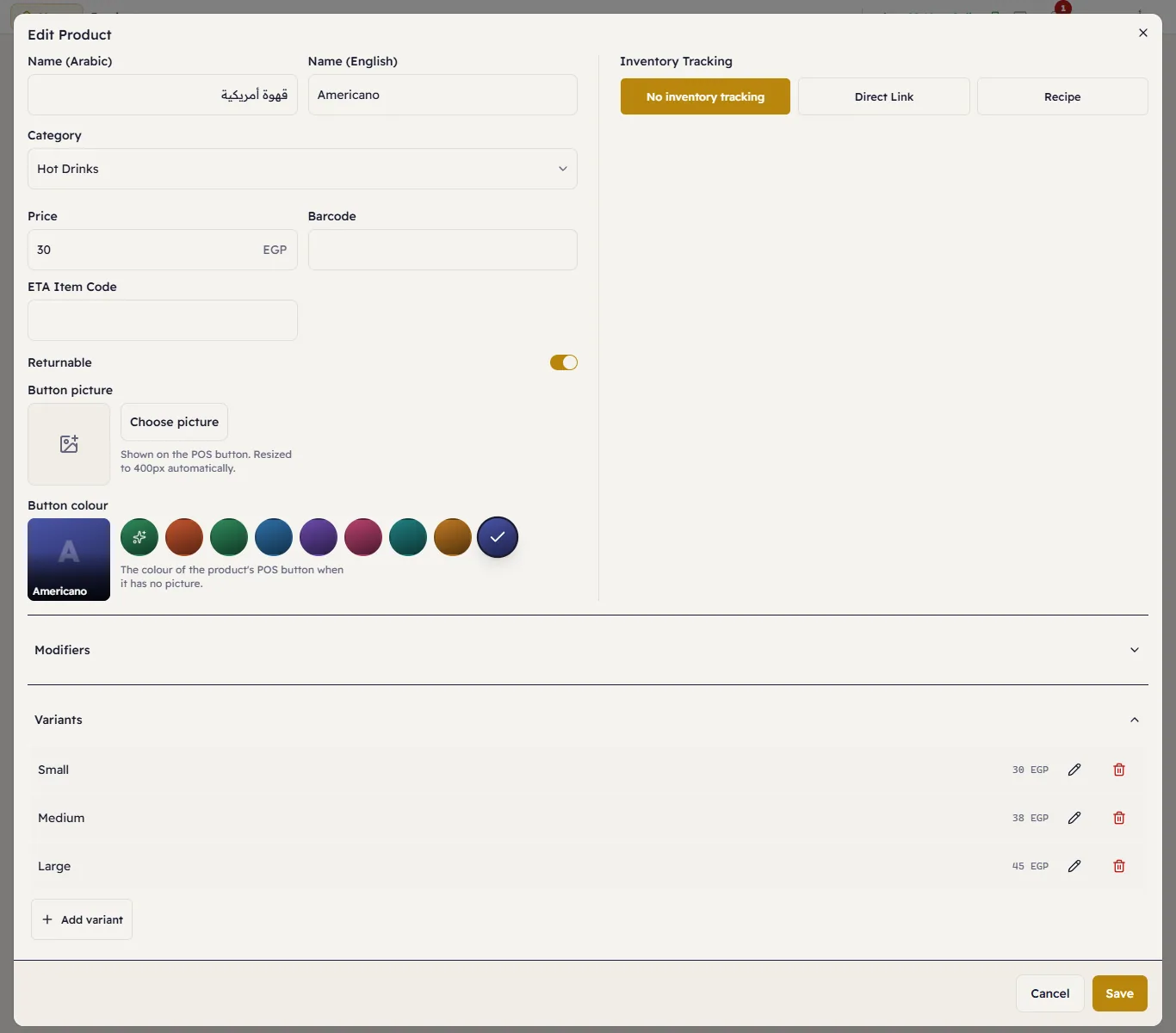
On the till this product asks the cashier for the size (Sizes and extras at the till). Edit a size with the pencil and delete it with the bin.
Extras
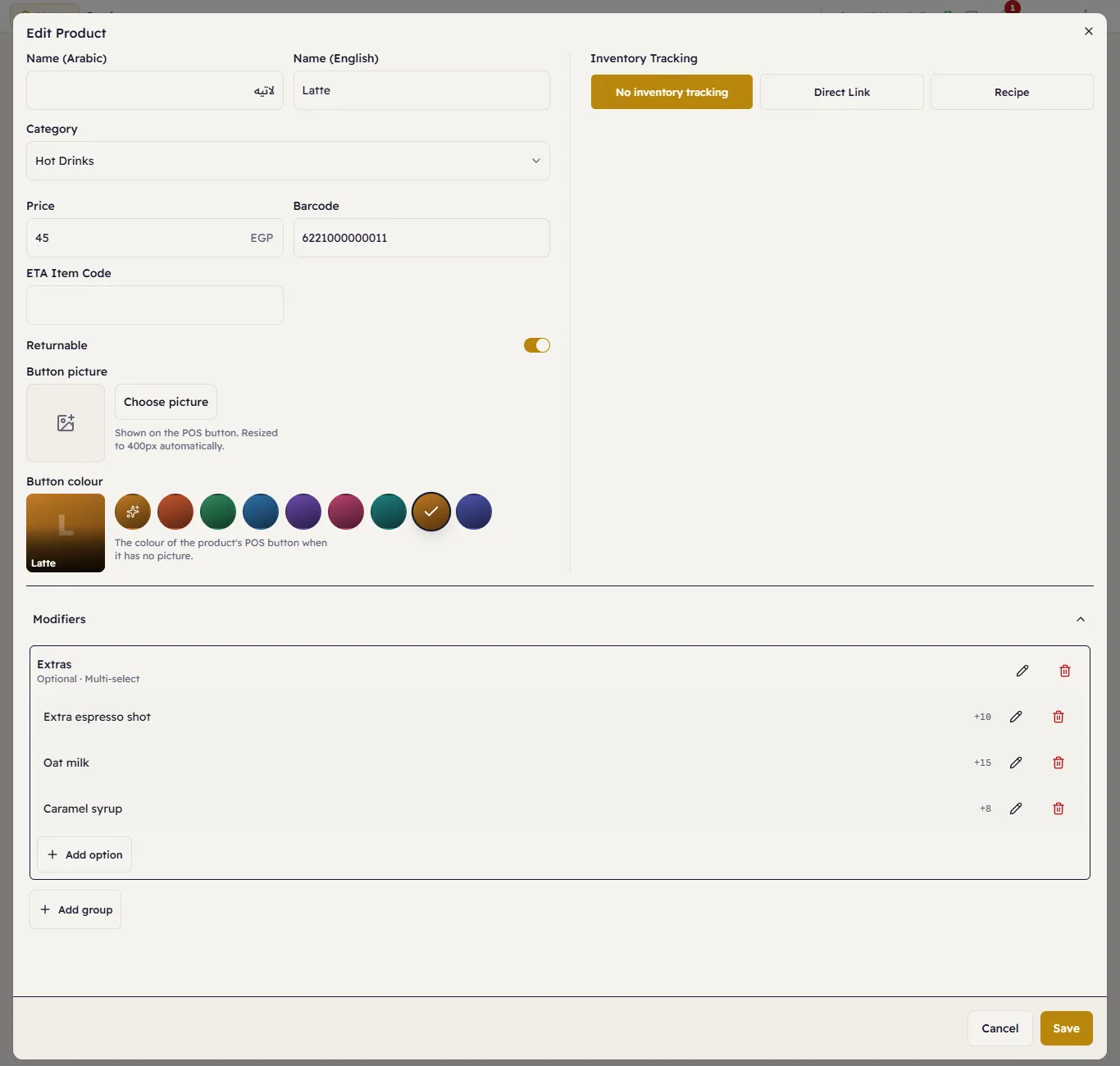
Extras are options added to an item — "Extra espresso shot" +10 or "Oat milk" +15. They are grouped in groups:
- Open the product, open Modifiers and press Add group.
- Type the group's name (for example "Extras") and set:
- Required — the cashier must choose from it (such as "Milk type").
- Multi-select — more than one can be chosen.
- Min and Max choices (0 = no limit).
- Inside the group press Add option: the name and the Price adjustment (can be zero or negative).
- Press Save.