Setup wizards
Step-by-step setups for a new till, a delivery or captain service, a kitchen printer, a cashier and a department's prices.
- Who can do this
- Owner
- Permission needed
- «Manage Settings»
Settings → Setup wizards walks you through the setups a shop needs most, one step at a time:
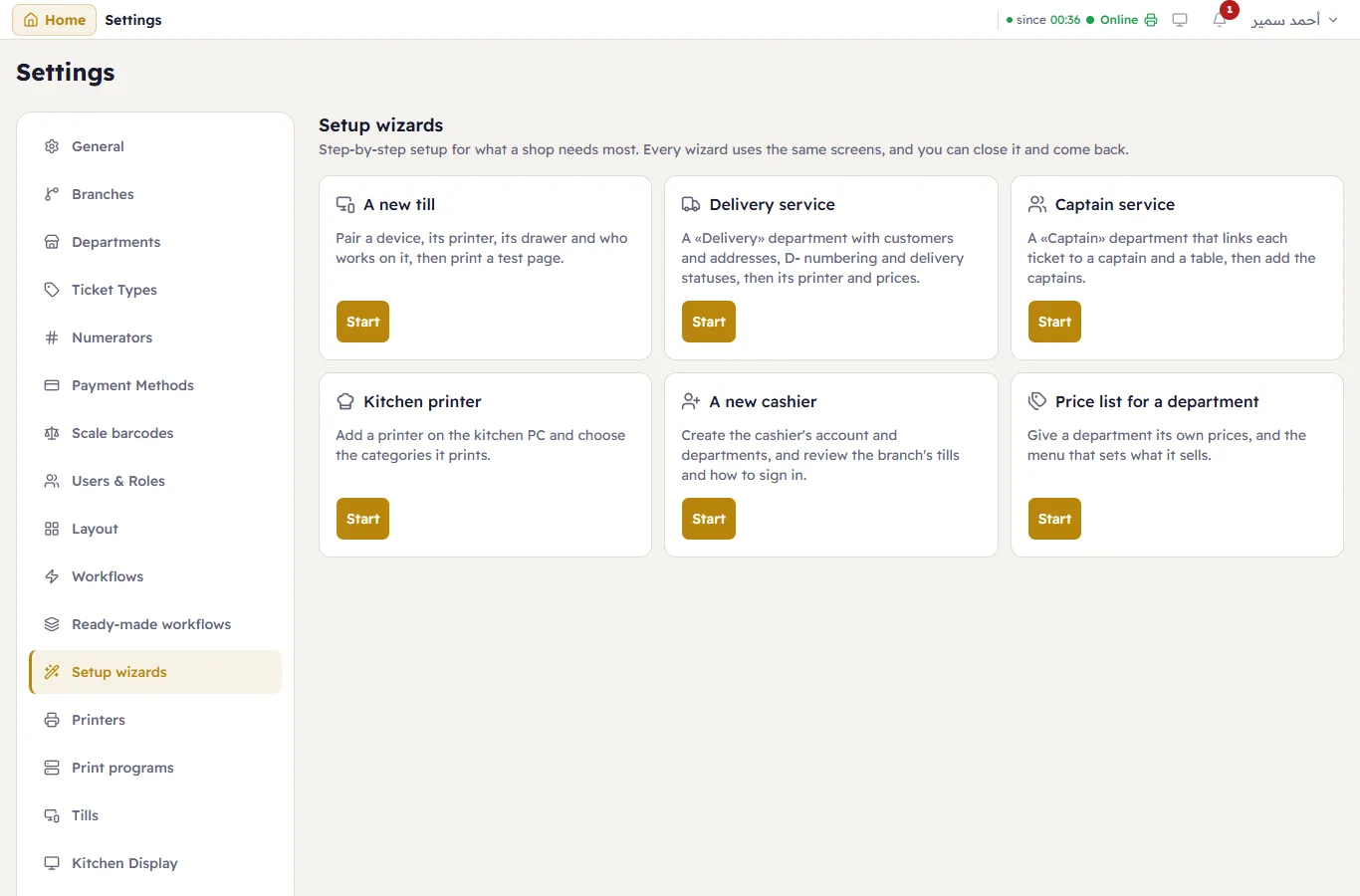
Every wizard uses the screens you already know, so what it saves is exactly what those screens save. Each step shows whether it is done, and you can go back to any step, skip the optional ones, and close the wizard and come back later: what is already done stays done. The Summary lists each step: done, skipped (and why), or Not applicable.
The same wizards also open from the screen of each objective: Set up step by step on the Delivery and Captain cards of Ready-made workflows, Add a kitchen printer on Printers, Add a cashier under Users & Roles, and Price list for a department on the catalog's price lists. A wizard you lack the permission for is not shown.
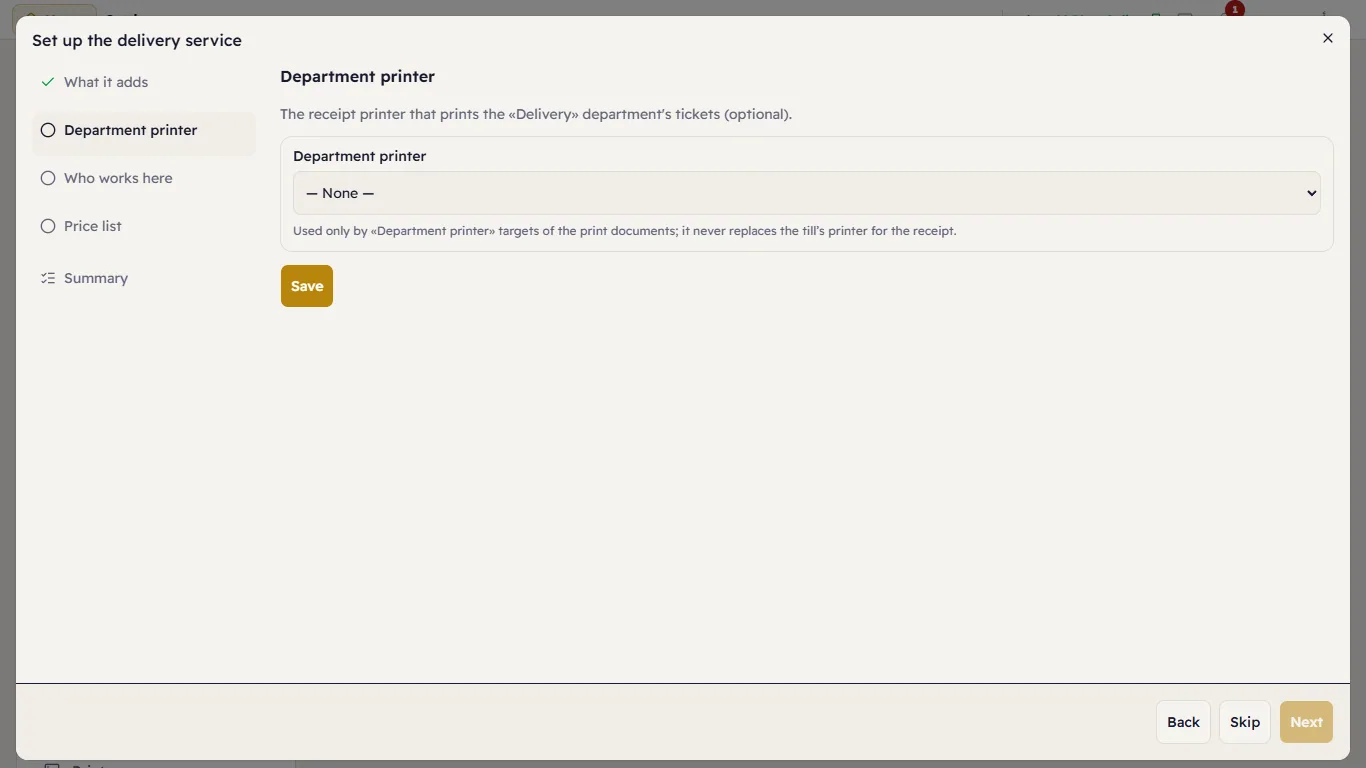
A delivery or captain service
- What it adds — the same list as Ready-made workflows; Add Delivery (or Add Captain) adds it. What you already have is used as it is.
- Department printer (optional) — the receipt printer for the department's tickets.
- Who works here — the shop's users, marked by whether they sell in this department. Users and departments belong to the shop, not to one screen.
- Captains (captain service only) — add each captain by name.
- Price list (optional) — opens the department price-list wizard on this department.
A kitchen printer
- Device — the PC the printer is plugged into.
- Printer — a kitchen printer already on that PC, or New printer with the printers the PC sees.
- Categories — tick the categories whose orders print on it. A category moves to it from any other printer of the branch; a category set up in Print documents in a way this list cannot show stays as it is, with a link there.
- Send rule — kitchen orders print when Print kitchen tickets on send is on; one tap turns it on.
- Test print.
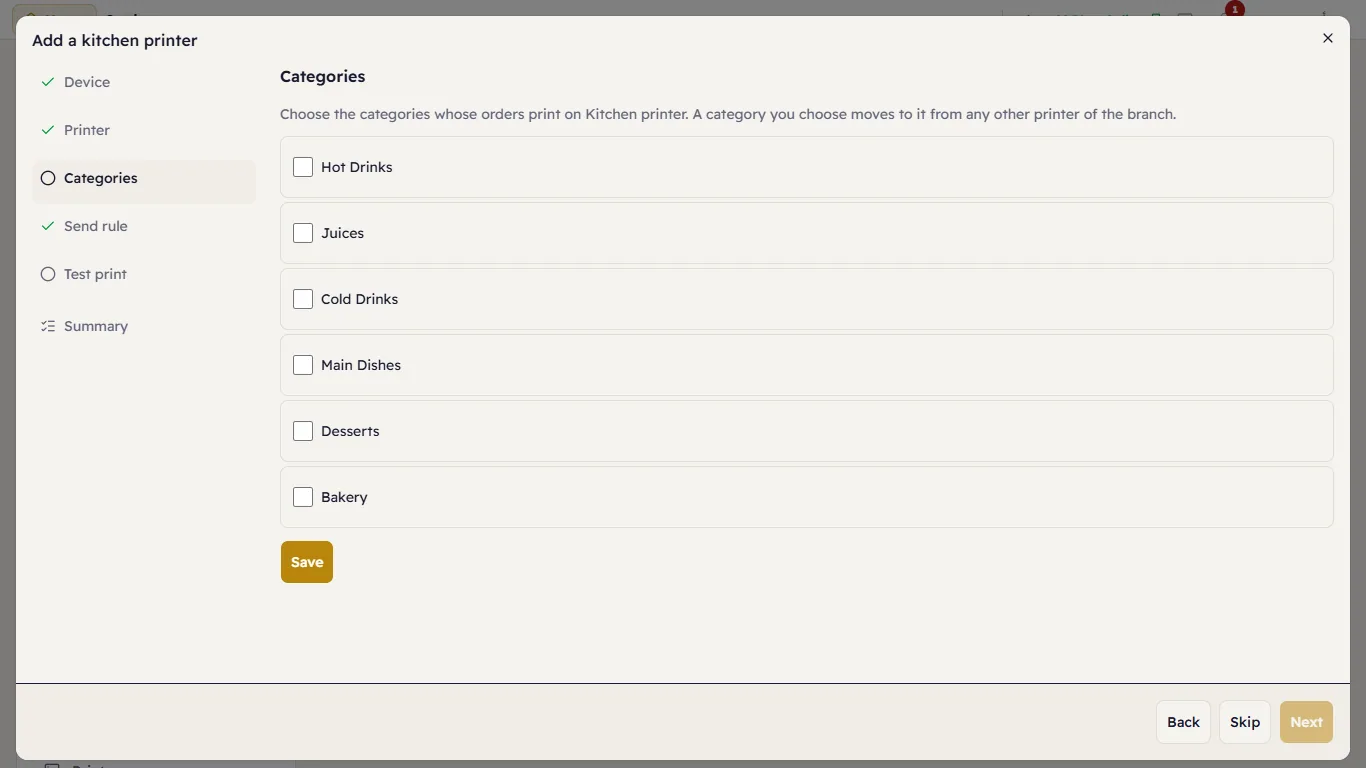
A kitchen printer is routed by category. It is never a department's printer, which is the receipt printer.
A cashier
- Account — the user form on the Cashier role.
- Departments — where they sell; All departments is unrestricted.
- Tills — the branch's tills; Add a device opens the new-till wizard.
- Signing in — the cashier signs in with that email and password and lands on the till.
A price list for a department
- Department. 2. Price list — base prices, a list, or New price list. 3. Menu (optional) — what the department sells. 4. Apply. The summary shows a few products' base and department prices, as the till will charge them. See Price lists and Menus.